
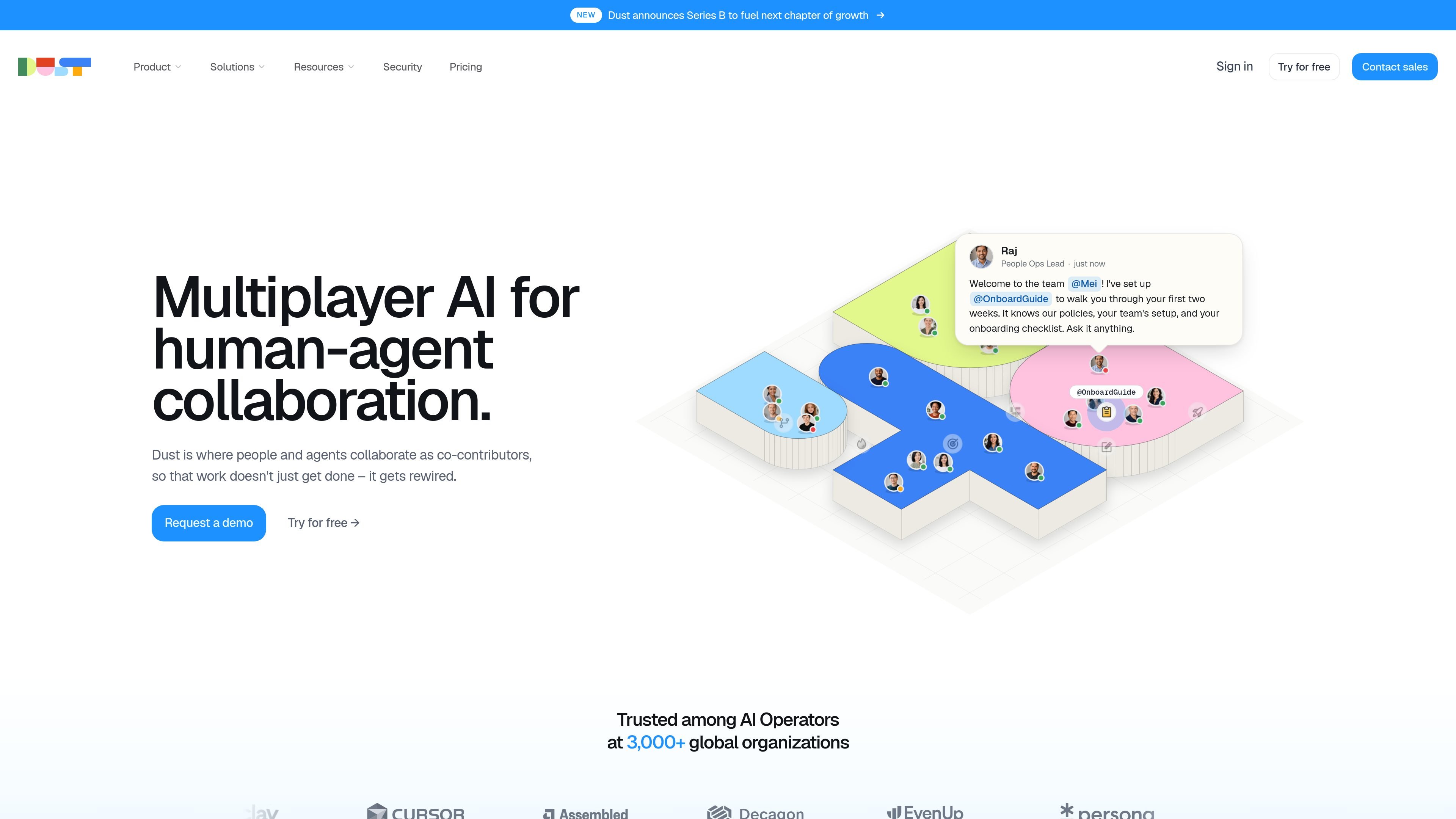
Multiplayer collaboration workspace
Dust provides a shared workspace where people and agents can work with the same knowledge, tools, conversations, and notifications.

Dust is a multiplayer AI platform where teams and agents collaborate in a shared workspace, using company tools and data for workflows, research, and tasks.
Dust is a platform for human-agent collaboration that lets teams build, deploy, and run AI agents in a shared workspace. It is positioned as multiplayer AI, where people and agents contribute together rather than using AI as a one-person assistant.
The product connects to company tools and data so agents can use organizational context when answering questions or carrying out tasks. The site emphasizes custom agents, multi-agent workflows, and model flexibility, with support for both self-serve Business plans and Enterprise deployments.
Dust also provides an integration catalog and security-oriented controls for larger teams. The pricing and security pages indicate that organizations can start with seat-based self-serve plans and move to Enterprise for more advanced admin, data, and support requirements.
Dust provides a shared workspace where people and agents can work with the same knowledge, tools, conversations, and notifications.
The platform uses connected company data to help agents understand context rather than only retrieve isolated facts.
Users can build custom agents with skills, knowledge, and tools, then run multi-agent workflows on schedules or event triggers.
Dust supports frontier models from OpenAI, Anthropic, Google, Mistral, and DeepSeek, with model choice per agent.
The integrations catalog shows connectors across categories such as communication, CRM, productivity, development, storage, and analytics, with support for tools like Slack, Notion, GitHub, Salesforce, and Google Drive.
The platform includes enterprise controls such as SSO, SCIM, audit logs, data residency options, and single-tenant deployment on the Enterprise plan.
Teams can build agents that answer questions, surface context, and carry out tasks using shared company knowledge, instead of working from isolated prompts.
Operations and cross-functional teams can chain steps together with schedules or event triggers, such as recurring research, triage, or follow-up workflows.
Engineering and technical teams can connect docs, code, and issue context to support debugging, review, incident response, and documentation tasks.
Go-to-market teams can use connected CRM, communication, and productivity data to research accounts, qualify leads, draft proposals, and keep records current.
Support, analytics, and content teams can turn resolved tickets, data questions, and campaign inputs into reusable knowledge, reports, and draft output.
Dust’s pricing page says Business plans use seat-based pricing with Free, Pro, and Max seat types, while Enterprise is handled by talking to sales. The product is also available to try for free from the homepage.
Dust is designed for teams that want people and agents to work in the same workspace, sharing context, tools, conversations, and notifications. The site positions it as a fit for AI Operators building and running agents for their teams.
The integrations page says Dust connects to 50+ tools and data sources, and the pricing page highlights connectors for Slack, Notion, GitHub, Drive, and other tools, plus access through MCP.
Dust’s source pages describe workspace collaboration, agents that use connected company knowledge, and workflows that can run on schedules or triggers. The site also shows support for team collaboration workspaces, custom agents, and multi-agent orchestration.
The pricing and security pages indicate that Enterprise adds controls such as SCIM, audit logs, custom retention, single-tenant deployment, custom legal terms, and dedicated support. Business includes core collaboration and integration features, while Enterprise is intended for organizations that need more admin and security controls.
Traffic data is for reference only.

e2b.dev
E2B runs AI agents in isolated sandboxes with Python and JavaScript SDKs for research, coding, and data workflows.

www.gumloop.com
Gumloop is a no-code AI automation framework for building and hosting business workflows and agents, helping teams automate tasks and connect data.

sim.ai
Sim is an open-source AI workspace for building, deploying, and managing AI agents with visual workflows, Chat, API access, integrations, and collaboration tools.

hatchet.run
Workflow orchestration for AI agents, background tasks, and durable workflows

browser-use.com
Browser Use automates web tasks for AI agents with stealth browsing, hosted execution, and scalable browser workflows.

www.papermark.com
Papermark for agents lets AI agents use MCP and REST to create data rooms, upload documents, mint secure links, and read page-by-page analytics for sharing, diligence, and reporting workflows.