
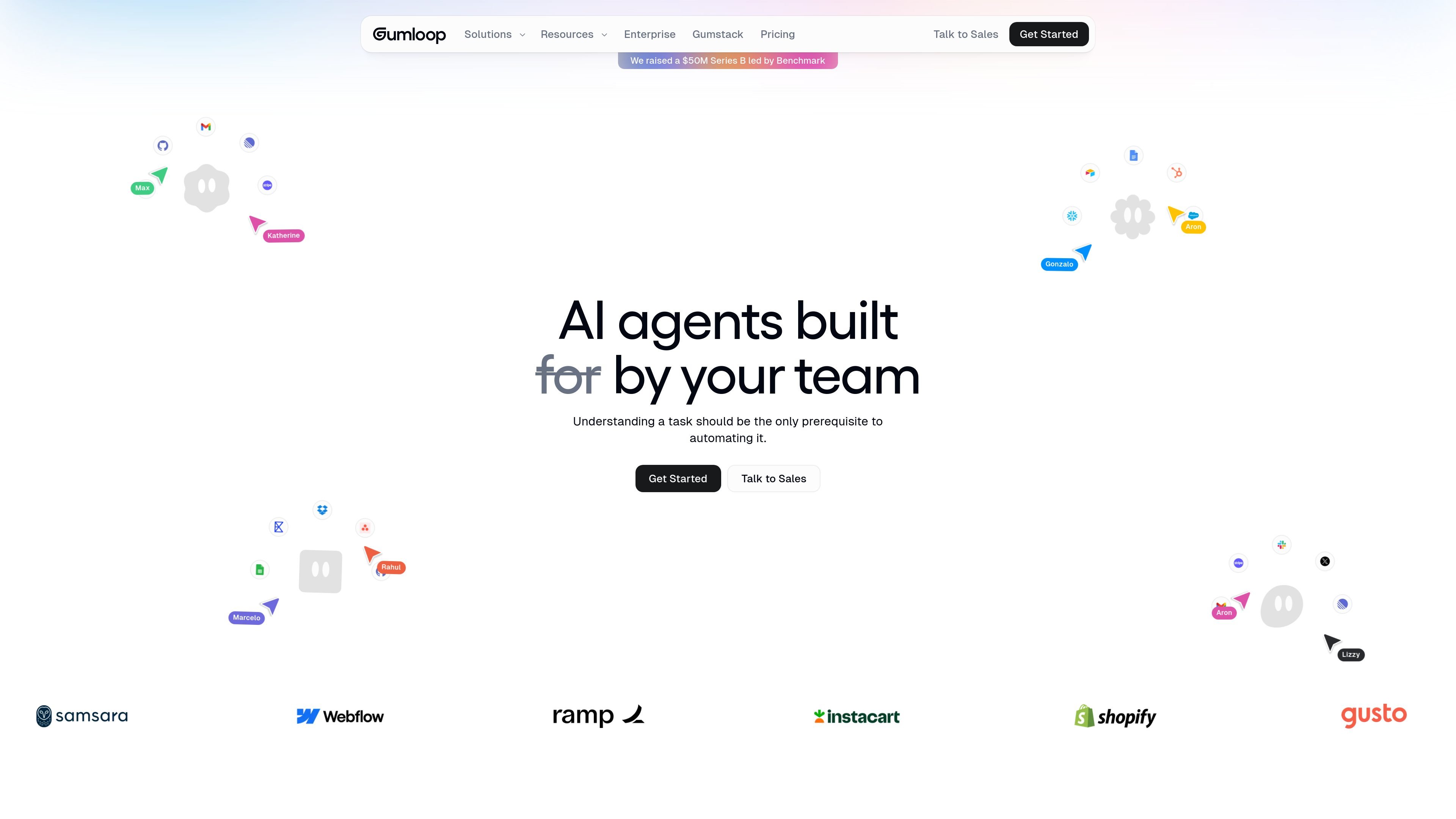
No-code automation framework
Build AI automations and agents without writing code, then host them on the same platform.

Gumloop is a no-code AI automation framework for building and hosting business workflows and agents, helping teams automate tasks and connect data.
Gumloop is a no-code AI automation framework for building and hosting business workflows and agents. The site positions it as a way for people who understand a task to automate it without writing code.
The product page shows Gumloop being used to create specialized agents for data analysis, support, sales, meeting prep, and call review. It also describes workflow automation that can run in the background, connect to internal and external data, and surface agents where teams already work, including Slack, Microsoft Teams, Gmail, and email-based interactions.
Build AI automations and agents without writing code, then host them on the same platform.
Create specialized agents for tasks such as data analysis, support triage, CRM upkeep, meeting prep, and call analysis.
Use recurring triggers and background execution for workflows such as scheduled monitoring or form-based follow-up.
Work with agents inside Slack, Microsoft Teams, Gmail, and WhatsApp, with WhatsApp marked as coming soon in the homepage example.
Connect agents to internal and external data and run with a choice of AI models from supported providers shown on the site.
Apply enterprise controls such as RBAC, SSO, SCIM, audit logging, VPC deployment, and model restrictions for larger deployments.
Create a reasoning agent that answers questions from warehouse or business data without manually pulling reports each time.
Automate bug triage, ticket creation, and support pattern detection for customer-facing teams.
Keep CRM records current, research prospects, and help manage deal workflows for sales teams.
Brief attendees before meetings by gathering relevant context from connected tools and conversations.
Monitor inbound forms, alerts, or scheduled checks to surface issues and trigger follow-up work in the background.
Gumloop is presented as a no-code platform for building and hosting AI-powered business automations. The homepage also shows agents interacting through Slack, Microsoft Teams, Gmail, and WhatsApp, with WhatsApp marked as coming soon on the page.
The pricing page offers a Free plan and a Pro plan starting at $37 per month, with Enterprise available through custom pricing and contact sales. The pages also mention monthly and annual billing options.
Yes. The pricing page and homepage both indicate collaboration features for teams, and the Enterprise plan adds controls such as role-based access, SSO, and admin features.
The site shows Gumloop can connect to internal and external data and supports recurring tasks that run in the background. The homepage also describes agents that can be interacted with in workplace channels like Slack and email.
The source material highlights security and governance features such as RBAC, SSO, SCIM, audit logs, data retention controls, and VPC deployment, but detailed setup and limits are not covered in the collected pages.
Traffic data is for reference only.
| Jun | 1112197 |
|---|---|
| Jul | 1113944 |
| Aug | 700988 |
Traffic analytics are not available yet.
Traffic analytics are not available yet.

testmyprompt.com
AI automation platform for building chat-based agents connected to 600+ apps and services

adaptive.ai
AI agents for automating workflows, research, sales follow-up, and app building

ramain.ai
RamAIn is an AI agent platform that automates manual UI tasks across web portals, legacy systems, and desktop apps, turning demonstrated workflows into reusable automations without custom code or re-architecture.

retrofix.ai
RetroFix builds AI workflows from plain-English instructions for browser automation, business processes, and 2,800+ app integrations.

cto.new
cto is an AI platform for building apps, agents, and startup workflows on frontier models. It coordinates multi-agent teams and lets you get started free, with no credit card or API key required.
respell.ai
Respell was an AI-first no-code suite for multi-step workflows; it shut down after the team joined Salesforce’s Agentforce effort.