
Open-source browser harness
The open-source Browser Harness is described as a thin, self-healing layer that helps an agent click, wait, inspect page state, and upload files while interacting with the web.

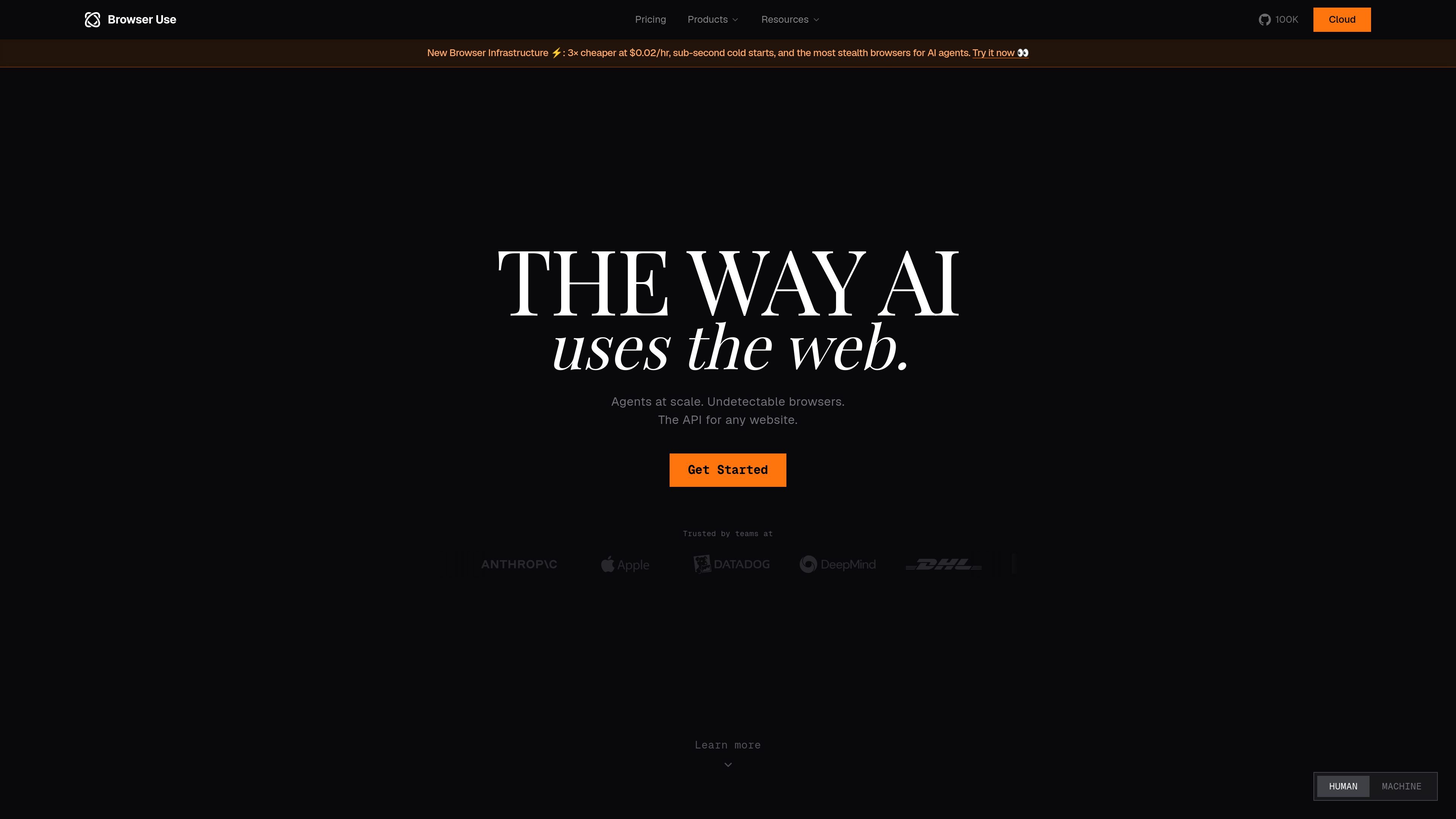
Browser Use automates web tasks for AI agents with stealth browsing, hosted execution, and scalable browser workflows.
Browser Use is a browser automation platform for AI agents that combines an open-source harness with cloud products for stealth browsing, hosted execution, and task-specific models. Its site positions the product around making websites usable by agents through browser infrastructure, model support, and structured automation workflows.
The product spans both self-hosted and managed options. Users can install the open-source library, use cloud APIs for browser sessions and tasks, or choose hosted offerings such as stealth browsers, fully hosted web agents, and Browser Use Box when they want the infrastructure handled for them.
The open-source Browser Harness is described as a thin, self-healing layer that helps an agent click, wait, inspect page state, and upload files while interacting with the web.
Stealth Browsers provide remote, CDP-compatible browser infrastructure with sub-second cold starts, residential proxies, and automatic CAPTCHA solving for less detectable automation.
Fully Hosted Web Agents can run at scale and are presented as isolated sessions with their own stealth browser, proxy, and model context.
Custom Models are purpose-built for browser automation and are described as higher-accuracy and lower-latency options than general-purpose frontier models for these tasks.
The product pages show structured outputs and monitoring workflows, including JSON, CSV, webhook callbacks, and real-time change detection on webpages.
Browser Use Box offers a dedicated box for a personal agent, billed while running, with size tiers for different compute needs.
Use the hosted web agent or browser harness to navigate websites, click through flows, and return structured data from pages that do not offer a clean API.
Use stealth browsers, residential proxies, and CAPTCHA handling when automating sites that are sensitive to bot-like behavior or require stronger browser fingerprinting.
Use the hosted web agents to detect page changes from a prompt and emit JSON, CSV, or webhook updates for ongoing monitoring jobs.
Use the browser-focused custom models when a workflow needs lower latency and cheaper per-task execution than general-purpose computer-use models.
Use the dedicated Browser Use Box or hosted web agents when a team wants isolated sessions and managed infrastructure instead of maintaining browser machines internally.
Browser Use provides an open-source browser automation stack plus cloud products for stealth browsers, hosted web agents, and custom models. The cloud side is designed for teams that want to run browser tasks without managing the full browser setup themselves.
The product pages show support for structured outputs such as JSON, CSV, and webhook callbacks for hosted web agents. The site also references cloud API endpoints for browser sessions and tasks.
Browser Use emphasizes stealth browsers with residential proxies, CAPTCHA solving, and anti-detection behavior. The site describes support for 195+ country proxies and CDP-compatible remote browsers.
Yes. The pricing page lists plan tiers ranging from a free starting plan to paid plans, plus a contact flow for enterprise and managed pilot options. It also shows usage-based pricing for browsers, proxies, and agent tokens.
The site describes Browser Use Box as a hosted environment for a personal agent, and the web agents page says teams can run thousands of browser agents in parallel. The pricing page also mentions a managed pilot for team workflows.
Traffic data is for reference only.

codewords.ai
CodeWords is an AI agent platform for building and deploying hosted workflows from natural-language descriptions, with a focus on WhatsApp agents. Automate conversations, notifications, and tool-connected tasks without manually assembling flows.

inngest.com
Durable execution for background jobs, workflows, and AI agents

openhands.dev
OpenHands is an open-source, model-agnostic platform for cloud coding agents that automates engineering workflows across local, cloud, and enterprise deployments via web, CLI, terminal UI, and SDK interfaces.

hatchet.run
Workflow orchestration for AI agents, background tasks, and durable workflows

www.gumloop.com
Gumloop is a no-code AI automation framework for building and hosting business workflows and agents, helping teams automate tasks and connect data.

dust.tt
Dust is a multiplayer AI platform where teams and agents collaborate in a shared workspace, using company tools and data for workflows, research, and tasks.