
Typed MCP and REST actions
Agents can create data rooms, add folders, upload documents, mint links, query analytics, and export audit logs through typed actions rather than free-form prompts.

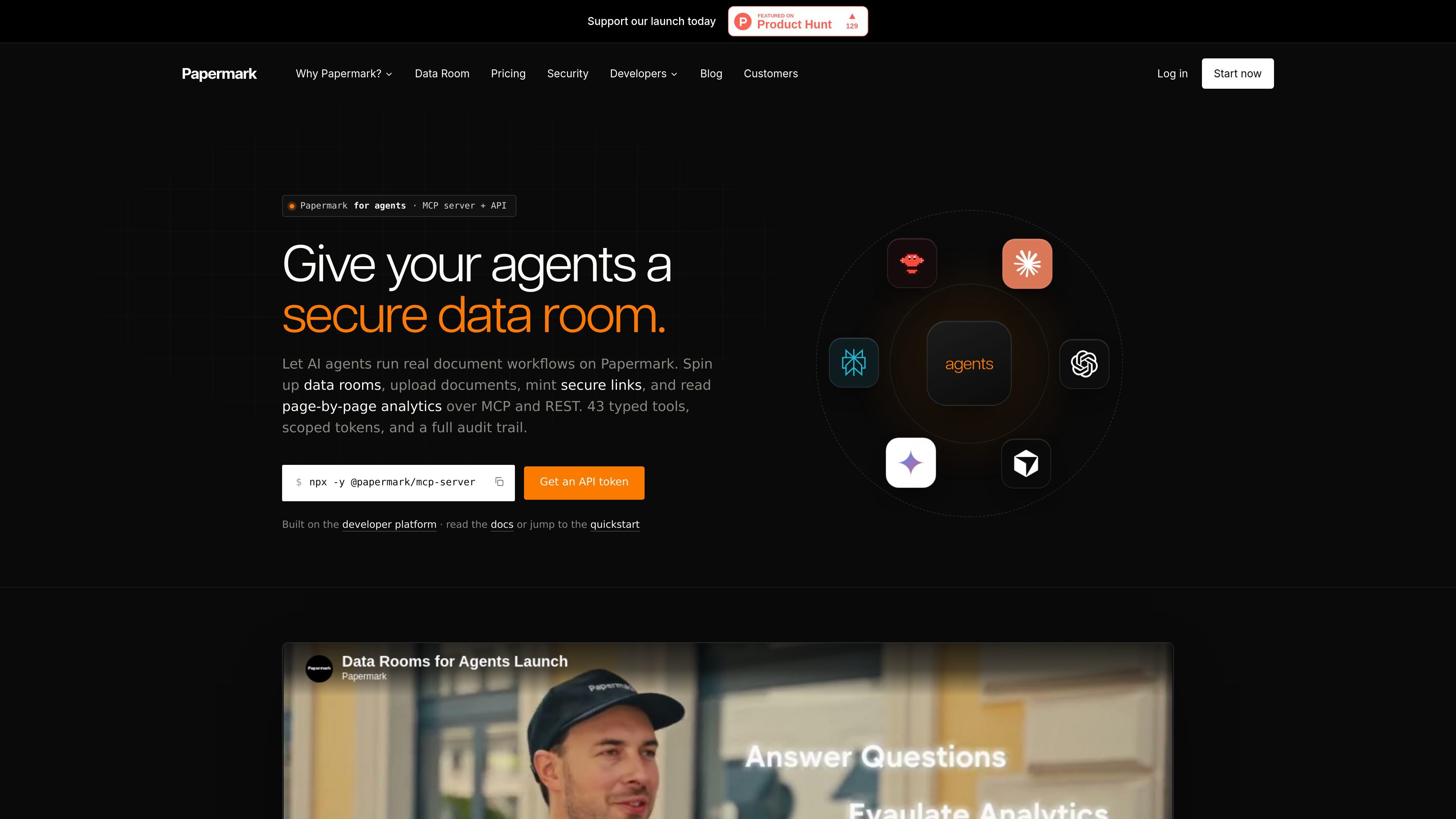
Papermark for agents lets AI agents use MCP and REST to create data rooms, upload documents, mint secure links, and read page-by-page analytics for sharing, diligence, and reporting workflows.
Papermark for agents exposes the Papermark document-sharing platform to AI agents through MCP and REST. Agents can create data rooms, upload and organize files, mint secure links, search documents, and read page-by-page engagement data using the same controls that power the product for human users.
The site positions the product for workflows that start with a prompt or an external event and end with a completed document-sharing task. Examples include setting up a fundraising data room, distributing diligence materials, collecting visitor analytics, responding to webhook events, and exporting audit trails for review.
Agents can create data rooms, add folders, upload documents, mint links, query analytics, and export audit logs through typed actions rather than free-form prompts.
The same workflows are available over the npm MCP server and versioned REST endpoints, so local agents, browser-connected clients, and custom integrations can share one API surface.
Tokens are scoped and named as pm_live_... credentials, with support for read-only access, OAuth device flow in the CLI and MCP server, and bearer-token authentication for HTTP calls.
Links can include password protection, expiry dates, email verification, download controls, screenshot protection, watermarking, and user or visitor access controls.
Agents can read per-page dwell time, viewer history, and link activity, then use that data for follow-up workflows or reporting.
Webhooks and an append-only audit log let agents react to events and keep a record of views, downloads, and changes.
A founder can prompt an agent to create a fundraising data room, upload a local folder, sort documents into folders, and mint password-protected, email-verified links for investors.
An advisor or founder can ask which investors spent time on a deck, then use page-level analytics to prioritize follow-up based on actual engagement.
A banker or M&A advisor can provision a buyer-specific room after an NDA arrives, upload the right files, apply firm-level watermarking, and send a secure link back.
An operations team can schedule a daily digest that pulls yesterday's views and sends a summary to Slack or another internal channel.
A SaaS team can embed Papermark behind its own product so the host app provisions rooms and links server-side while keeping the user interface white-labeled.
Papermark for agents exposes the platform through MCP and a versioned REST API. Agents can create data rooms, upload documents, mint secure links, search documents, and read page-by-page analytics using typed tools or HTTP requests.
The source shows Papermark working with Claude, Cursor, ChatGPT, Claude Desktop, Claude Code, Continue, and other MCP clients. It also supports browser clients through a remote MCP endpoint and custom agents through REST.
Agents can operate on the documents a token is allowed to read, and the source states they return citations back to the exact pages they use. Access is controlled with scoped tokens, permissions, watermarking, and an append-only audit log.
The pricing page shows Free, Pro, Business, and Data Rooms plans, plus an enterprise option and a self-hosted option mentioned in the comparison table. The site also offers a 7-day free trial for Data Rooms and a free starting tier.
Supported workflows include data room setup, document ingestion, secure sharing, visitor analytics, Q&A, access control, webhooks, audit export, and bulk link creation. The exact tool set is exposed as 43 typed MCP tools and matching REST operations.
Traffic data is for reference only.

e2b.dev
E2B runs AI agents in isolated sandboxes with Python and JavaScript SDKs for research, coding, and data workflows.

www.gumloop.com
Gumloop is a no-code AI automation framework for building and hosting business workflows and agents, helping teams automate tasks and connect data.

dust.tt
Dust is a multiplayer AI platform where teams and agents collaborate in a shared workspace, using company tools and data for workflows, research, and tasks.

cto.new
cto is an AI platform for building apps, agents, and startup workflows on frontier models. It coordinates multi-agent teams and lets you get started free, with no credit card or API key required.

tiptap.dev
AI Toolkit helps developers build document-aware AI agents that edit rich-text content in place while keeping changes reviewable. It supports server-side workflows, real-time collaboration, and backend processing without requiring a Tiptap Editor session.

mistral.ai
Mistral is an enterprise AI platform for building assistants, coding agents, custom models, and deployment workflows, with Vibe, Studio, Forge, and Compute.