
Unlimited email sending
Send email at scale from unlimited mailboxes, with sender rotation, per-domain pacing, and automatic throttling when issues appear.

DitLead is an AI outbound platform for teams to run email, LinkedIn, and cold call campaigns in one system with warmup and CRM tools.
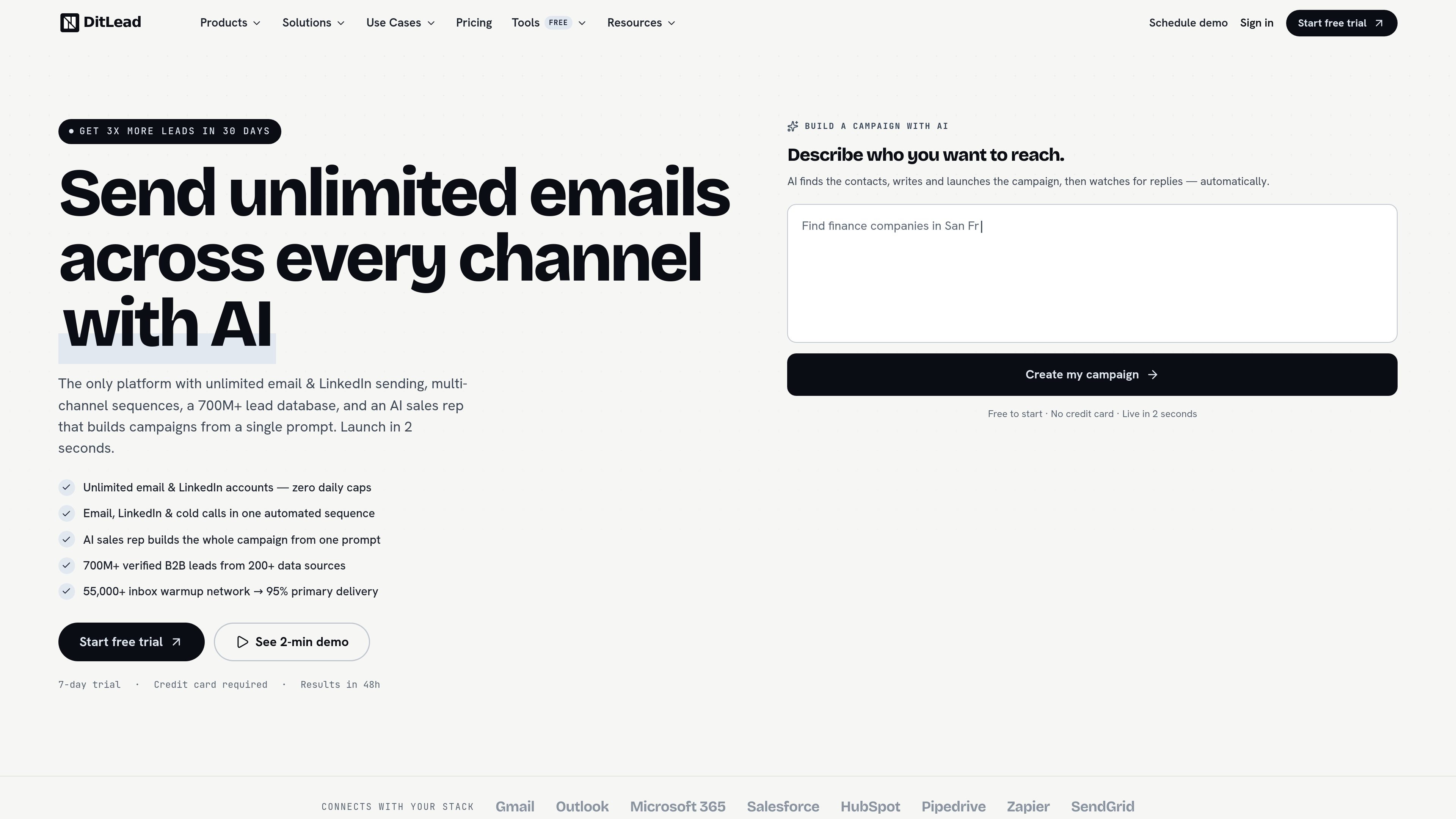
DitLead is an AI-powered outbound platform for sending multi-channel outreach from a single system. It combines email, LinkedIn, and cold calling with a campaign builder that can create and launch a sequence from a plain-English prompt.
The product also includes a large lead database, inbox warmup, unified reply handling, and CRM-style tracking. The site presents it as a tool for teams that want to manage prospecting, sequencing, deliverability, and follow-up without stitching together separate tools.
Send email at scale from unlimited mailboxes, with sender rotation, per-domain pacing, and automatic throttling when issues appear.
Run email, LinkedIn, and cold call touches inside one cadence, with conditional branches and auto-pause when someone replies.
Describe your audience and offer in plain English, then let the AI find leads, write copy, warm inboxes, and launch the sequence.
Use the included warmup network to build sender reputation before and during sending, with inbox-health monitoring and SPF/DKIM checks.
Keep replies, tasks, stages, and call logs in one place with a built-in CRM, pipeline views, and AI call summaries.
Build sequences visually with branching, delays, triggers, A/B tests, and subject experiments without scripting.
A founder or SDR can describe an ideal prospect profile and offer, then let DitLead generate leads, personalize the first touch, and launch the sequence without building a list by hand.
A sales team can combine email, LinkedIn, and cold calls in one cadence to match the channel a prospect is most likely to answer, while pausing the sequence after a reply.
A team worried about inbox placement can use warmup, sender rotation, pacing, and deliverability checks to keep sending infrastructure healthier as volume grows.
A manager can track replies, calls, stages, and tasks in the built-in CRM and unified inbox instead of moving data between separate tools.
An outbound operator can build branching sequences with delays, triggers, and A/B tests to experiment with messaging and route prospects based on behavior.
DitLead combines email, LinkedIn, and cold calling in one sequence. The pricing page shows a free plan, paid plans, and an enterprise-style agency option, so teams can start small and expand as needed.
The source says the AI campaign builder can turn a plain-English prompt into a live campaign in about two seconds, with leads, copy, inbox warmup, and sequence setup handled automatically.
The product site says DitLead connects with Gmail, Outlook, Microsoft 365, Salesforce, HubSpot, Pipedrive, Zapier, and SendGrid.
The pricing page shows a free plan and paid tiers. The free plan is limited, while paid tiers unlock broader sending, warming, sequence, and team features.
The site positions DitLead for outbound teams, founders, and SDRs who want to manage prospecting, sequencing, and reply handling from one system.