
Text-based editing
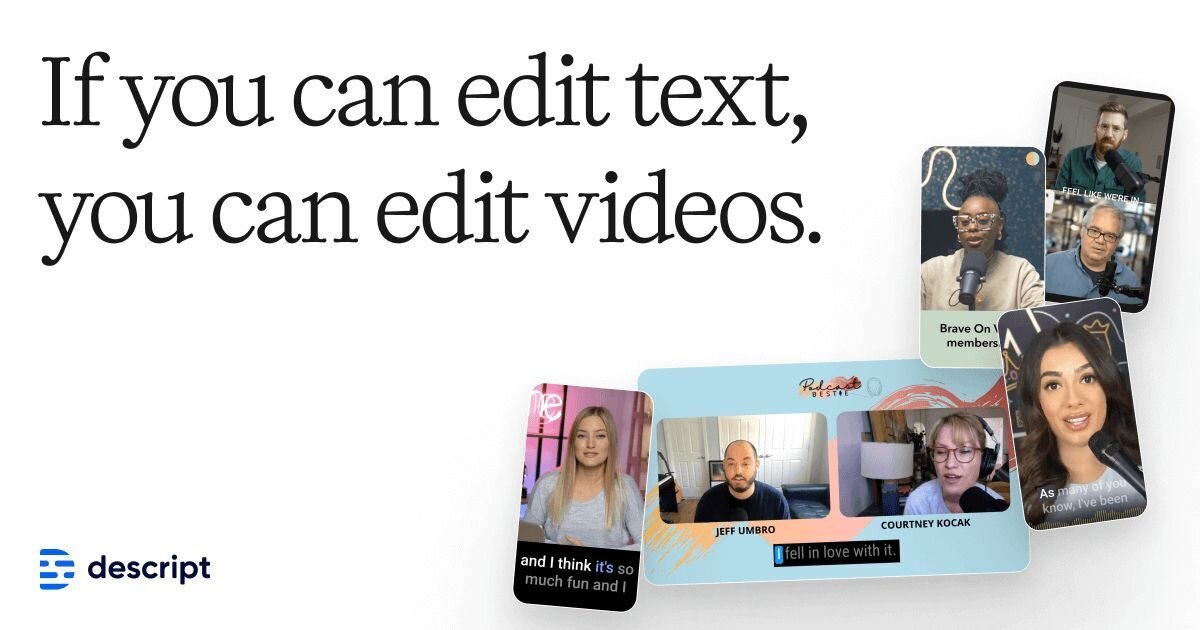
Record or import audio and video, receive an instant transcript, and edit the media by changing the text. This is the core workflow Descript uses to make editing more direct.

AI video and podcast editor for recording, transcription, editing, and publishing
Descript is an AI video and podcast editor that combines recording, transcription, text-based editing, and publishing in one workspace. The product is built around the idea that editing video and audio can be done by editing text, rather than relying only on a traditional timeline workflow.
The site positions Descript for creators, podcasters, video teams, and business users who need to make demos, tutorials, social clips, support content, training videos, and other recorded media. Higher tiers add collaboration features, brand controls, translation and dubbing, AI credits, and enterprise security options.
Record or import audio and video, receive an instant transcript, and edit the media by changing the text. This is the core workflow Descript uses to make editing more direct.
Automatically transcribe recordings in 25 languages, identify multiple speakers, and support multitrack transcription for synchronized recordings with separate speaker tracks.
Create and customize captions for video, including animated styles, font changes, word highlighting, and positioning for accessibility and branding.
Use AI tools such as Studio Sound, Remove Filler Words, Eye Contact, Green Screen, Regenerate, and Quick Design to clean up footage and speed up common edits.
Generate or refine scripts, create clips, write summaries and social posts, and produce AI-assisted video content using Underlord and related tools.
Work with team-oriented plans that add Brand Studio, translation and dubbing, priority support, and enterprise security controls on higher tiers.
Edit interviews, episodes, and recorded segments by working from a transcript instead of manually scrubbing a timeline.
Produce product demos, tutorials, webinars, and screen recordings for customers or internal audiences.
Turn long recordings into shorter clips, captions, show notes, social posts, and summaries for distribution across channels.
Use translation, dubbing, Brand Studio, and priority support to standardize content production across a group or department.
Apply enterprise security controls, SSO/SCIM, and custom legal or billing terms when a larger organization needs tighter governance.
Descript is a text-based video and audio editor. You can record or import media, get an instant transcript, and then edit the media by editing the transcript.
The source shows a free plan and paid plans for individual creators, teams, and enterprises. The pricing page also offers a contact-sales path for enterprise needs.
Descript is built for creators, podcasters, video makers, and teams that need to produce, edit, and publish video or audio content in one place.
Descript includes features such as transcription, captions, Studio Sound, Remove Filler Words, translation, avatars, quick design, and AI-assisted video generation, but the source does not list every integration or supported platform.
The security page says Descript aligns with SOC 2 standards and guidelines, as well as GDPR, CCPA, and the Privacy by Design framework, and that enterprise customers can review a trust report.
Traffic data is for reference only.

nevercap.ai
NeverCap is an AI transcription tool for audio and video, with batch uploads, speaker labels, timestamps, and 100+ languages—without monthly minute caps.

podsqueeze.com
AI podcast production for transcripts, clips, and more

async.com
Async is a chat-based AI creative suite for creating, editing, recording, and repurposing video and audio. It is designed for creators, podcasters, and small teams that want to move from raw footage or recordings to publishable content in one workflow.

podwise.ai
AI podcast app for summaries, transcripts, mind maps, notes, and translations

animatecaptions.com
AnimateCaptions auto-captions short-form videos for TikTok, Reels, and YouTube Shorts with animated word-by-word styles and burned-in MP4 export.
async.com
Async is a chat-based AI creative suite for creating, editing, recording, and repurposing video and audio. It is designed for creators, podcasters, and small teams that want to move from raw footage or recordings to publishable content in one workflow.