
Browser-based transcription
Upload an MP4 or MOV in the browser, then have the audio transcribed automatically with Deepgram Nova-3.

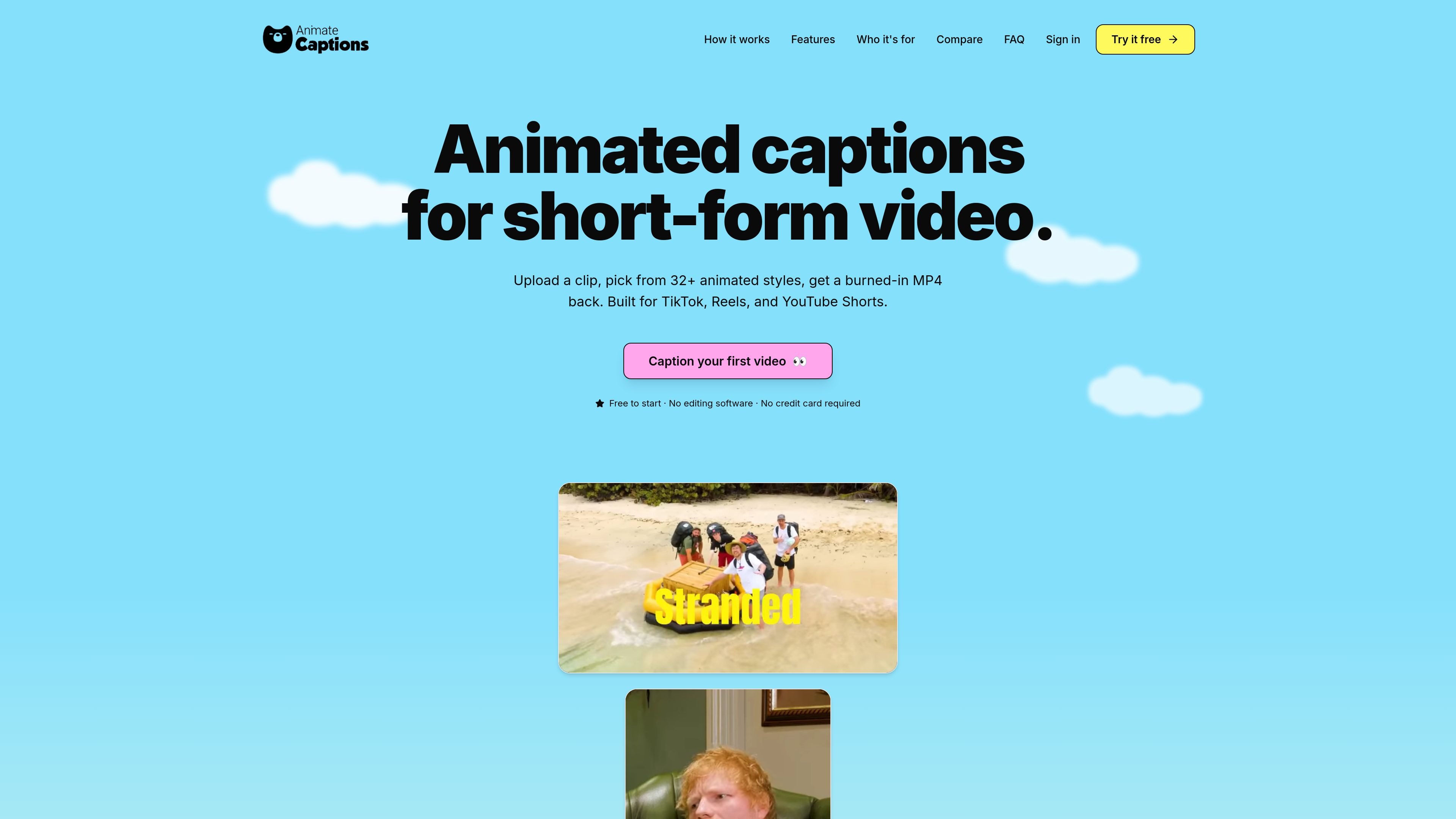
AnimateCaptions auto-captions short-form videos for TikTok, Reels, and YouTube Shorts with animated word-by-word styles and burned-in MP4 export.
AnimateCaptions is a web-based captioning tool for short-form video. It transcribes uploaded clips, applies animated word-by-word captions, and exports a finished MP4 with the captions burned into the video.
The product is positioned for creators and editors working on TikTok, Reels, and YouTube Shorts. The workflow is straightforward: upload a clip, choose from 32+ caption styles, refine the transcript or styling in the browser, and render the final video without installing editing software.
Upload an MP4 or MOV in the browser, then have the audio transcribed automatically with Deepgram Nova-3.
Choose from 32+ animated presets such as Beast, Hormozi, Pulse, Crafty, Lyric, Verse, and Nova, with word-by-word animation.
Change font family, colors, stroke, shadow, background, and line placement, then save those settings as a reusable theme.
Edit the transcript before export by correcting words, merging or splitting lines, hiding segments, and dragging captions into position.
Render captions on AnimateCaptions' servers using ffmpeg and Remotion, then download a burned-in MP4 ready for publishing.
Work with 36+ supported transcript languages with automatic language detection; captions stay in the source language.
Create captioned TikTok, Reels, or Shorts clips from a finished recording, then export a video that is ready to upload.
Batch-caption podcast excerpts or other long-form recordings cut into short clips, using the browser editor to clean up the transcript before rendering.
Add accessible captions to course lessons or tutorial clips, with the ability to correct technical terms before export.
Apply one consistent caption look across a creator or agency workflow so multiple clips share the same style and positioning.
AnimateCaptions is a web-based tool that transcribes short videos and burns animated, word-by-word captions into them. You upload an MP4 or MOV, pick a caption style, and download a fully captioned video.
The tool accepts .mp4 and .mov files up to 500 MB and up to 2 minutes per upload.
Yes. Captions are auto-generated from your video audio using Deepgram Nova-3, and the browser editor lets you correct words before export.
Yes. You can adjust font family, base color, highlight color, stroke, shadow, background, and per-line position, then save the result as a reusable theme.
No. The workflow runs in the browser, and the rendering is done on AnimateCaptions' servers. You download a burned-in MP4 when the export is ready.
Traffic data is for reference only.

www.getrescript.com
Rescript is a transcript-based video and audio editor that cuts media as you edit its words. It runs in a browser or desktop app, with local transcription, voice regeneration, and export on your device.

wayin.ai
AI video platform for clipping, search, summaries, transcription, captions, and reframing

nevercap.ai
NeverCap is an AI transcription tool for audio and video, with batch uploads, speaker labels, timestamps, and 100+ languages—without monthly minute caps.

shootclip.com
ShootClip is a macOS video editor with pro timeline tools, AI captions, and a built-in MCP server that lets an AI assistant work alongside you as you edit.
contentfries.com
ContentFries has public pricing, but its product features are unconfirmed.

aivideocut.com
Web-based AI editor turning long videos into social clips