
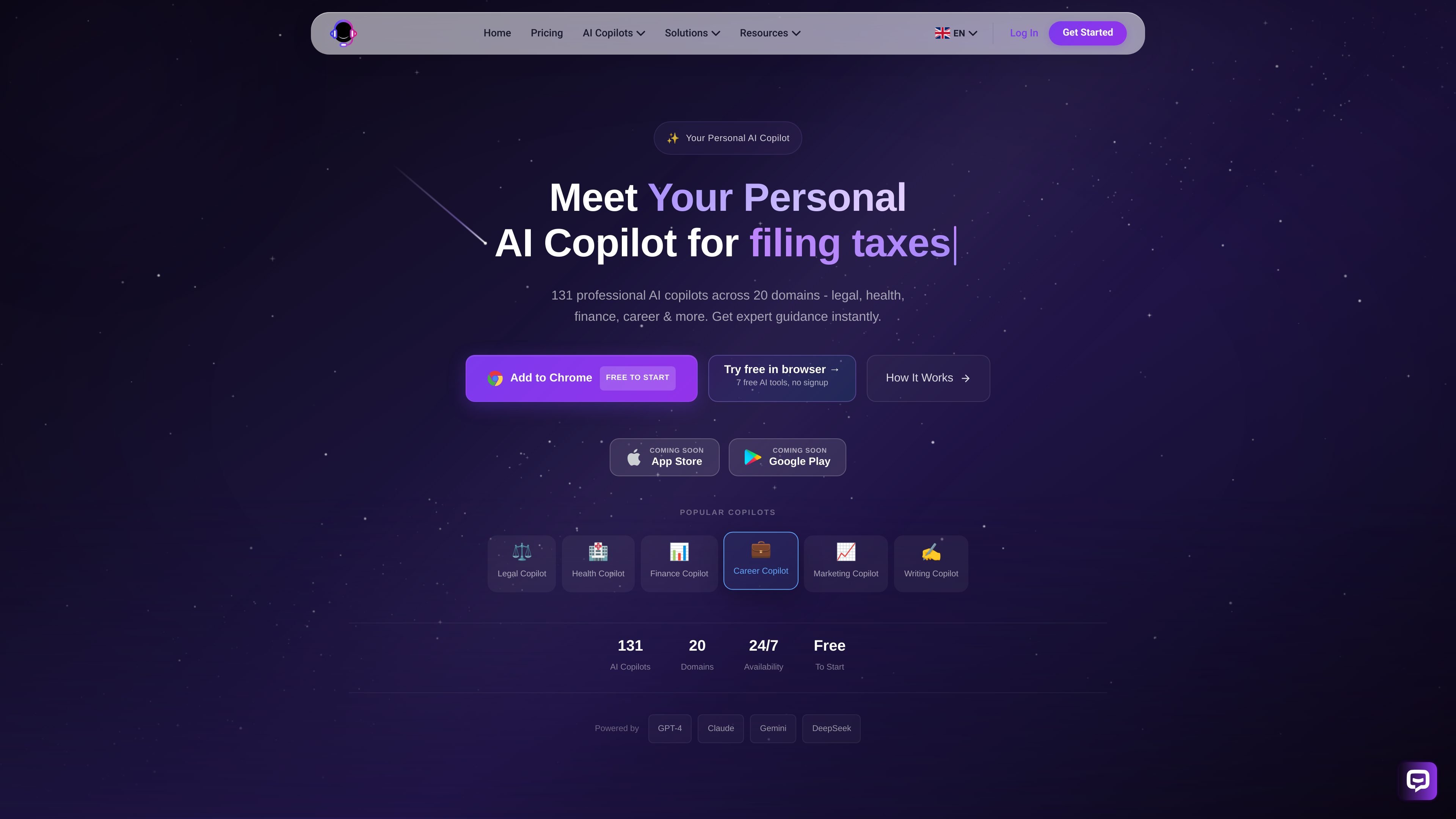
131 specialist copilots
Browse 131 specialist copilots across 20 domains, including legal, health, finance, career, marketing, and writing, instead of using one general-purpose assistant for every task.

AI copilot platform with 131 specialists across 20 domains
Copilotly is an AI copilot platform built around specialist assistants rather than a single general chatbot. It offers 131 AI copilots across 20 domains, with categories such as legal, health, finance, career, marketing, and writing.
The product is designed for people who want domain-specific guidance in plain English, then follow-up questions and practical next steps that fit the situation at hand. The website positions it as a way to get expert-style help through a browser extension, mobile app, and web dashboard, with a free plan available to start.
Browse 131 specialist copilots across 20 domains, including legal, health, finance, career, marketing, and writing, instead of using one general-purpose assistant for every task.
Choose a copilot, describe the situation in plain English, and get targeted follow-up questions and guidance that is meant to match the specific domain and context.
Use the browser extension on webpages, the mobile app on the go, or the web dashboard for a full account view. Conversations sync across devices so you can continue where you left off.
Upload documents, keep custom memory and context, and export conversations in Pro. The product also emphasizes ongoing threads that preserve context across follow-up questions.
Start on a free plan with 3 copilots and 50 messages per day, or upgrade to Pro for unlimited messages and the full library. Enterprise adds custom copilots, team controls, and admin features.
The site says the system uses multiple models, including GPT-4, Claude, Gemini, and DeepSeek, and presents cited guidance as part of its workflow on the how-it-works page.
Use the legal or tax copilots when you need situation-specific guidance on questions like tenant disputes, deductions, or filing-related decisions and want follow-up prompts that narrow the issue.
Use the health or finance copilots when you want structured help interpreting a situation, comparing options, or thinking through next steps without starting from a blank search query.
Use the browser extension to get context-aware help on a webpage, such as reviewing text, asking about a form, or getting guidance without leaving the page you are reading.
Use the web dashboard when you want to manage conversations, revisit history, or switch between specialist copilots across sessions and devices.
Use Pro or Enterprise when you need document analysis, custom memory, team access, or custom copilots trained on internal data for a shared workflow.
Copilotly offers a free plan with access to 3 specialist copilots and 50 messages per day, so you can try the product without entering a credit card. The Pro plan adds the full copilot library and higher usage limits.
The Pro plan unlocks all 131 specialist copilots, unlimited messages, browser, desktop, and mobile apps, document upload and analysis, custom memory and context, conversation export, and priority response speed.
The browser extension works on Chrome, Firefox, Edge, and Brave. The download page also says the product is available as a mobile app and web dashboard, with Safari and Opera listed as coming soon for the extension.
Yes. Pro and annual subscriptions can be cancelled from the billing dashboard at any time, and access continues through the end of the current billing period. The product also states that Pro includes a 14-day money-back guarantee.
Yes. The pricing page says enterprise customers can receive custom copilots trained on their data, team seats, admin controls, API access, integrations, and SOC 2 compliance documentation, along with a dedicated account manager.
Traffic data is for reference only.

workos.com
Atlas is an AI coworker that works in Slack to answer questions, carry out follow-up tasks, and support shared team workflows. It can use Slack context and connected tools to help with research, coordination, and routine work.

semos.ai
Semos.ai provides AI agents for people managers, using meeting and team context to help prepare conversations, recognize work, give feedback, and support team development.

coworker.ai
Enterprise AI agents for chat, code, and workflows across connected tools

weavy.com
Weavy provides embeddable collaboration components for chat, feeds, files, and AI copilots.

heysquint.com
Squint is a desktop app that explains selected content on your screen using an inline AI response. It helps people get context, interpret visual information, and ask follow-up questions without switching away from their current work.

front.com
Front is a customer service platform for managing conversations, workflows, analytics, and AI-assisted support across shared inboxes and multiple channels.