
Shared inboxes and ticketing
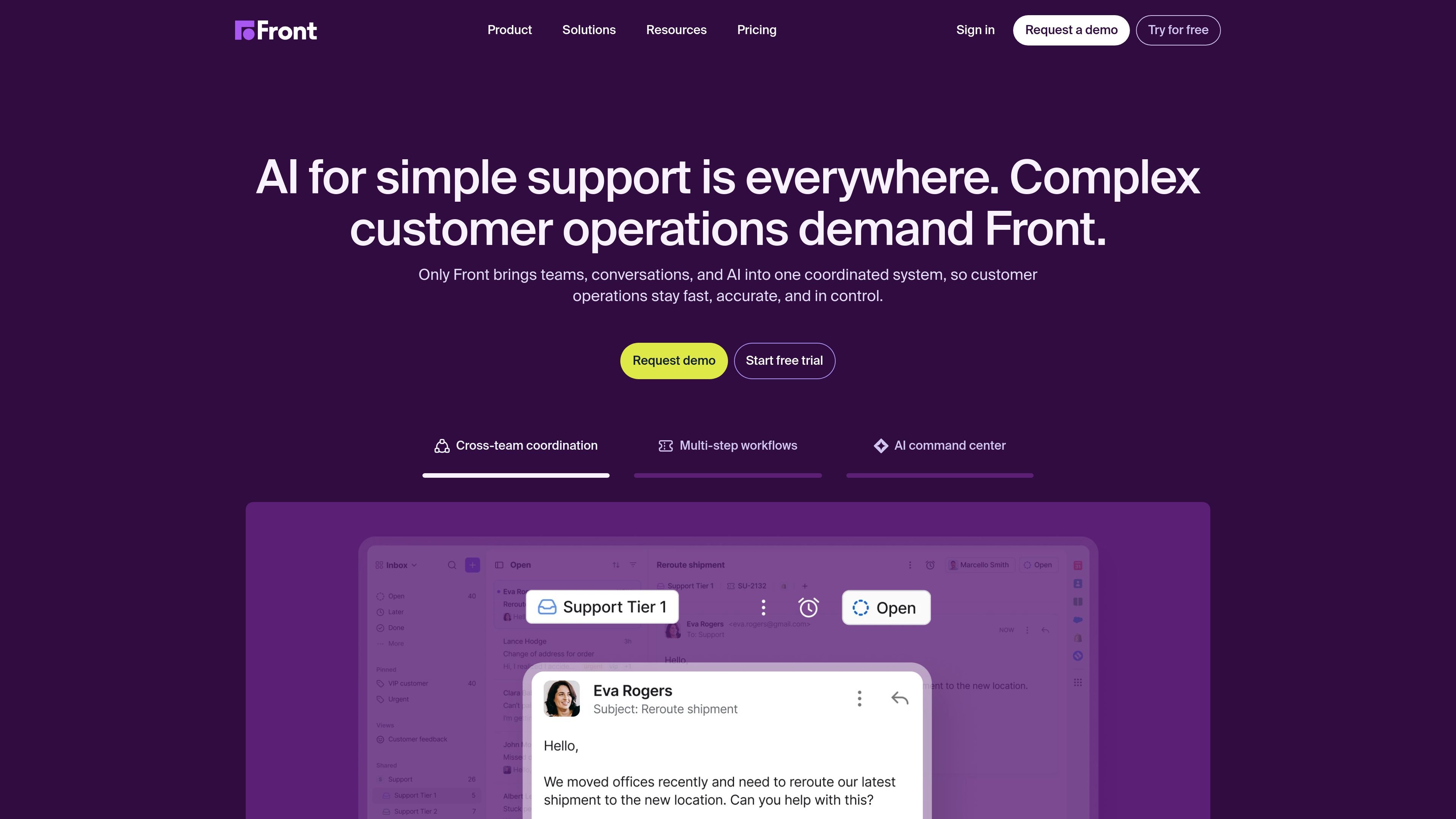
Front brings shared inboxes and ticketing together so teams can track, organize, and resolve customer conversations from one place.

Front is a customer service platform for managing conversations, workflows, analytics, and AI-assisted support across shared inboxes and multiple channels.
Front is a customer service platform built to help teams route, respond to, and measure customer conversations from a shared operational workspace. The product combines shared inboxes, ticketing, workflow automation, analytics, and AI so support and operations teams can manage customer communication without switching between disconnected tools.
The site positions Front for complex customer operations where multiple teams, systems, and channels are involved. It supports omnichannel communication on higher plans, with features such as workspaces, knowledge bases, team collaboration tools, and AI add-ons that help automate replies, assist agents, and analyze conversation quality.
Front brings shared inboxes and ticketing together so teams can track, organize, and resolve customer conversations from one place.
Higher plans support omnichannel communication, including email, SMS, social channels, WhatsApp, Slack, and voice or telephony through integrations.
Front AI includes Topics, Copilot, Autopilot, Smart QA, and Smart CSAT to help teams understand requests, draft replies, automate work, and review quality.
Workflow tools include assignments, tags, views, internal comments, shared drafts, scheduling, snoozing, and macros or automation rules.
Workspaces let teams separate inboxes into distinct spaces with their own workflows, analytics, and resources; the pricing page lists up to 5 on Professional and unlimited on Enterprise.
Analytics, reporting, knowledge base options, and identity controls such as SSO, SCIM, and custom roles are included on higher tiers.
Manage incoming support conversations in a shared inbox, route them to the right teammate, and keep context visible while resolving issues.
Coordinate requests that move across departments or systems, using assignments, tags, automation rules, and internal comments to keep work moving.
Handle inbound sales or account conversations where fast replies, handoffs, and shared visibility matter during the customer journey.
Bring together success, support, and onboarding conversations in one workspace so teams can work from the same customer record.
Use AI tools to draft replies, summarize conversations, infer satisfaction, and review quality across high-volume queues.
Front is a customer service platform for teams that need to route, respond to, and measure customer conversations across shared inboxes, ticketing, automation, and analytics.
Front AI is designed to help with complex customer work, including automating responses, assisting agents with drafts and next steps, and analyzing interaction quality.
The pricing page shows Starter, Professional, and Enterprise plans. Starter is listed as $25 per seat per month, Professional as $65 per seat per month, and Enterprise as $105 per seat per month when billed annually.
Front supports omnichannel communication on higher plans, including email, SMS, social channels, WhatsApp, Slack, and voice or telephony through integrations. The pricing page also lists workspaces, shared inboxes, knowledge bases, analytics, and user management features.
Front positions itself for customer support, inbound sales, customer success, operations, and account management, especially where work crosses teams and requires shared context.
Traffic data is for reference only.

workos.com
Atlas is an AI coworker that works in Slack to answer questions, carry out follow-up tasks, and support shared team workflows. It can use Slack context and connected tools to help with research, coordination, and routine work.

semos.ai
Semos.ai provides AI agents for people managers, using meeting and team context to help prepare conversations, recognize work, give feedback, and support team development.

coworker.ai
Enterprise AI agents for chat, code, and workflows across connected tools

weavy.com
Weavy provides embeddable collaboration components for chat, feeds, files, and AI copilots.

heysquint.com
Squint is a desktop app that explains selected content on your screen using an inline AI response. It helps people get context, interpret visual information, and ask follow-up questions without switching away from their current work.

www.notion.com
Notion AI is an AI workspace assistant built into Notion pages, tasks, and databases. It helps individuals and teams search connected information, draft and edit content, analyze work, capture meetings, and automate recurring workflows.