
Chromium-powered web apps
Create standalone Mac apps from websites using Chrome, Brave, Microsoft Edge, Vivaldi, Helium, Chromium, Ungoogled Chromium, or another supported Chromium-based browser.

Coherence X turns websites into standalone macOS apps powered by Chrome and other supported Chromium-based browsers. It is designed for Mac users who want separate Dock-accessible apps, browser profiles, extensions, and link behavior for web services.
Coherence X is a macOS app builder that turns websites into standalone apps using Chrome or another supported Chromium-based browser. Instead of keeping a service in a browser tab, users can give it its own Dock icon, window, browser data, extensions, and link-handling rules.
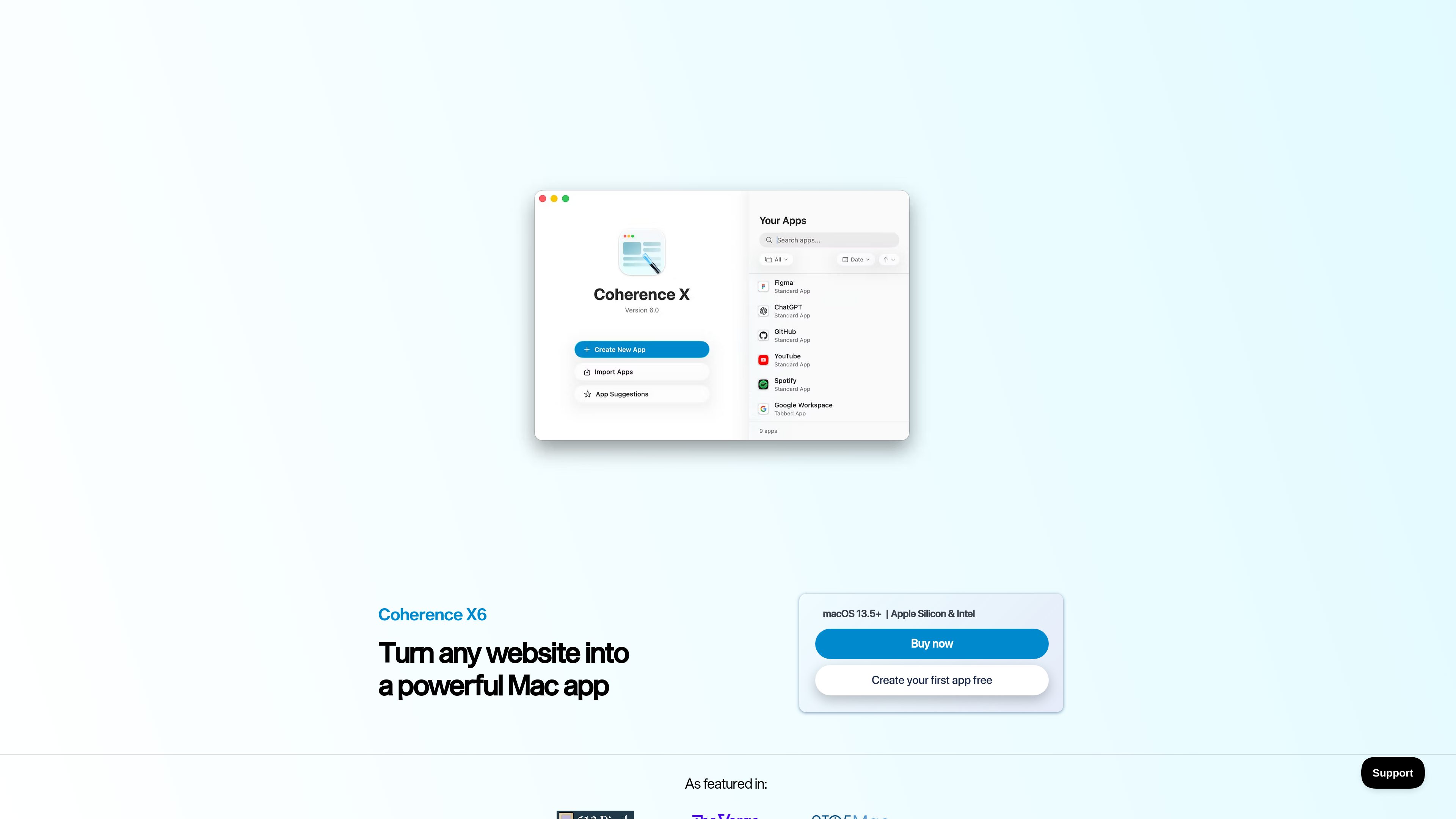
The creation workflow starts with a website URL, a name, and an icon. Users then select a browser engine and can import relevant browser data and extensions into the new app without changing the original browser setup. Coherence supports standard single-window apps, tabbed apps for grouped web tools, and incognito apps that launch in Chrome’s private browsing mode.
Created apps can be edited and managed through Coherence’s App Library. Settings include appearance, icon design, browser profiles, session restoration, new-window behavior, and link routing. Coherence X6 is listed for macOS 15 and later, with support for Apple silicon and Intel Macs.
Create standalone Mac apps from websites using Chrome, Brave, Microsoft Edge, Vivaldi, Helium, Chromium, Ungoogled Chromium, or another supported Chromium-based browser.
Import selected browser data and extensions into an app so web services can use their own logins, bookmarks, history, preferences, and extension setup without altering the source browser.
Choose a focused single-window app, a tabbed app for combining related pages, or an incognito app that opens in Chrome’s private browsing mode by default.
Control whether links stay in the current app, open in another Coherence app, launch in a particular browser, or use the default browser. Rules can target specific websites and URLs.
Configure how an app handles new windows, restores previous tabs, and reopens content when launched from the Dock.
Manage created apps in the App Library, change their browser engine or mode, and use suggested icons, uploaded images, or the built-in editor to create a custom icon.
Create dedicated apps for services such as Gmail or other web tools so different accounts can remain isolated and each service can be opened from its own Dock icon.
Use a tabbed app to bring several connected pages, such as email, calendar, and cloud storage, into one managed workspace without mixing them with unrelated browser tabs.
Build an app around a web service that relies on browser extensions or imported profile settings, carrying over only the extensions and data needed for that app.
Use an incognito app for tasks that should start in Chrome’s private browsing mode without a saved session or browsing history.
Set rules for services that need different destinations—for example, keeping selected links in a dedicated app while sending other links to a chosen browser.
The product site lists Coherence X6 for macOS 15 and later and states support for both Apple silicon and Intel Macs.
The site lists Chrome, Brave, Microsoft Edge, Vivaldi, Helium, Chromium, and Ungoogled Chromium among the supported or available browser engines. Support can vary by engine and version.
Yes. The free version lets you create and use one app with no time limit. Paid licenses allow unlimited app creation according to the purchase page.
During app creation, Coherence can import browser data and selected extensions. The source browser’s own data is left untouched, according to the X6 changelog.
The purchase page says apps cannot be shared with unlicensed users. Coherence can export app configurations for other licensed users.

blancbrowser.com
Blanc is a minimal desktop browser for macOS, Windows, and Linux with built-in ad and tracker blocking, private tabs, and keyboard-first navigation. It is designed for people who want a smaller browser surface while keeping tools for tab organization, profiles, reference viewing, and optional encrypted sync.

linkflick.com
LinkFlick is a macOS menu bar utility that transfers supported Apple Magic accessories between trusted Macs on the same local network. It is designed for people who use one Magic Keyboard, Mouse, or Trackpad with multiple Macs and want to avoid manual re-pairing.

aside.com
Aside is an AI-powered browser that performs tasks across logged-in websites, accounts, browser history, and local files. It helps with research, communications, account workflows, and other browser-based work.

www.conscioussai.com
ConscioussAI is an AI execution assistant for macOS, Windows, iOS, and Android. With your permission, it helps operate apps, browsers, files, messages, and workflows, turning instructions and conversations into completed tasks across your phone and computer.

bloooooop.com
Bloop is a macOS music visualizer that turns system audio or microphone input into responsive visuals across eight skins. It is designed for listening sessions, on-screen ambient visuals, and music video exports.

browser.arunbrahma.com
Nook is a minimalist web browser for macOS that blocks ads and trackers, with reading and focus modes and browsing data stored locally by default. It’s made for a quieter reading experience, without extensions, accounts, or sync.