
Multi-Camera Editor
Automatically edits multi-camera sequences by using speaker activity, camera layout, and common editing conventions to choose cuts.

AutoPod is a set of Adobe Premiere Pro plug-ins for video podcast and show editors. It automates multi-camera editing, social clips, and jump-cut cleanup.
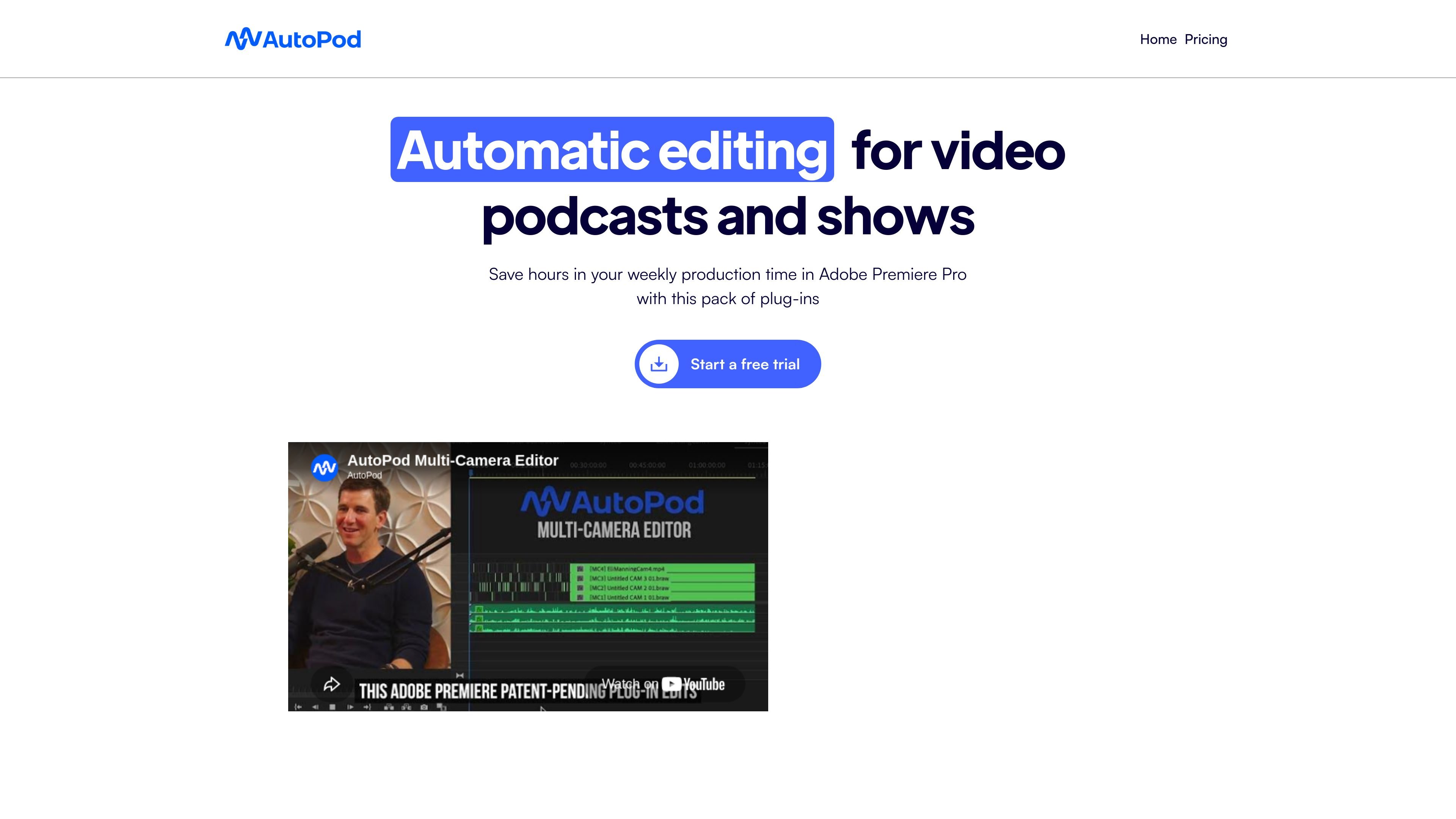
AutoPod is a set of Adobe Premiere Pro plug-ins for video podcast and video show editors. It automates three common post-production tasks: selecting angles in multi-camera edits, creating social clips, and cutting out silent sections as jump cuts.
The product is designed to fit into Premiere Pro rather than replace it. The site describes it as an editor-focused workflow tool that runs inside Adobe Premiere Pro 2023 or newer, with a separate downloader listed for DaVinci Resolve on the pricing page.
Automatically edits multi-camera sequences by using speaker activity, camera layout, and common editing conventions to choose cuts.
Creates social-ready clips in 1920x1080, 1080x1350, and 1920x1080 from an in/out selection, with optional auto-reframe, watermarks, and endpages.
Detects silence in footage and generates jump cuts using a decibel cutoff chosen for the microphones in the recording.
Works with common camera layouts, including solo shots, two shots, three shots, four shots, and wide shots, with support for up to 10 speakers.
Lets editors adjust cutting behavior, wide-shot frequency, and saved presets to match a preferred workflow.
Use AutoPod to turn a recorded podcast conversation into a rough multi-camera edit by letting the tool choose angles based on who is speaking and the camera layout.
Create short-form promotional clips from a finished interview or show segment by setting an in/out range and exporting different aspect ratios for social platforms.
Use the jump cut tool to remove pauses and silence from talking-head footage where tighter pacing is needed.
Apply the tool to recurring show formats where the same edit pattern is reused, then save presets to keep future episodes consistent.
AutoPod installs as an extension for Adobe Premiere Pro. After running the installer, users reopen Premiere Pro, open a project, and access the AutoPod apps from Window > Extensions.
AutoPod requires Adobe Premiere Pro 2023 or newer. The site says if your computer can run Premiere Pro, it should be suitable for AutoPod as long as that version requirement is met.
Each AutoPod license is limited to one computer. If you need to move a license to another machine, AutoPod provides a switch-computers page to release the key from the old machine.
AutoPod supports Adobe Premiere Pro workflows. The pricing page also says it is available for DaVinci Resolve through a separate downloader, but it is not planned for Final Cut Pro, Avid, or other NLEs.
The Multi-Camera Editor is designed for multiple cameras and multiple unique audio tracks. The site says it is not intended for a single audio source or a single speaker workflow.