
Automatic transcription
Upload audio or video files and receive a transcript automatically, without manual transcription steps.

Audiotype is a web-based AI transcription and subtitle tool for audio and video files. Supports 30+ languages, editable transcripts, and no-account trial access.
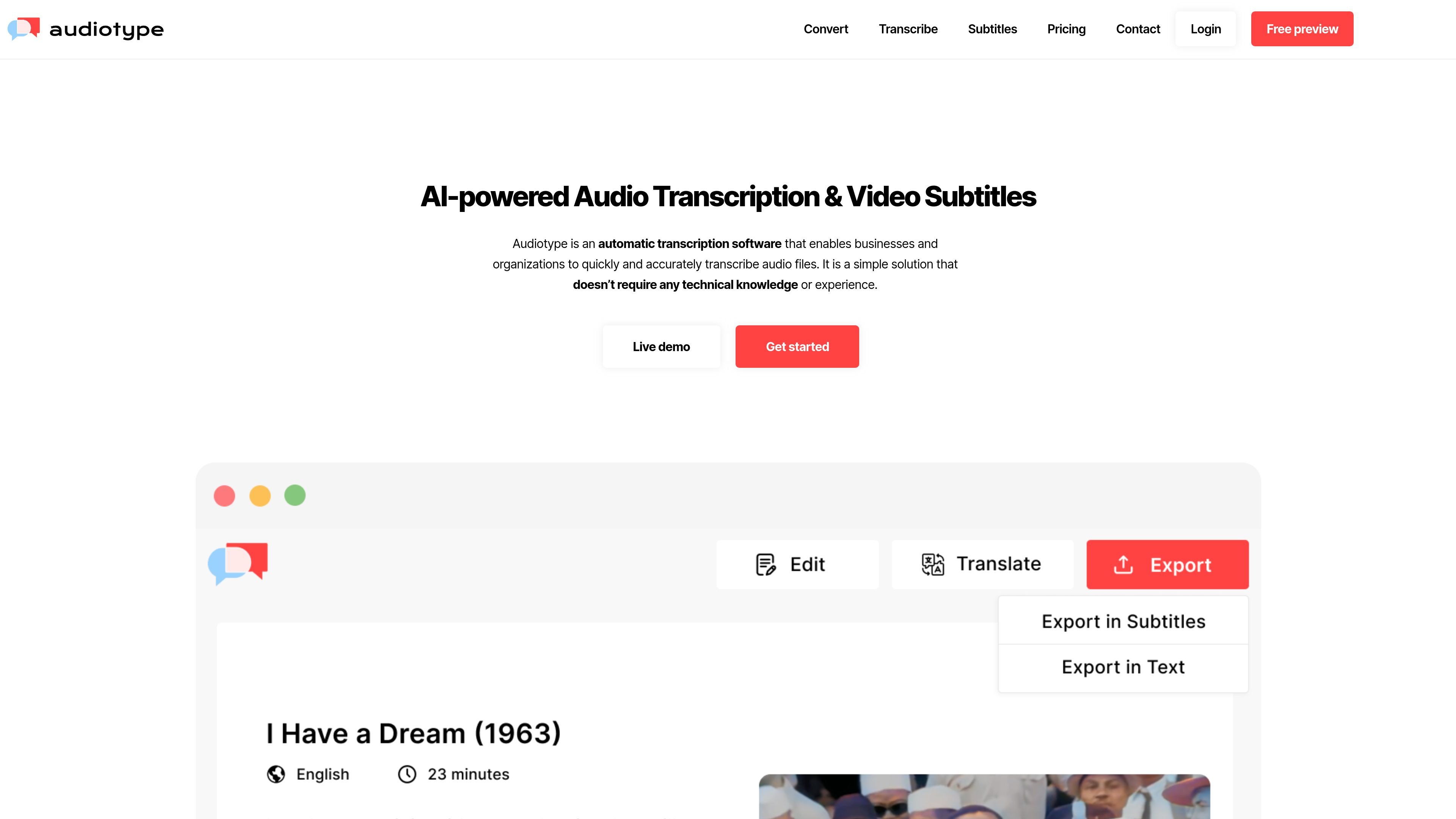
Audiotype is an AI-powered transcription and subtitle generator for audio and video files. It turns uploaded recordings into editable text transcripts and supports subtitle workflows for video content.
The site positions the product for professional and organizational use, including journalists, students, video producers, podcasters, teachers, marketers, and businesses that need transcription, document archiving, or caption generation. Audiotype says transcription is automatic, no account is required to start, and the service supports more than 30 languages.
Upload audio or video files and receive a transcript automatically, without manual transcription steps.
The site says it supports over 30 languages for transcription and subtitles, covering common languages such as English, French, Spanish, German, Italian, and Polish.
Audiotype says transcripts can be edited after conversion, which lets users review names, punctuation, and wording before sharing.
The site says transcripts can be exported or shared, and the FAQ names TXT, DOCX, and PDF as export formats. The subtitles page also references subtitle and caption workflows such as SRT and VTT.
The FAQ says Audiotype includes speaker detection and smart punctuation, which are useful for interviews, meetings, and other multi-speaker recordings.
A business page describes centralized billing, analytics and tracking, and team management for organizational use.
Upload recorded interviews and review the generated transcript before quoting or archiving the conversation.
Turn meetings into text so notes, summaries, and action items can be drafted from the transcript.
Generate subtitles or captions for videos, including lectures, presentations, and social clips.
Create text versions of podcast episodes for publishing, indexing, or repurposing content.
Use the business-oriented workflow features when multiple people need shared billing, tracking, or team access.
Audiotype accepts audio and video files for transcription. The site lists common formats such as MP3, WAV, AIFF, FLAC, OGG, AAC, M4A, WMA, MP4, AVI, MOV, WMV, FLV, MKV, MPEG, VOB, and 3GP, and says it supports a wide range beyond that list.
Audiotype says it supports over 30 languages. The site names languages including English, French, Spanish, Portuguese, German, Dutch, Italian, Polish, Arabic, Finnish, Korean, Romanian, Bulgarian, Latvian, Russian, Catalan, Lithuanian, Slovak, Croatian, Greek, Malay, Slovenian, Czech, Hindi, Mandarin, Danish, Hungarian, Norwegian, Swedish, Turkish, Japanese, and others.
The site says transcripts can be edited after transcription, and they can be exported or shared. It also mentions export formats such as TXT, DOCX, and PDF, and on the subtitles page it refers to SRT, VTT, and closed captioning workflows.
Yes. The business page says Audiotype offers centralized billing, analytics and tracking, and team management for organizations, and also invites companies to request a quote or API access.
The site presents a free trial and says no account is required to start. It does not publish specific limits or trial duration in the supplied text.