
Study from your own course materials
AskSia works from uploaded readings, PDFs, slides, textbooks, syllabi, and audio or video lectures, so answers stay tied to the material you are actually studying.

AskSia is an AI study platform for college students that works from their own course materials, including readings, lecture recordings, slides, and LMS pages. It helps students transcribe, organize, and review class content on web, mobile, and Chrome extension workflows.
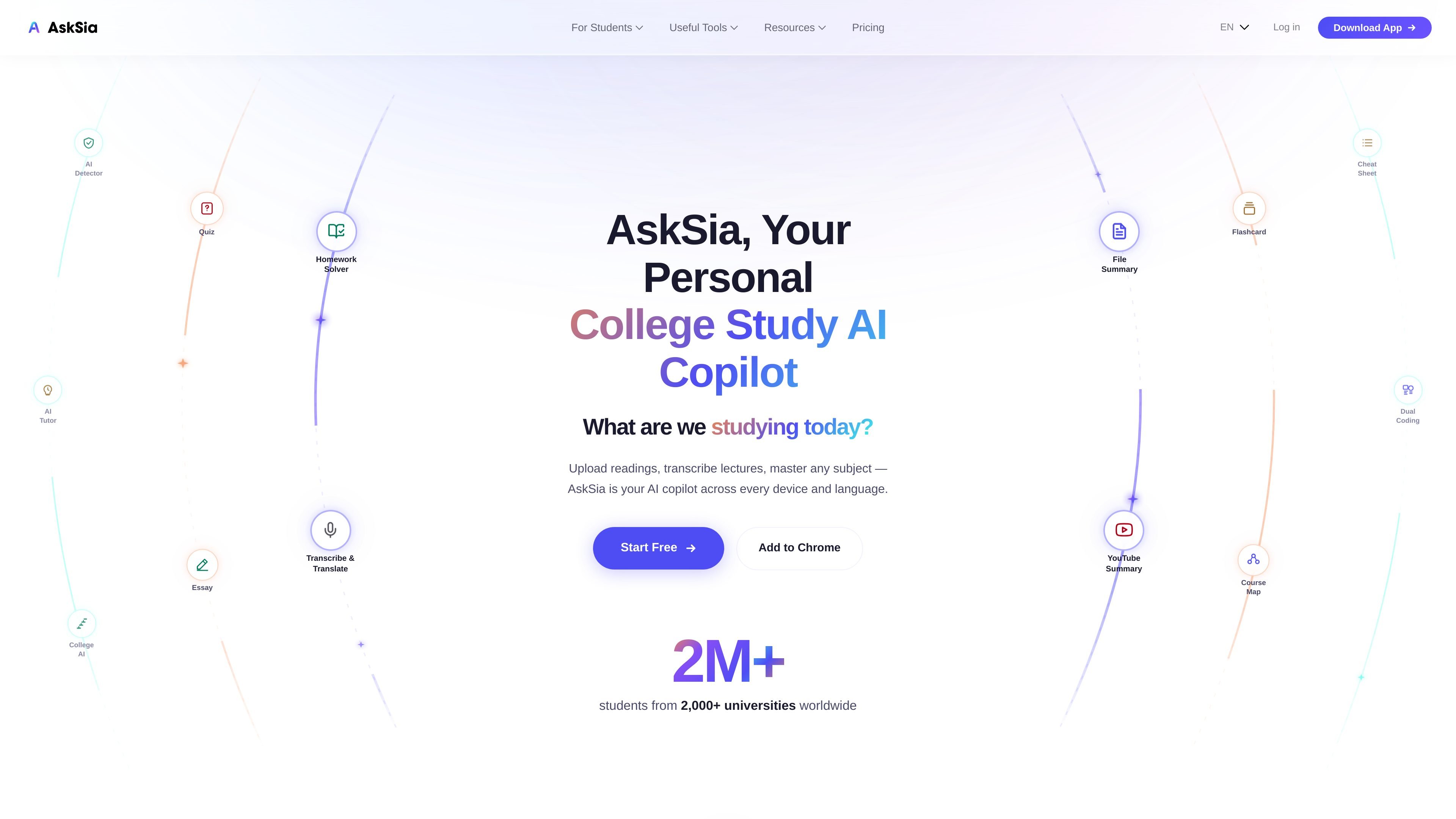
AskSia is an AI study platform for college students that works from the materials they are already using in class. The site positions it as a personal AI tutor that can upload readings, transcribe lectures, highlight key points, and organize notes from course content rather than from generic web answers.
The product is designed around lecture notes, readings, slides, syllabi, and LMS course pages. AskSia supports university subjects across STEM, business, law, humanities, social sciences, and more, and it is available on the web, on iOS and Android, and through a Chrome extension that can sync supported learning management systems into a course library.
AskSia works from uploaded readings, PDFs, slides, textbooks, syllabi, and audio or video lectures, so answers stay tied to the material you are actually studying.
Live lecture transcription turns a recorded class or uploaded audio/video file into a searchable transcript with tagged key ideas, concepts, and action items.
The platform highlights important sections and lets you ask questions about specific passages without switching between apps.
A free plan is available, and paid plans unlock fuller transcription, more uploads, reading summaries, flashcards, and note organization.
The Chrome extension syncs supported LMS course pages into AskSia while preserving course structure, and the extension page says it is read-only.
Pricing and product pages describe study outputs such as exam-ready notes, flashcards, and personalized study plans, especially in the higher tiers.
Upload PDFs, textbooks, slides, and readings, then ask questions about specific sections to study from the assigned material instead of searching broadly.
Record a lecture in the app or upload an audio or video file, then use the transcript and tagged concepts to review what was covered.
Sync course pages from supported LMS platforms into AskSia so modules, weeks, and files stay organized in a course library.
Use the generated notes, summaries, and flashcards to prepare for exams from the same materials used in class.
Rely on the browser extension to capture course materials from a supported LMS in a read-only workflow that leaves the original system unchanged.
AskSia is built around your own course materials, such as readings, lecture recordings, slides, and syllabi. The browser extension can also sync course content from supported LMS platforms into your AskSia library.
Yes. The home page states that AskSia is available on the web, on iOS and Android, and as a Chrome extension. The extension page also describes a Chrome Web Store install flow for syncing LMS content.
The pricing page shows annual plans, including Plus, Super, and A+, with the lower tiers focused on reading, notes, homework, and transcription features. It also mentions web and mobile access, Chrome extension access in the higher tier, and a money-back guarantee on A+.
The extension is read-only by design and says it cannot submit, modify, or delete anything in your LMS. It is positioned as a study tool rather than a cheating tool.
The site says AskSia supports all university subjects and is used to study from uploaded materials rather than a fixed subject list. It is aimed at students working through their own coursework.