
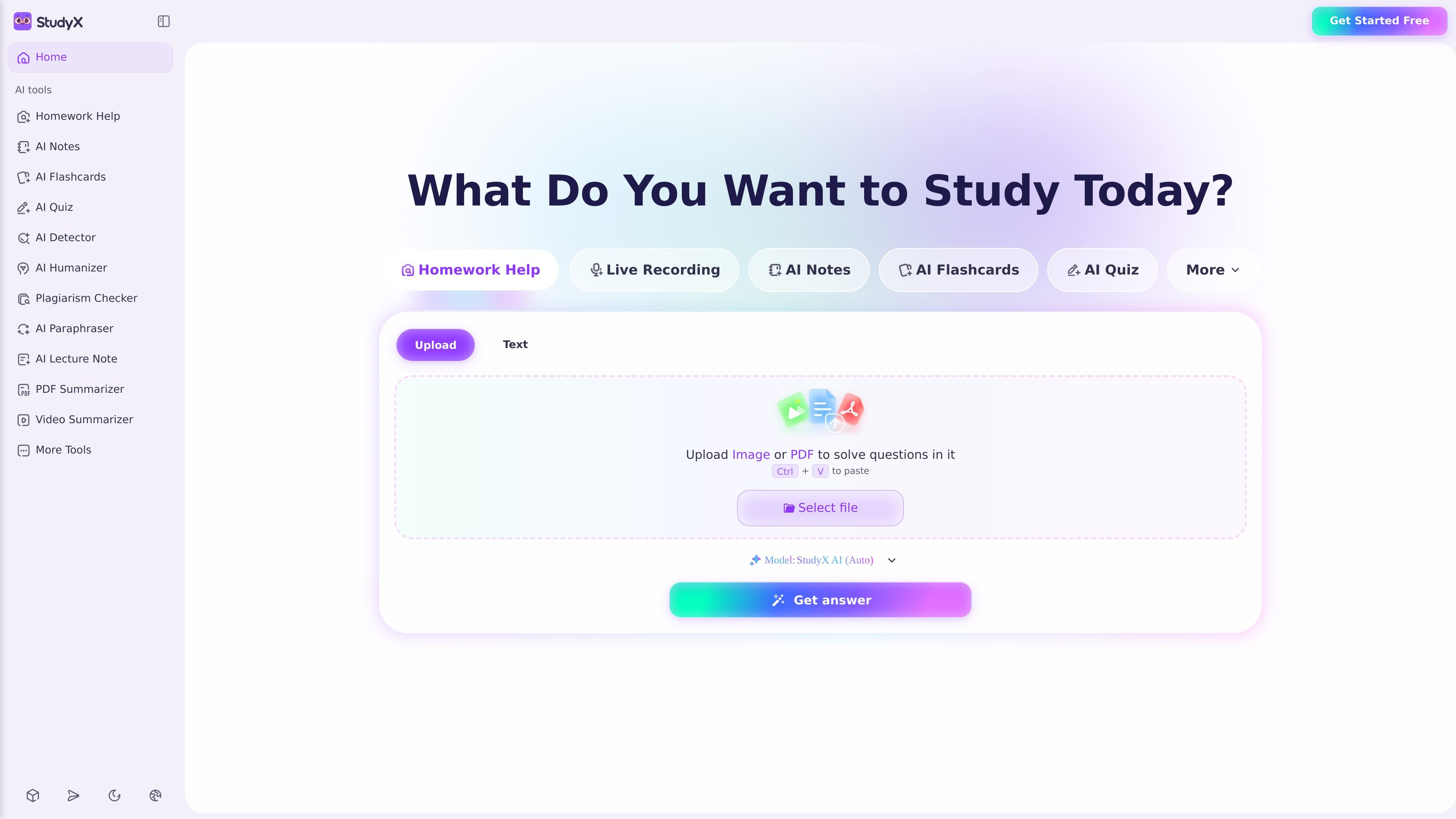
Homework help from text or images
Upload a question as text or image and get step-by-step solutions across subjects including math, science, economics, history, and more than 50 subjects.

AI study platform for homework help, notes, flashcards, quizzes, and writing support.
StudyX is an AI study platform that combines homework help, note taking, flashcards, quizzes, transcription, and writing tools in one place. It is positioned as a free-to-start online study tool that helps students upload class materials or questions and get structured study outputs back quickly.
The site shows several input types and workflows: you can paste text, upload an image or PDF, drop in slides, videos, recordings, or a YouTube link, and then generate step-by-step answers, organized notes, flashcards, quizzes, or summaries. The product also presents mobile app access and additional study surfaces for ongoing use outside the browser.
Upload a question as text or image and get step-by-step solutions across subjects including math, science, economics, history, and more than 50 subjects.
Turn PDFs, slides, videos, recordings, screenshots, or pasted text into organized notes, with support for live lecture transcription and summaries.
Generate flashcards and practice quizzes from uploaded material to support review, recall, and exam preparation.
Use writing tools to detect AI-written text, check for plagiarism, paraphrase, and rewrite content more naturally.
Create study material for certification prep, including question solvers for exams such as NCLEX, CPI, PMDB, and DoD training.
Access the workflow across web and mobile, with product pages for the app, browser extension, and Discord noted on the site.
A student snaps a homework photo or pastes a question, then uses the step-by-step solution to understand the method before turning in the assignment.
After class, a learner uploads slides, screenshots, a lecture recording, or a PDF to turn raw material into clean notes that are easier to review later.
Before an exam, a student generates flashcards and quizzes from a chapter, document, or video to practice recall and find weak spots.
A writer or student checks whether text looks AI-generated, runs a plagiarism check, or paraphrases a draft before submission.
Someone preparing for a professional exam uses the certification-oriented question solvers and practice materials to work through targeted study questions.
You can upload text, images, PDFs, slides, videos, audio recordings, or paste content directly. The site also mentions support for YouTube links and Google Drive uploads in the note-taking flow.
The site shows StudyX working as a web product, a mobile app, a Discord option, and a browser extension. The app page also points to App Store and Google Play availability.
The homepage and product pages describe StudyX as covering homework help, AI notes, flashcards, quizzes, transcription, summarization, and AI writing tools. The app page also mentions AI answers, chat with AI, community answers, and expert help.
The AI Note Taker page says the Basic plan allows up to 5 uses per day at no charge, and that Plus or Ultra plans unlock unlimited note generation and more powerful features. The pricing page itself was not available in the captured source.
Yes. The note taker page says notes are fully editable, so users can highlight, reorder, rewrite, and add questions after generation.
Traffic data is for reference only.
answersai.com
Answers AI helps students and educators with answers, study materials, assignments, grading, and progress tracking.

transcript.study
AI study platform for homework help, explanations, and organization

penseum.com
Penseum turns class materials into notes, flashcards, quizzes, practice questions, and step-by-step AI tutoring.

anki-decks.com
AI flashcards from files, notes, YouTube videos, and prompts, with spaced repetition and Anki .apkg export

getsuperteacher.com
Tutoring app for elementary reading and math with step-by-step instruction

limbiks.com
AI flashcard generator for turning study materials into decks