
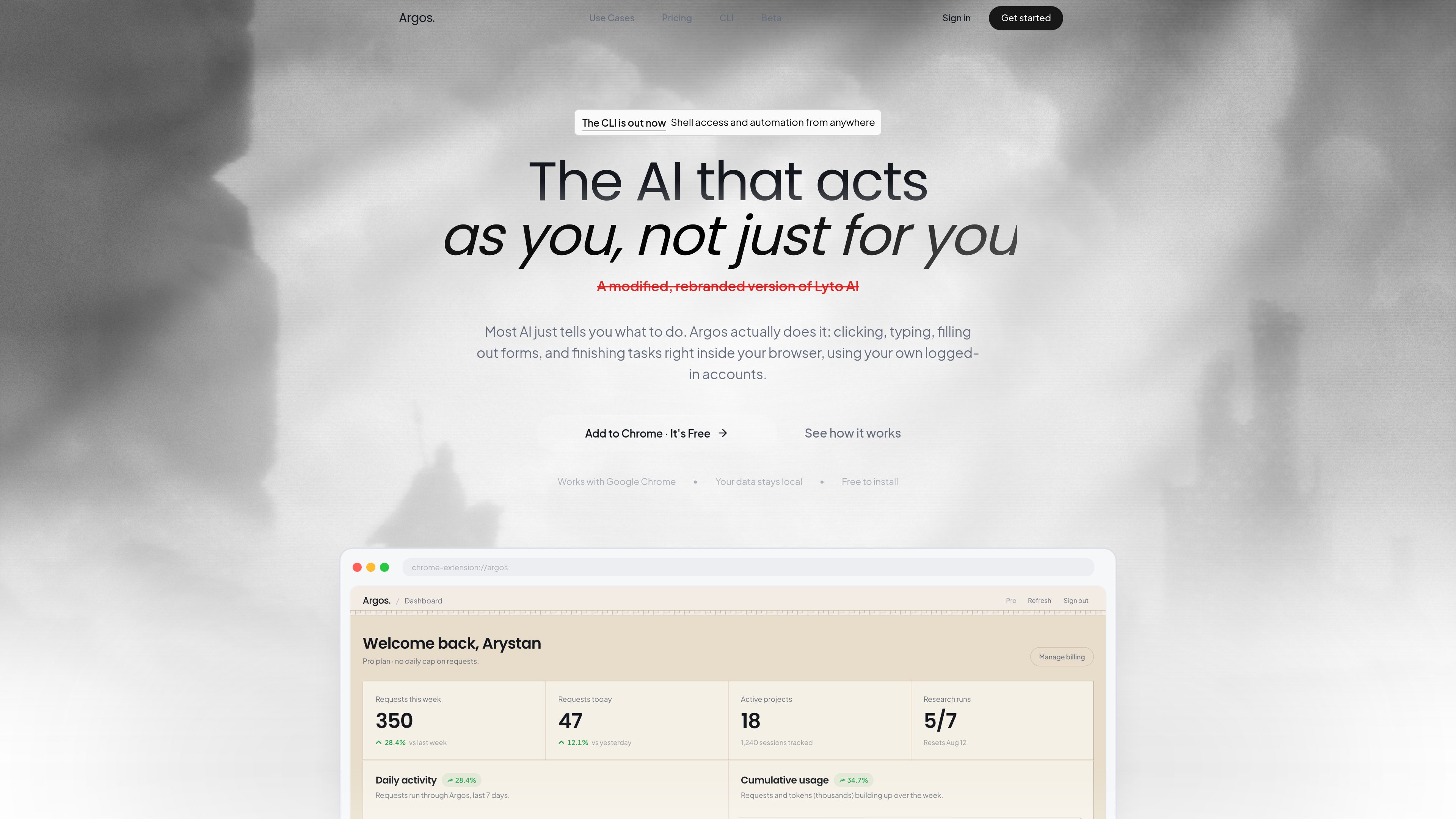
Direct browser interaction
Argos operates on live web pages, opening tabs, scrolling, clicking, and filling out forms in the browser rather than working in a detached chat window.

Argos is a Chrome extension and desktop/browser automation tool that lets you open tabs, fill out forms, research topics, and complete tasks in your logged-in browser. It also includes a CLI that runs locally and can be controlled via Telegram.
Argos is a Chrome extension and desktop automation tool that helps users complete browser-based work inside their own logged-in accounts. It is designed to click, type, scroll, fill forms, open tabs, and finish tasks directly on the page instead of only suggesting what to do.
The product also includes a CLI for local-machine automation. That mode pairs a desktop agent with shell access and a real browser profile, and the site says it can be controlled from Telegram or from the browser extension, with output such as files and reports sent back when the task is done.
Argos operates on live web pages, opening tabs, scrolling, clicking, and filling out forms in the browser rather than working in a detached chat window.
The homepage says the agent can handle tasks in real time while the user watches, or continue working in the background and return a finished result later.
The product says it works with Google Chrome and uses the user’s own logged-in accounts, so it can act within existing sessions instead of starting from scratch.
The CLI runs on the user’s machine with access to the shell, files, and installed tools, which supports more general local automation beyond browser clicks.
The CLI page says users can text their computer from Telegram in plain language, receive files back in chat, and monitor work from anywhere.
The homepage highlights use inside Gmail, Google Docs, and Google Sheets for drafting email, writing documents, and turning raw data into spreadsheets with charts.
Users can ask Argos to gather information from websites, LinkedIn, news, and company pages, then compile a short briefing before a call or writing session.
The site gives examples of scanning company sites and pulling pricing or comparison data into a report or table, which is useful for prep work that normally requires repeated tab switching.
Inside Gmail and Google Docs, Argos can draft messages or documents and help format them in the user’s own account, which fits recurring communication and writing tasks.
The CLI page shows a workflow where the agent sorts downloads into project folders and returns the result, which is useful for housekeeping on a personal computer.
With the desktop agent online, a user can send a command from Telegram and have the computer execute it, then return files or status back through chat.
Argos acts inside Chrome to open tabs, scroll, click, type, fill forms, and complete tasks on live pages using the user’s own browser session.
No. The site also describes an Argos CLI that runs on a local computer with shell access and a logged-in browser, and it can be controlled from Telegram.
Yes. The homepage says it can handle tasks in real time or continue working in the background while the user is away.
The homepage specifically calls out Google Chrome, Gmail, Google Docs, and Google Sheets. The CLI page also mentions Telegram as a way to send commands.
No. The pricing URL provided in the audit returns a 404 page, so no plan names, prices, or limits can be confirmed from the supplied evidence.
Traffic data is for reference only.

apps.mergeable.io
Diffsmith is a native macOS app for reviewing local git changes made by AI coding agents such as Claude Code, Cursor, Codex, and Copilot. Add inline comments and send them back to the agent as a prompt or via a local MCP server.

hcompany.ai
AI products for browser automation, multimodal models, and enterprise workflows

caveman.so
Caveman is a token-efficiency stack for AI agents and production workflows. It helps teams reduce eligible context, route traffic, and measure verified savings across local tools, a TypeScript SDK, and a managed cloud layer.

extella.ai
Extella is a local AI platform that installs tools, runs workflows, and remembers reusable setups on your machine—automating repeatable tasks from plain-language requests without the terminal.

donely.ai
Donely is a multi-instance OpenClaw platform for deploying AI agents from one dashboard, with access control and unified billing for personal, team, and enterprise use.

agents.craft.do
Craft Agents is an open-source desktop app for working with AI agents, models, APIs, MCP servers, local files, and a built-in browser.