
Visual site building
Build pages in a visual workspace and move content from design to production without a developer interpreting static files.

Webflow is a web platform for designing, building, publishing, and optimizing websites in one place, with managed hosting, CMS, SEO/AEO tools, and plans from Starter to Enterprise.
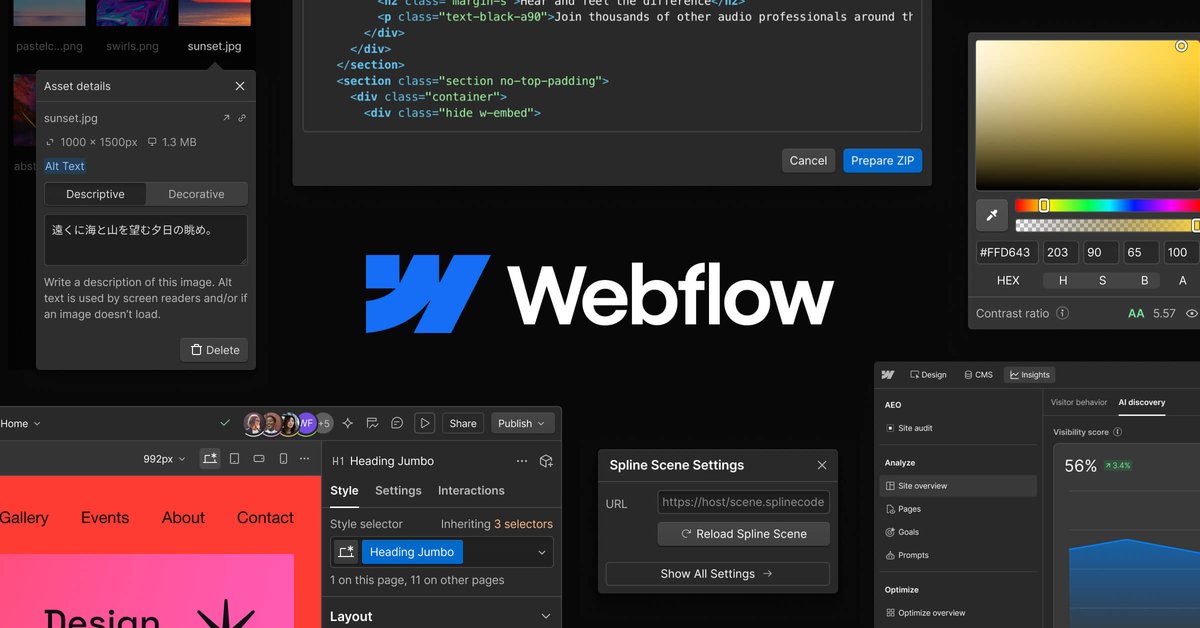
Webflow is a web platform for designing, building, publishing, and optimizing websites in one product. The site positions it as an “agentic web platform” that combines visual development, CMS, hosting, SEO/AEO, and AI-assisted optimization for modern business websites.
The source emphasizes a shared workflow for designers, marketers, developers, agencies, and enterprise teams. It is built to support both simple marketing sites and more structured organizational use cases, with free and paid plans, managed hosting, APIs, apps, and governance features available across the lineup.
Build pages in a visual workspace and move content from design to production without a developer interpreting static files.
Manage content in a composable CMS with custom domains, page publishing controls, scheduled publishing, and RSS support for collections.
Host sites on Webflow’s global infrastructure with automatic backups, CDN delivery, SSL/TLS, and traffic-surge handling.
Use built-in SEO and AEO tools to manage metadata, alt text, canonical tags, indexing controls, and AI-assisted audits.
Extend the platform with content management APIs, webhooks, logic, apps, and code components for more advanced workflows.
Apply governance, permissions, localization, and workflow controls on higher-tier plans for team and enterprise use.
Designers can build directly in the browser, reuse components and styles, and publish without waiting for a separate handoff step.
Marketers can manage content, adjust metadata, and use SEO/AEO controls to publish updates and improve discoverability.
Developers can keep control of structure and code while enabling others to make content changes and updates through the platform’s workflows and APIs.
Agencies can manage multiple client sites with shared design systems, publishing workflows, and site controls that support repeatable delivery.
Organizations with more complex needs can use localization, governance, permissions, and secure integrations on higher-tier plans.
Webflow is a web platform for designing, building, publishing, and optimizing websites in one workspace. The source also describes it as an agentic web platform with CMS, hosting, SEO/AEO, and AI features built in.
The pricing page shows a free Starter site plan, paid site plans for Basic and Premium use cases, and platform plans for Team and Enterprise organizations. Team is listed as an annual contract plan, while Enterprise uses a talk-to-sales flow.
The pricing and hosting pages indicate that Webflow includes hosting, a CMS, custom domains on paid site plans, form handling, and APIs for programmatic CMS management. The platform also includes features such as localization, publishing workflows, analytics, and security controls on higher-tier plans.
Webflow supports design, content management, publishing, SEO/AEO, and optimization in the same platform. The source also mentions integrations through a flexible API, webhooks, logic, apps, and content management APIs.
The source confirms apps, APIs, webhooks, logic, and secure integrations, but it does not provide a full third-party integration list on the pages provided. Integration depth appears to depend on plan and use case.