
Character animation generation
Generate walking, running, attacking, and custom sprite animations from text prompts, skeleton controls, or an automatic character creator.

PixelLab is an AI pixel art generator for game assets, including animations, directional sprites, environments, tilesets, textures, and UI elements. Built for indie game developers, it works in the browser or with Aseprite and Pixelorama.
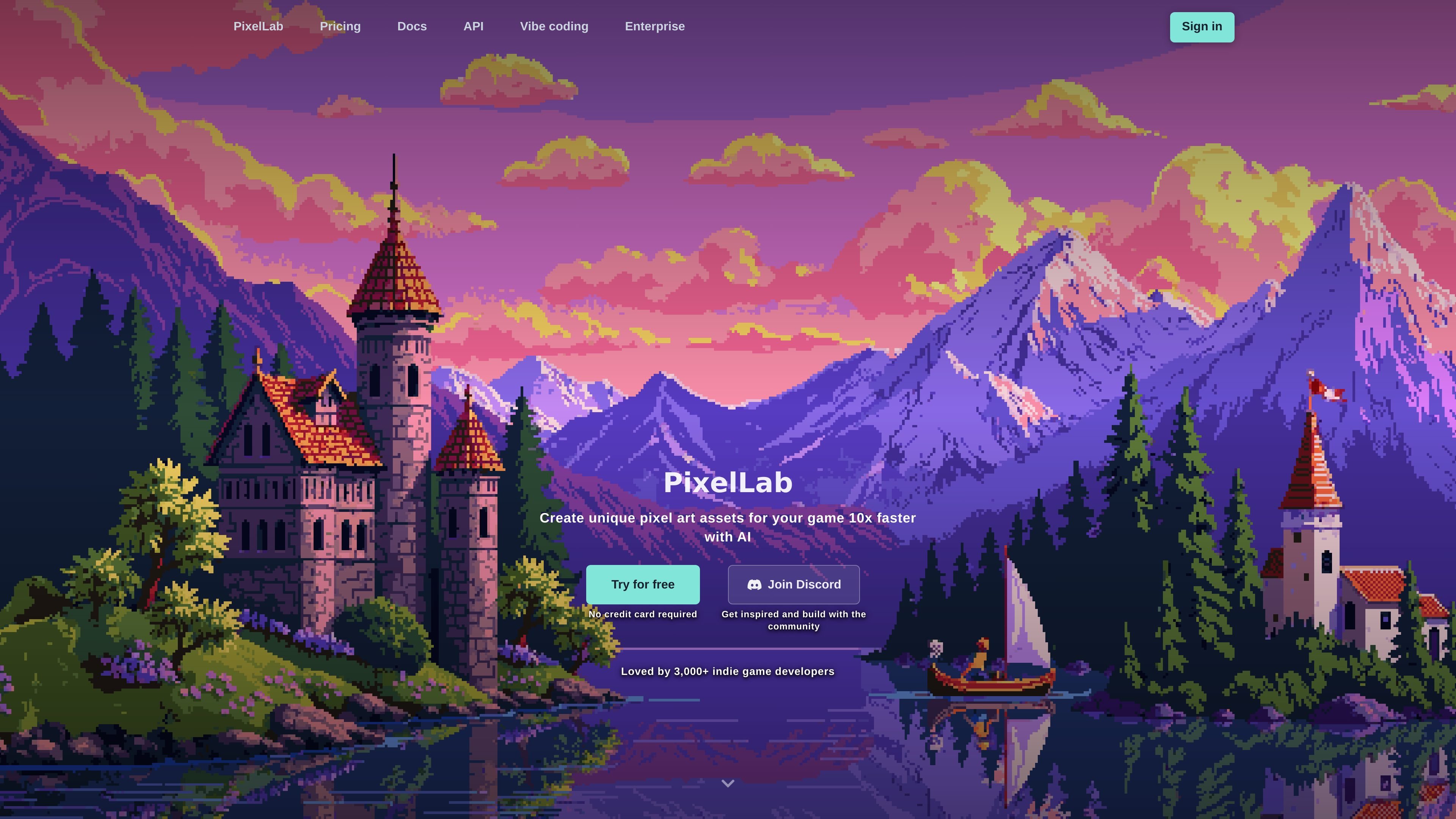
PixelLab is an AI generator for pixel art game assets. It focuses on creating sprite animations, directional rotations, scenes, maps, tilesets, textures, and user-interface assets for game projects.
The product is positioned for indie game developers and can be used in the browser or through editor extensions such as Aseprite. The site says it is meant to help users create game-ready pixel art assets faster while keeping styles consistent across related sprites.
Generate walking, running, attacking, and custom sprite animations from text prompts, skeleton controls, or an automatic character creator.
Create 4- or 8-direction sprite rotations for characters and objects, with support for isometric and top-down workflows.
Use reference images to keep characters and objects aligned with an existing game style across related assets.
Edit existing pixel art while preserving style, including true inpainting for changes like clothing, accessories, or environment edits.
Generate scenes, maps, tilesets, textures, and UI elements such as buttons, health bars, and menu items.
Work in the browser or through Aseprite and Pixelorama extensions, with documentation for getting started and tool-specific workflows.
Produce character sprites, walking cycles, attacks, and other animation frames from prompts or skeleton controls when building a playable prototype.
Turn concept art or reference sprites into consistent 4- or 8-direction views for top-down, isometric, or side-scrolling games.
Generate backgrounds, scenes, maps, tilesets, and textures for levels that need cohesive pixel art assets.
Create interface elements such as buttons, health bars, and menu items that match the game’s visual style.
Refine existing artwork with inpainting or style-consistent edits when you need changes to clothing, accessories, or environment details.
Yes. The documentation says PixelLab can be used through browser-based workflows and also as extensions for Aseprite and Pixelorama. The getting-started guide shows how to open the plugin from Aseprite.
PixelLab is designed for Windows, Mac, and Linux. The home page FAQ says it works on those operating systems.
No. The home page FAQ says the models run on cloud GPUs, so you do not need a high-performance graphics card on your own machine.
The home page FAQ says PixelLab does not store generated images or input images unless the tool or documentation clearly states otherwise.
The documentation for the style-reference tool says that creating images from style references requires a Tier 1 subscription and is available in the Aseprite and Pixelorama extensions and Creator.