
Voice to text capture
Record meetings or voice notes and convert audio into text for later review. The homepage frames this as a fast way to capture details without manual typing.

NoteX is an AI meeting assistant that records, transcribes, summarizes, and organizes meetings from multiple sources for searchable notes, action items, and multilingual support.
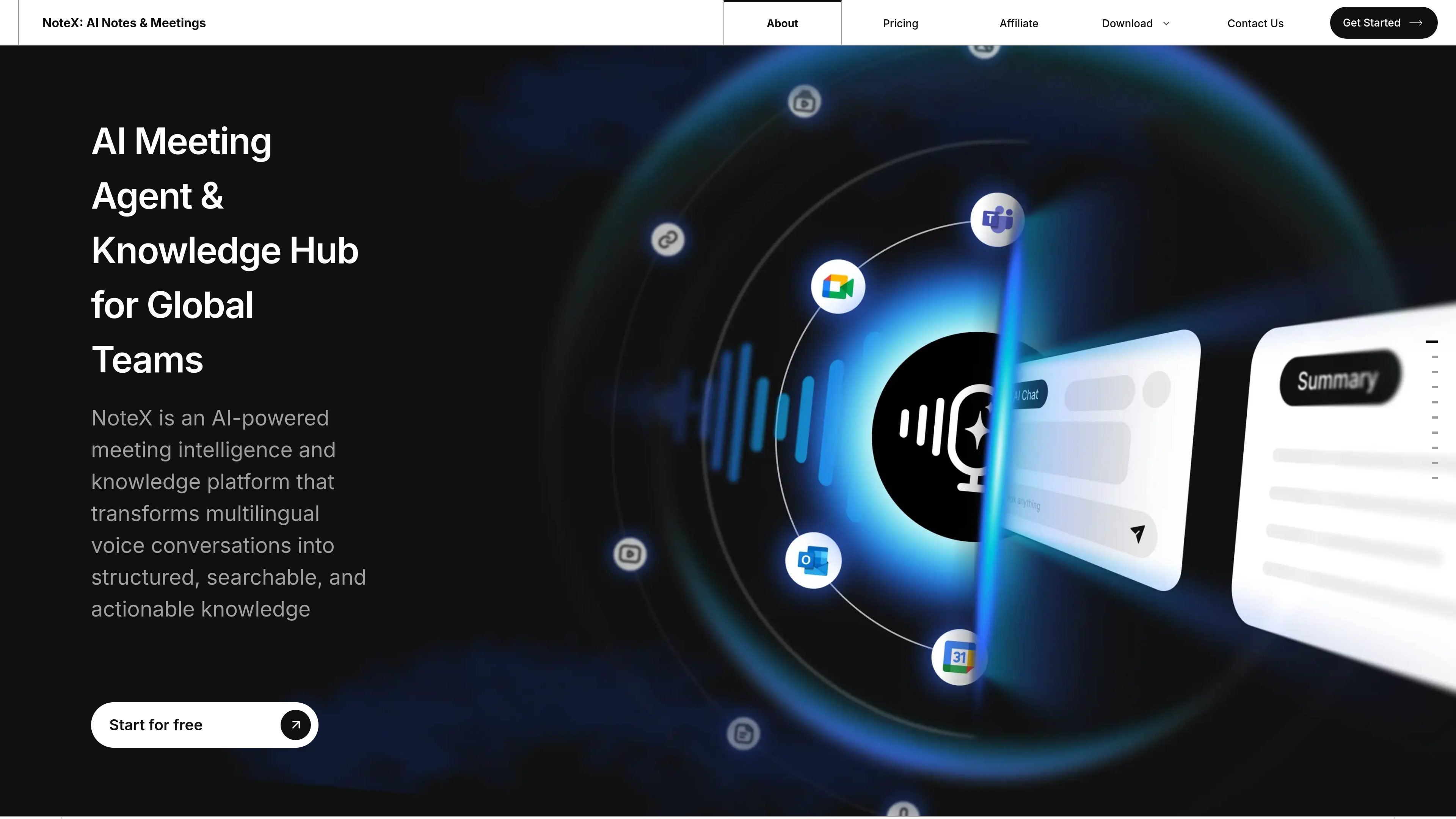
NoteX is an AI meeting agent and knowledge platform for teams that need to record, transcribe, summarize, and organize meetings across different meeting environments. The homepage describes it as a tool that turns multilingual voice conversations into structured, searchable, and actionable knowledge.
The product supports note creation from recordings, uploaded files, links, documents, and typed text, and it also offers an auto-join meeting bot for live meetings. Its output goes beyond transcripts to include summaries, action items, mind maps, flashcards, and other structured note formats.
Record meetings or voice notes and convert audio into text for later review. The homepage frames this as a fast way to capture details without manual typing.
Generate meeting summaries and action items from conversations so teams can review outcomes instead of raw transcripts alone.
Ask questions against your notes with a context-aware AI chat that uses stored meeting content as context.
Automatically join meetings, transcribe in real time, and sync the workflow with your calendar when the bot is enabled.
Translate meetings live in more than 60 languages and support multilingual conversations across teams.
Turn inputs such as recordings, documents, web links, YouTube videos, images, and typed text into organized notes and related outputs.
Capture live meetings, join automatically, and generate transcripts and summaries so participants can review the discussion after it ends.
Turn recorded lectures, presentations, or YouTube content into notes, summaries, and flashcards for later study or review.
Convert spoken ideas, messy notes, and scattered files into structured documents that are easier to search and reuse.
Work across multilingual conversations with live translation and transcription so participants can follow along in different languages.
Use the note hub to keep meeting outputs organized across teams and projects, with AI chat for follow-up questions.
NoteX can create notes from recordings, uploaded audio files, documents, web links, and typed text. It also supports live meeting capture through an auto-join meeting bot.
The source shows NoteX supports Google Meet and mentions Google Calendar, Zoom, WebEx, and Teams in its platform list. The site also describes auto-joining meetings and real-time transcription.
The site describes a free Basic plan and paid Plus and Pro plans. The Basic plan is listed at $0/month, while Plus is $9.99/month and Pro is $16.99/month on the pricing page.
Yes. The site says NoteX can transcribe in real time, generate summaries and action items, and translate meetings in over 60 languages.
NoteX positions itself as a meeting intelligence and knowledge platform, so its output goes beyond transcripts to summaries, action items, mind maps, flashcards, and searchable notes.