
In-page browser translation
Translate manga, manhwa, manhua, comics, and webtoons directly inside the browser without copying text into a separate tool.

Manga Translator is an AI browser extension for Chrome and Edge that translates manga, manhwa, manhua, comics and webtoons into 100+ languages as you read online.
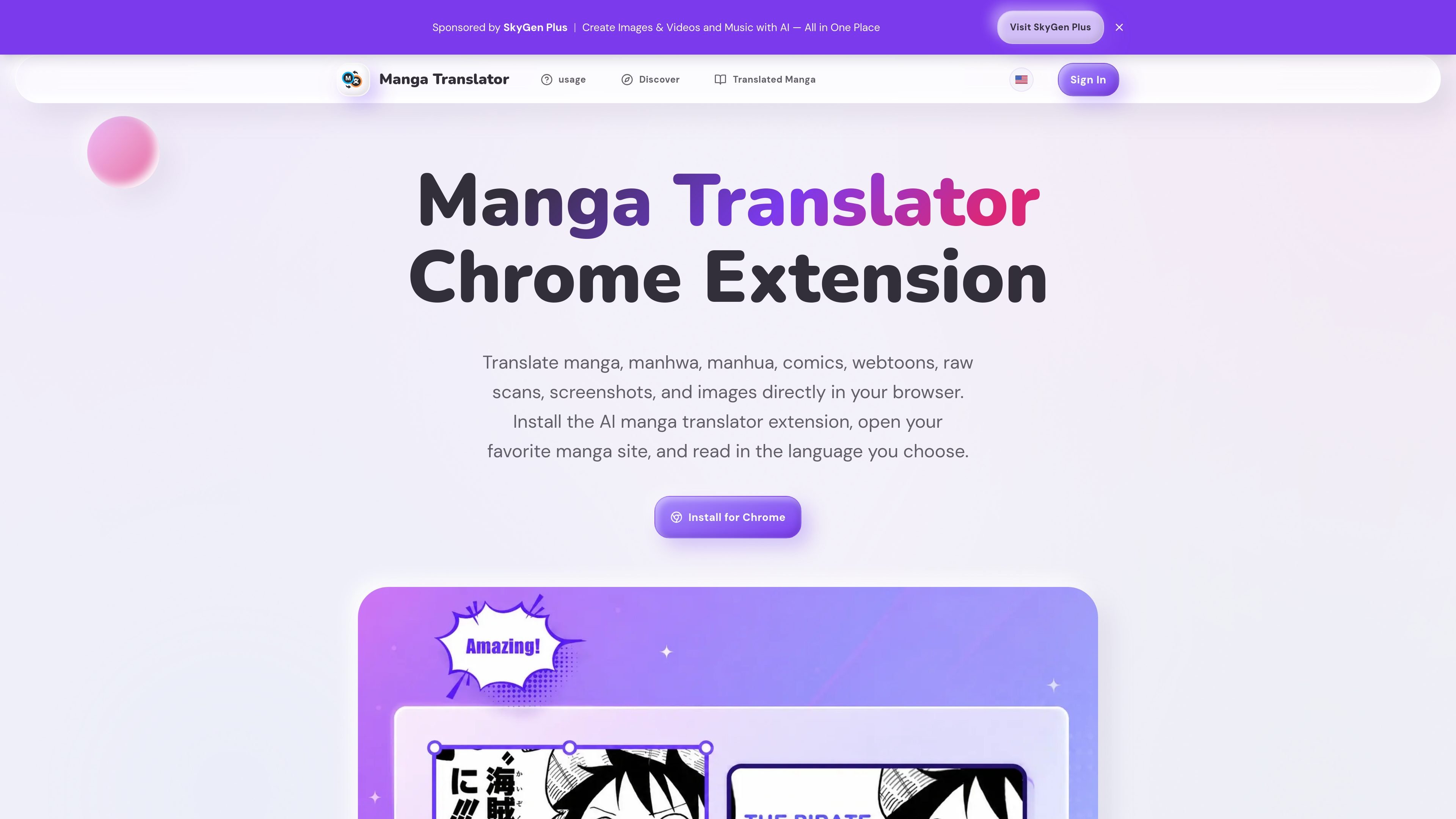
Manga Translator is an AI browser extension for Chrome and Edge that translates manga and comic-style pages while you read online. It is designed for image-based reading workflows rather than generic webpage translation, with support for speech bubbles, panels, raw scans, screenshots, and uploaded images.
The product is positioned for readers who want to understand Japanese manga, Korean manhwa, Chinese manhua, webtoons, and comics in more than 100 languages. The site also lists support for several reading platforms, including MangaDex, MANGA Plus, WEBTOON, VIZ, Tappytoon, Toomics, GlobalComix, and Manta.
Translate manga, manhwa, manhua, comics, and webtoons directly inside the browser without copying text into a separate tool.
Detect text in speech bubbles, narration boxes, vertical Japanese layouts, horizontal comics, scanned pages, and image-heavy panels.
Use screenshot translation when a site uses canvas rendering, custom readers, or image layouts that normal page translation cannot parse.
Translate raw scans and standalone image pages when the source page does not provide selectable text.
Switch between source and target languages for reading, vocabulary checking, bilingual comparison, or quick story review.
Support Chrome and Edge installation and pin the extension to the toolbar for quick access.
Read translated chapters directly on supported manga sites without switching to a separate OCR tool or copy-paste translator.
Use screenshot mode for pages, panels, or reader layouts that block normal text detection, such as canvas-based or image-only pages.
Work through raw scans and image-heavy chapters where selectable text is unavailable.
Compare source and translated text while learning vocabulary or checking phrasing across languages.
Use the higher-tier plans and credit history for ongoing review workflows, scanlation work, or repeated batch reading.
Manga Translator is an AI browser extension for Chrome and Edge that translates manga, manhwa, manhua, comics, webtoons, screenshots, and raw scans into more than 100 languages while you read online.
The usage page shows a simple setup flow: install the extension, pin it in Chrome or Edge, open a manga page, choose a target language, and translate the visible panels or page area.
The source pages show support for several manga and comic sites, including MangaDex, MANGA Plus, WEBTOON, VIZ, Tappytoon, Toomics, GlobalComix, and Manta.
The pricing page shows subscription credit packs for monthly use. Starter includes 100 credits, Standard includes 200 credits, and Premium includes 300 credits, all shown as monthly credits valid for 1 month.
The site presents the product for individual readers and workflow-heavy users such as scanlation and review workflows. The source does not spell out a dedicated multi-user collaboration product or admin controls.
트래픽 데이터는 참고용으로만 확인하세요.
| 4월 | 23394 |
|---|---|
| 5월 | 24311 |
| 6월 | 67086 |