
Text-to-image generation
Generate images from text prompts in the Text to Image workflow. The page shows prompt entry, model selection, and advanced options such as steps, seed, and image visibility.

FluxPro AI is a web-based AI creation platform for generating images and short videos from prompts or existing images. It offers a free tier, subscription plans, and one-time credit packs, with multiple Flux model options and browser-based workflows.
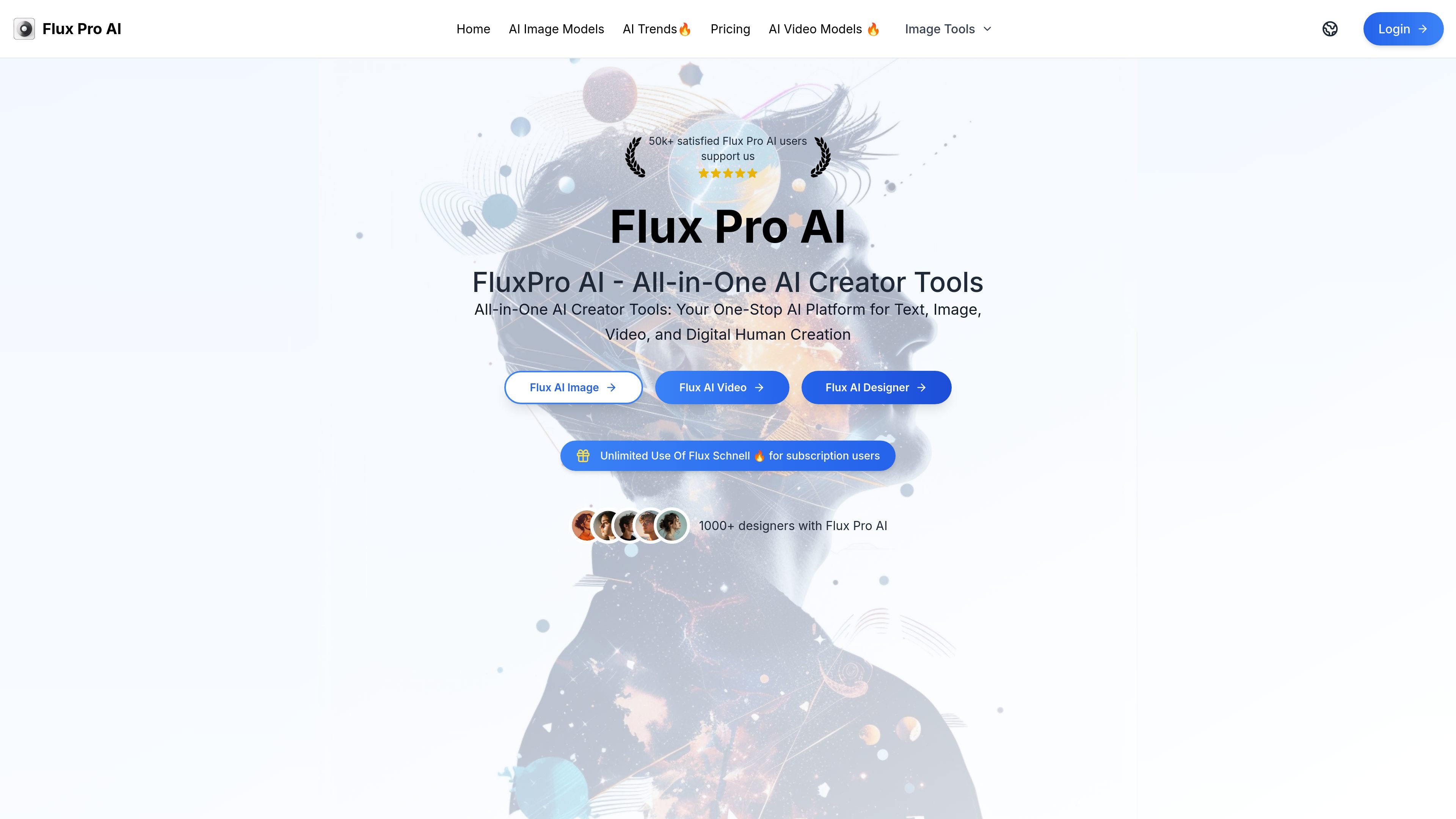
FluxPro AI is a web-based AI creation platform centered on Flux-powered image generation, with tools for text to image, image to image, image to prompt, image to video, and Flux Designer workflows. The homepage presents it as an all-in-one AI creator tool for text, image, video, and digital human creation.
The site also includes model choices such as Flux Schnell, Flux Dev, Flux.1 Pro, and Flux 1.1 Pro, along with a pricing structure built around free access, monthly and annual subscriptions, and one-time credit packs. Across the product pages, the emphasis is on prompt-driven generation, credit-based usage, and browser-based access rather than desktop software.
Generate images from text prompts in the Text to Image workflow. The page shows prompt entry, model selection, and advanced options such as steps, seed, and image visibility.
Use Image to Video with Google Veo3. The page shows upload, prompt input, public video generation, and an output limit note for 16:9 or 9:16 formats, 720p quality, and 8-second clips.
Create designer-style outputs from prompts in Flux Designer. The dashboard shows model selection, image type, style, aspect ratio, and a public generation option.
Choose between Flux Schnell, Flux Dev, Flux 1.1 Pro, and Flux.1 Pro. The site positions these models for different quality and speed needs and lists separate credit costs per image.
Manage work through site areas such as My Creations, History, and Upgrade to Pro. Paid plans also mention permanent history records and unlimited Flux Schnell and Flux Designer use.
Draft visuals from a written concept using the text-to-image page, where users enter a prompt and adjust options like steps, seed, and public visibility.
Turn an existing image into a short video with the image-to-video workflow, which uses Google Veo3 and supports the format constraints shown on the page.
Generate designer-style outputs for lightweight layout or icon concepts in Flux Designer, where the interface shows image type, style, ratio, and prompt fields.
Compare model choices before spending credits by selecting between Flux Schnell, Flux Dev, and the Pro variants based on speed, quality, and intended use.
Use the free tier for limited image generation, then move to a paid subscription or one-time pack when a project needs more credits or retained history.
FluxPro AI offers a free tier with limited access to Flux AI, and paid plans add more credits, faster use of Flux Schnell, permanent history records, and a commercial license on paid tiers.
The site describes Flux AI as a web-based product, and the FAQ says there is currently no mobile app, though mobile options may be explored in the future.
The pricing page shows subscription plans and one-time credit packs, while the FAQ says paid tiers can be used for commercial projects.
The FAQ says Flux AI is developed by Black Forest Labs and points users to GitHub for updates; the site also describes Flux AI as open source and available on GitHub and Hugging Face.
The FAQ says support is available by email at [email protected].