

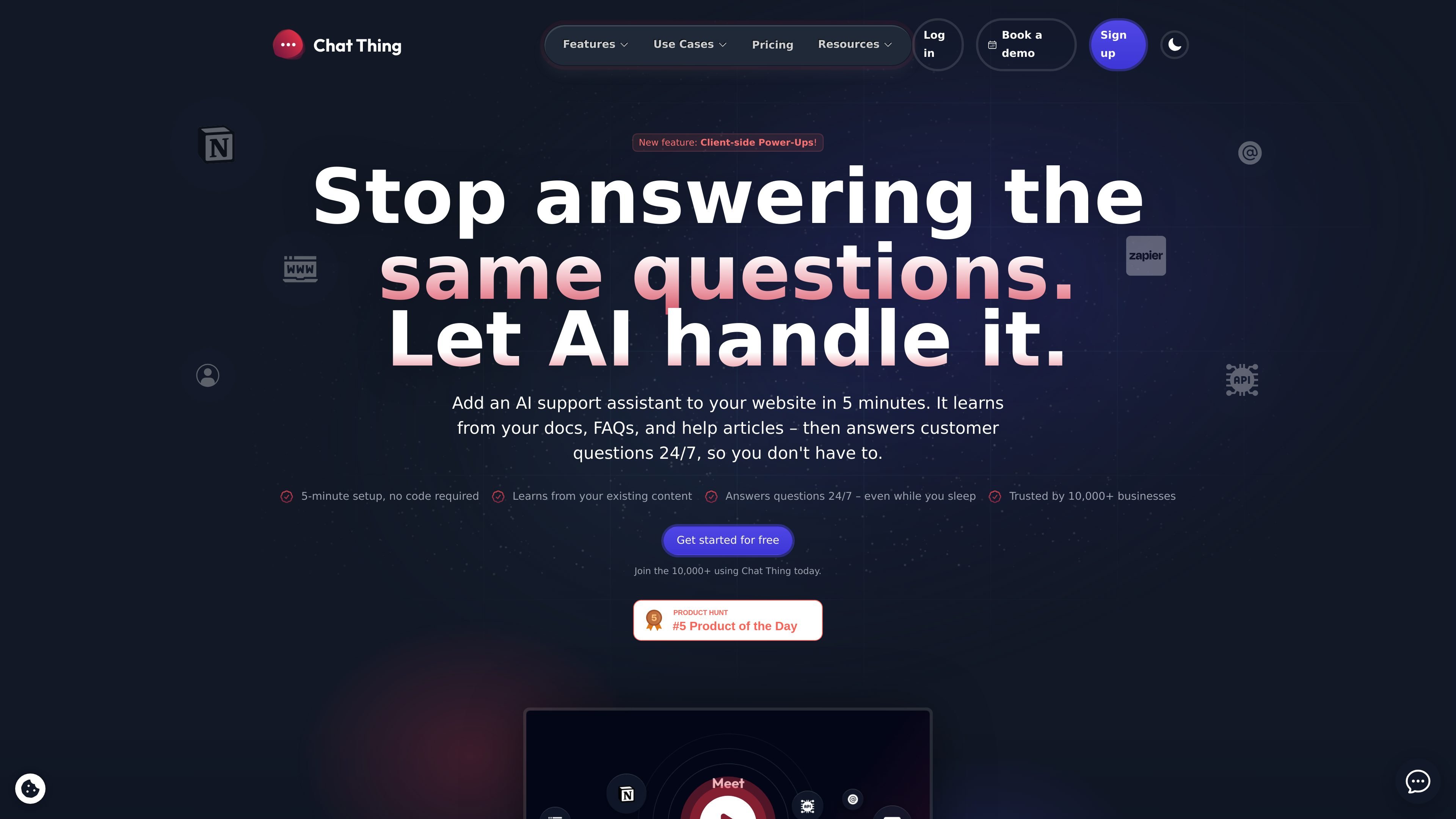
Multiple data source options
Point a bot at websites, help docs, Notion pages, FAQs, PDFs, and other file types, or paste content directly when you do not want to rely on a URL or upload.
Chat Thing is a platform for building custom AI chatbots and support assistants from your own content. It can connect to sources such as websites, help articles, FAQs, Notion pages, PDFs, and other files, then answer questions grounded in that material.
The product is positioned for teams that want a bot that can handle repetitive customer questions, stay updated when content changes, and live on a website or in connected channels such as WhatsApp, Slack, Discord, Telegram, or email. The homepage also highlights conversation visibility, human handoff, multilingual replies, and branded chat widgets.
Point a bot at websites, help docs, Notion pages, FAQs, PDFs, and other file types, or paste content directly when you do not want to rely on a URL or upload.
Let data sources re-sync automatically and use diff syncing so only new or changed content is processed when sources update.
Embed a chat widget on a website or connect bots to channels such as WhatsApp, Slack, Discord, Telegram, and email.
Review conversations, search message history, hand off to a human, and collect feedback from users to spot gaps in the knowledge base.
Adjust bot behavior with custom prompts, creativity controls, markdown responses, theming, passwords, and custom domains.
Use advanced capabilities like web search, API actions, tool connections, rich responses, vision, and over 100 models when a bot needs more than text answers.
Turn docs, FAQs, and help articles into a support bot that answers common questions such as opening hours, password resets, or shipping details without requiring a human each time.
Create an internal assistant from Notion pages or company handbooks so employees can ask policy or HR questions in plain language.
Add a bot to a website as a branded widget that can answer product or documentation questions for visitors at any time of day.
Use the gallery-style examples as a starting point for specialized bots, such as an Airbnb guest helper, surf forecast bot, or documentation bot.
Route conversations to humans, review search logs, and collect feedback when the bot cannot answer confidently or when you want to improve the knowledge base.
Chat Thing is designed to connect your content sources, including websites, help docs, Notion pages, PDFs, and more, then answer questions from that material.
The source text says you can add it to a website by copying one line of code, and that it also works on WhatsApp, Slack, Discord, Telegram, and email through specific bot features.
Storage tokens measure how much content you have synced to your bots. Chat Thing uses them when you sync data sources, and re-syncing only consumes tokens for new or changed content.
Yes. The product supports viewable conversation logs, handoff to a human, message feedback, and conversation search so teams can review questions and improve the bot over time.
トラフィックデータは参考情報としてご利用ください。

botnoi.ai
チャットと電話の顧客対応を自動化するWebベースのAIチャットボット・音声ボット平台

help.center
ナレッジベース、検索、埋め込みチャットボットを備えたAI優先のカスタマーサポート

hostbuddy.ai
HostBuddy AIは短期賃貸のゲスト対応を自動化します。
sitegpt.ai
Webサイト学習型AIサポートチャットボットで訪問者の質問に回答

crisp.chat
複数チャネルの会話を一元管理するAIカスタマーサポート

searchunify.com
セルフサービス、根拠に基づく回答、人への引き継ぎを備えた企業向けAIサポート。