
Multi-source capture
Connect Gmail, Outlook, Yahoo, IMAP, WhatsApp, or bulk file uploads so receipts and invoices can be captured from the channels your team already uses.

Receiptor AI automates receipt and invoice extraction from email, WhatsApp and uploads for small businesses, freelancers and accounting firms.
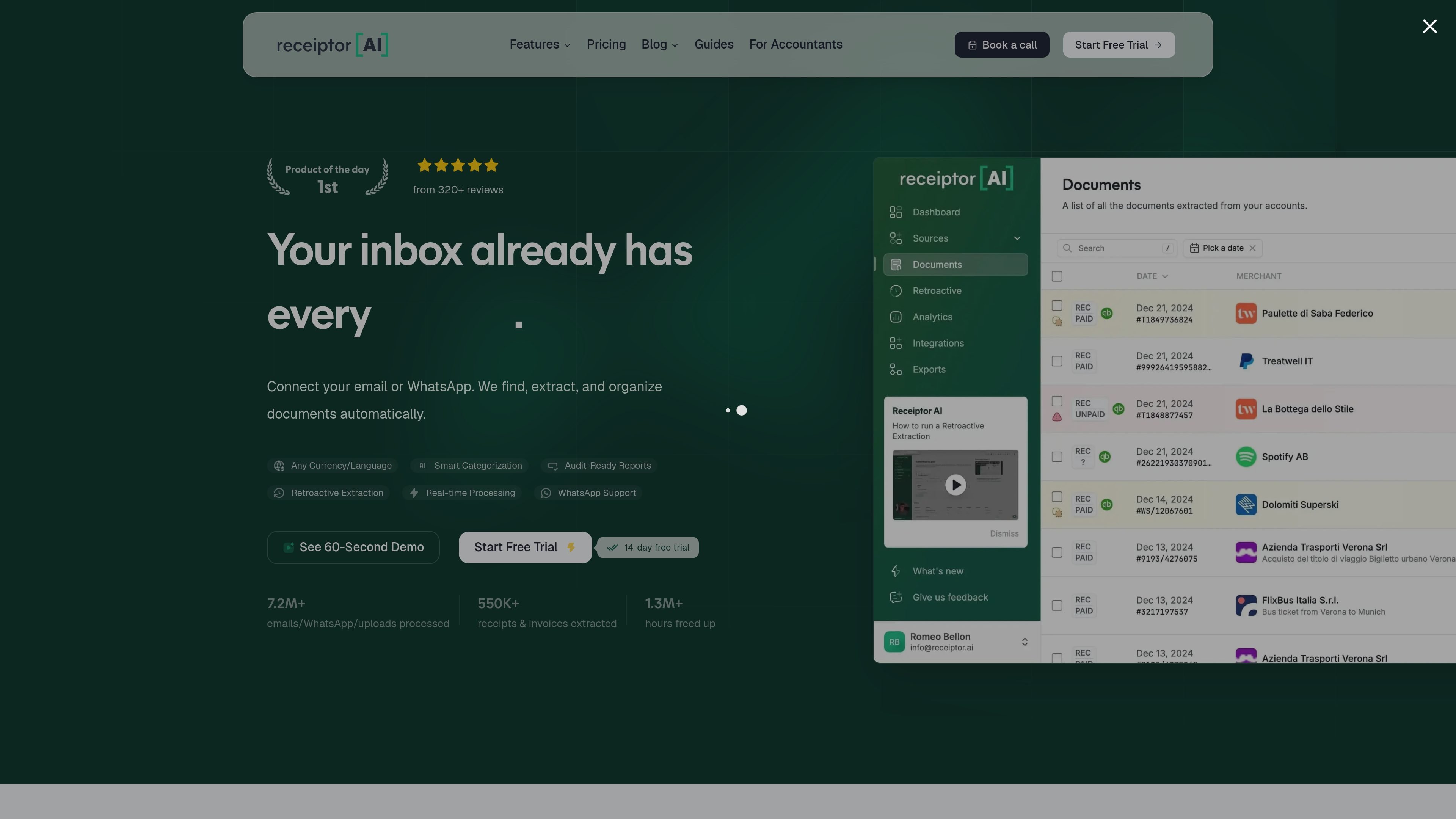
Receiptor AI is an AI-powered receipt and invoice extraction tool that monitors email, WhatsApp, and uploads to find financial documents automatically. Its main job is to replace manual receipt chasing and repetitive bookkeeping tasks with structured document extraction that can feed accounting workflows.
The product supports both ongoing monitoring for new receipts and one-time retroactive scans of past inbox history. It is positioned for small businesses, freelancers, and accounting firms that want to organize source documents, reduce follow-up work, and export data into tools such as QuickBooks, Xero, and Google Drive.
Connect Gmail, Outlook, Yahoo, IMAP, WhatsApp, or bulk file uploads so receipts and invoices can be captured from the channels your team already uses.
The product extracts merchant, date, amount, tax, line items, and related document details from receipts, invoices, bills, refunds, and order confirmations.
Automatic categorization and transaction-aware processing help convert raw documents into accounting-ready records with fewer manual corrections.
Retroactive extraction can scan older inbox history, which is useful when onboarding or cleaning up a backlog before a close or tax deadline.
Receiptor AI sends output to accounting and storage tools, including QuickBooks, Xero, Google Drive, and file exports such as CSV, PDF, and ZIP.
The accountant workflow includes multi-client management, quality checks, duplicate detection, invoice and receipt matching, and anomaly flags.
A small business can keep an inbox connected so receipts and invoices are extracted continuously, reducing the end-of-month scramble and keeping books organized throughout the year.
Freelancers can capture receipts from email, WhatsApp, and uploads without manually sorting documents, freeing time for billable work and simpler tax preparation.
Accounting firms can connect a client’s sources once, then receive structured data, duplicate checks, and matched documents for cleaner reconciliation and less follow-up.
A team that inherits a cluttered inbox can run a retroactive scan to recover older receipts and invoices before closing books or preparing for tax season.
Bookkeepers working across multiple entities can use the firm workflow to centralize extracted documents while each client keeps their own email or WhatsApp sources.
Receiptor AI connects to email or WhatsApp and can also accept bulk uploads. It scans for receipts and invoices, then extracts the relevant details into structured output for bookkeeping and accounting workflows.
The pricing page shows a monthly subscription for ongoing automation and a separate one-time Retroactive Scan for past email history. The subscription is for new emails going forward, while retroactive scanning is quoted by email volume.
The site says Receiptor AI sends data to tools such as QuickBooks, Xero, Google Drive, CSV, PDF, and ZIP exports. The accountant-focused page also describes auto-export to Xero or QuickBooks.
The company says it does not save full messages in its database and only stores message IDs to track what has already been processed. It also states that emails stay in the inbox and that it only reads emails containing receipts or invoices.
The site says Receiptor AI has completed a Cloud Application Security Assessment and is validated by the App Defense Alliance. It also states that the validation is valid from 6/2/2023 until 6/2/2026.