
Website and knowledge-source training
Import a website URL or other sources, and the system crawls and trains the bot on that material. The site says this can be done without developers or consultants.

LiveChatAI is an AI chatbot platform for customer support that trains on your content, handles repetitive questions, and supports handoff or actions.
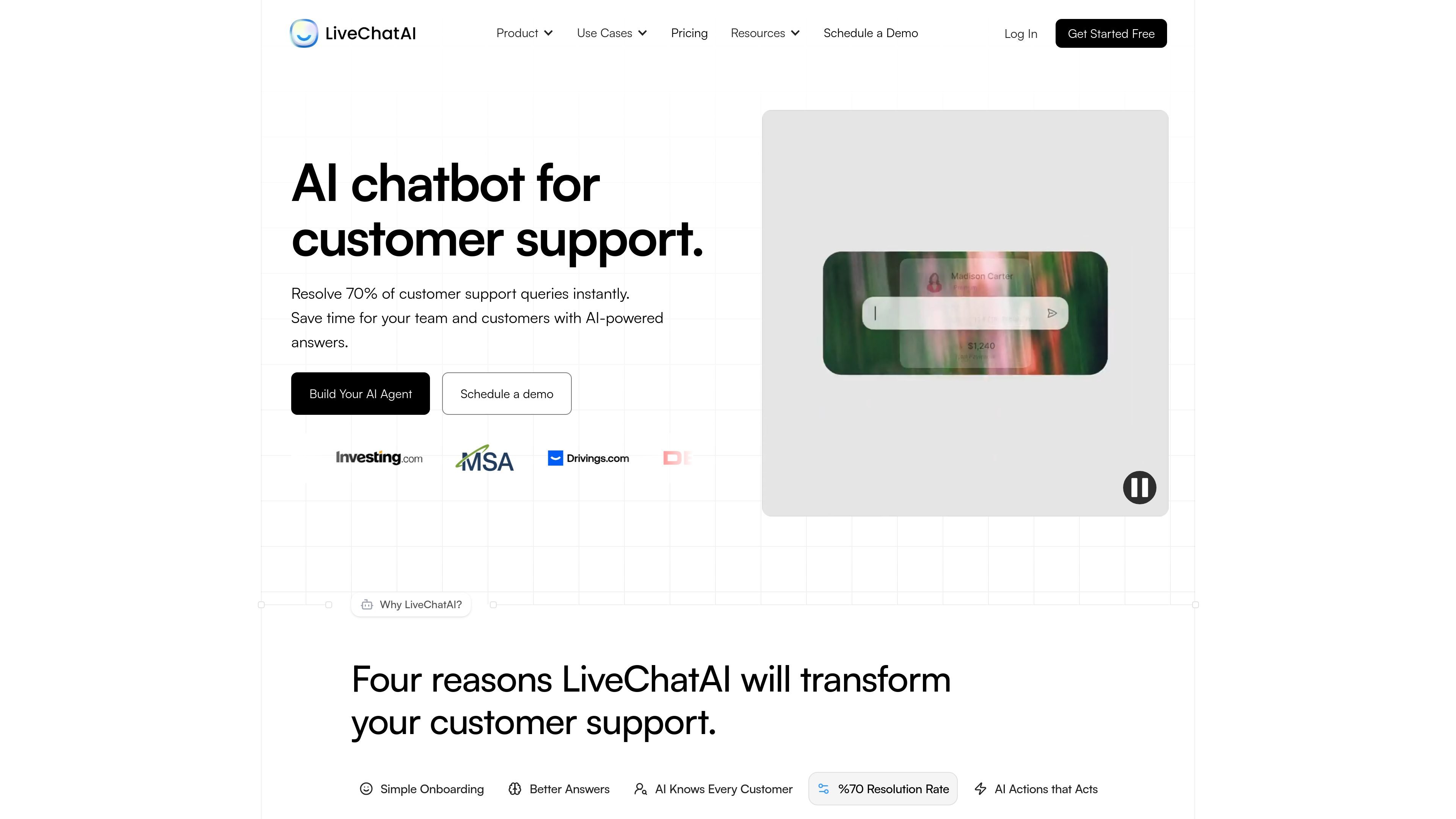
LiveChatAI is an AI chatbot platform for customer support that helps businesses answer repetitive questions, reduce ticket volume, and hand complex issues to humans when needed. The homepage positions it as a tool that can resolve a large share of support queries automatically, while the pricing page shows a free tier alongside paid plans for growing teams.
The product is trained on a company’s own content, including websites, text, files, Q&A, YouTube, and Notion, and it can be deployed as a widget, full-page messenger, inline embed, mobile app messenger, WhatsApp integration, or direct link. It also includes AI Actions for taking actions beyond chat, such as scheduling meetings, syncing with tools, and triggering workflows.
Import a website URL or other sources, and the system crawls and trains the bot on that material. The site says this can be done without developers or consultants.
AI Boost is described as improving answers by fixing pronouns, adding context, and reducing fragmented replies. The goal is to make responses more complete and easier for customers to follow.
The product can recognize contact attributes, segments, and audience data so responses can vary by customer type or plan. The site gives examples such as upgrade information, admin access, and GDPR-related responses.
AI Actions lets the chatbot perform tasks such as booking meetings, processing payments, checking inventory, capturing leads, and triggering custom workflows. The AI Actions page also shows connectors and templates for tools like Shopify, Cal.com, Slack, Make.com, and Zapier.
LiveChatAI supports human handoff and a live chat inbox so unresolved issues can move to a person with conversation history. The pricing page also lists email notifications for human support.
Publishing options include inline chat, widget messenger, full-page messenger, mobile app messenger, WhatsApp integration, and API access. The site also lists analytics and branding controls on paid plans.
A support team can train the bot on help-center pages and internal resources so it answers repetitive customer questions, then route more complex cases to a human agent with conversation history preserved.
An ecommerce team can connect the bot to product and store workflows so shoppers can browse items, get policy or return answers, add related items to cart, and in some cases complete purchase-related tasks through AI Actions.
A sales or operations team can use AI Actions to book meetings, update CRMs, capture leads, or send urgent items to Slack when a chat requires a downstream task instead of a plain answer.
A business with segmented audiences can tailor replies using contact attributes and audience data, so new users, returning customers, or admin users receive different guidance from the same chatbot.
Teams that want on-site or embedded support can publish the same agent as a floating widget, inline chat, full-page chat, or mobile/WhatsApp experience depending on where customers need help.
LiveChatAI is set up by pasting a website URL or importing knowledge sources, then configuring the bot and publishing it as a widget, full-page chat, inline embed, or direct link. The site says the setup can take about 5 minutes for onboarding and results.
The product is built for customer support teams that want an AI chatbot to answer repetitive questions, reduce support volume, and hand off to humans when needed. The homepage also presents it as suitable for businesses using it for support and on-site customer help.
Yes. The pricing page shows a free plan and paid tiers, and the site also advertises free setup. Enterprise options are available through a separate sales conversation.
LiveChatAI can use data sources such as websites, text, files, Q&A, YouTube, and Notion, and it includes AI Boost content enhancement to improve answer quality. It also supports AI Actions for automations and human handoff.
The site lists deploy options including a floating widget, full-page messenger, inline chat messenger, mobile app messenger, WhatsApp integration, and API access. It also mentions integrations with tools such as Slack, Zapier, Make.com, and Shopify on its AI Actions page.