
Train on your own data
Train a chatbot on website pages, knowledge base articles, uploaded files, and other resources so it can answer questions about your business content.

Chatwith is a custom ChatGPT chatbot platform for websites and business tools, trained on your content and files, and shared on site, Slack, WhatsApp, and Telegram.
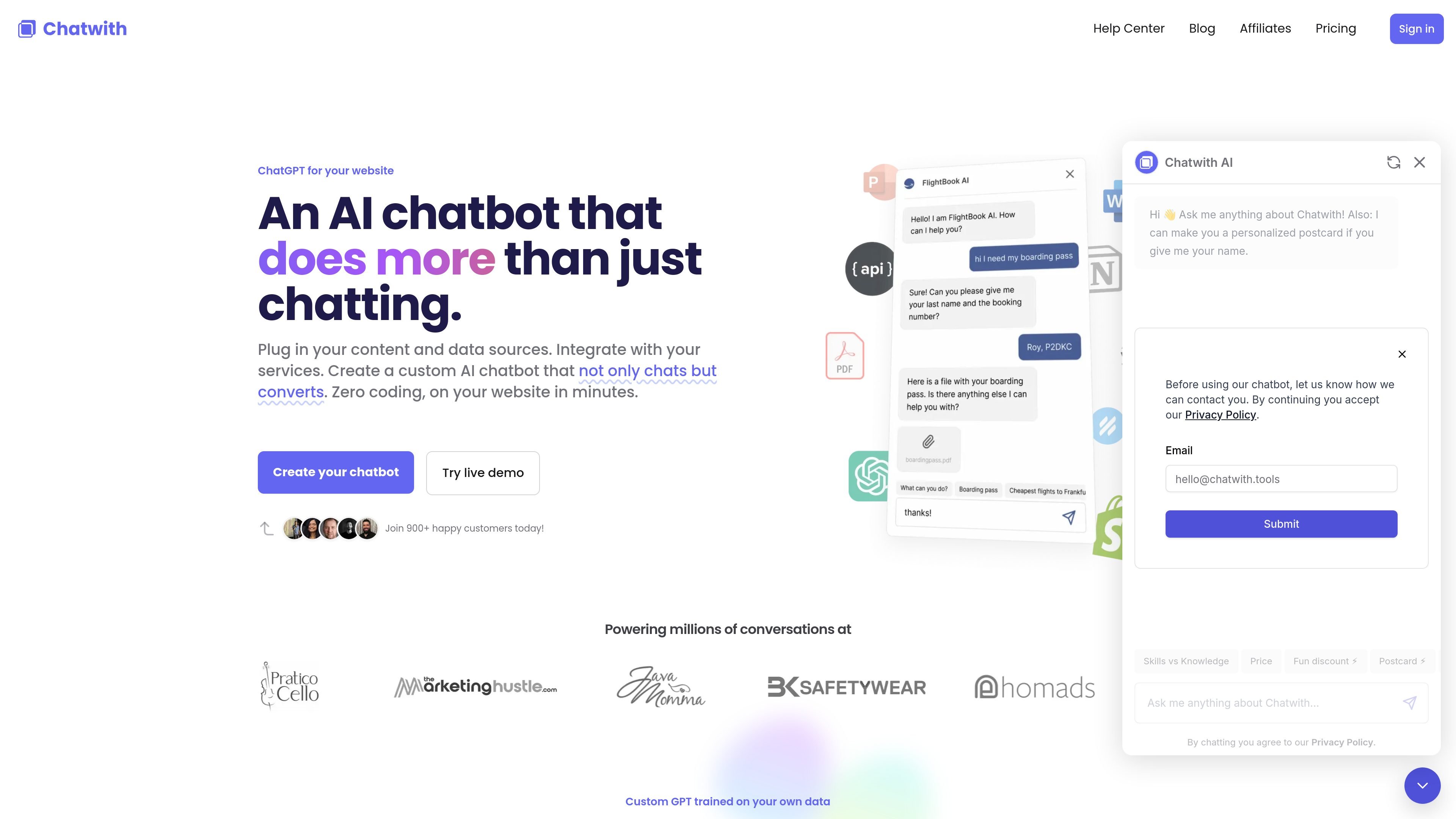
Chatwith is a custom ChatGPT chatbot platform for websites and connected business tools. It is designed to be trained on a company’s website, knowledge base, uploaded files, and other sources so the chatbot can answer visitor questions around the clock.
Beyond Q&A, the product supports actions and integrations that let the chatbot check current information, trigger workflows, and connect with external services through its own API or no-code automation platforms. It also supports deployment across a website widget, shareable link, and messaging channels such as Slack, WhatsApp, and Telegram.
Train a chatbot on website pages, knowledge base articles, uploaded files, and other resources so it can answer questions about your business content.
Connect the bot to 5,000+ apps or your API so it can check live information, perform actions, and work with automation platforms such as Make.com, Zapier, and ActivePieces.
Install the chatbot on a website with a single line of code, or use it through a link, Slack, WhatsApp, Telegram, or a chatbot API.
Customize the widget with colors, icons, themes, logo, avatars, welcome message, CSS, JS, and placement options to match the brand and use case.
Review conversations, analytics, notifications, charts, and exports to understand what customers ask and where the chatbot needs refinement.
Control access and operations with role-based team management, white-label options, allow lists, lead collection, auto training schedules, and message notifications.
Use the chatbot to answer repeated visitor questions from website content, help docs, and uploaded files without requiring a support agent to respond manually each time.
Connect Shopify or WooCommerce actions so the chatbot can help customers check order status and search products using live store data.
Collect visitor details such as name, email, or phone number and route conversations through notifications, analytics, or inbox-style review.
Share the chatbot with clients or internal teams through a link, Slack, WhatsApp, or Telegram when you want access outside the website embed.
Use role-based access, white-labeling, and custom domains to manage multiple chatbots or present the product as part of an agency or client workflow.
Chatwith trains a custom chatbot on your website content, knowledge base, files such as PDF, DOCX, and TXT, and can also use YouTube videos and other resources. The site also shows integrations and action-based workflows for live data and tasks.
Yes. The site says the chatbot can be added to a website with a single line of code, or shared through a link, Slack, WhatsApp, or Telegram.
The pricing page lists Hobby, Standard, and Business plans, and says all plans include a 14-day free trial with cancel-anytime access.
Chatwith’s help center shows built-in workflows for Shopify and WooCommerce, including order status and product search, and the home page says it integrates with 5,000+ apps or your API.
Yes. The home page says the chatbot can use over 95 languages, and the product can be customized with instructions, brand elements, and theme settings.