
Multi-format input
Capture notes from voice recordings, text notes, audio or video files, images, and YouTube links so one app can handle multiple input types.

Audionotes is an AI note-taking app that turns voice, audio, video, text, images, and YouTube links into structured notes across iOS, Android, Web, and Mac.
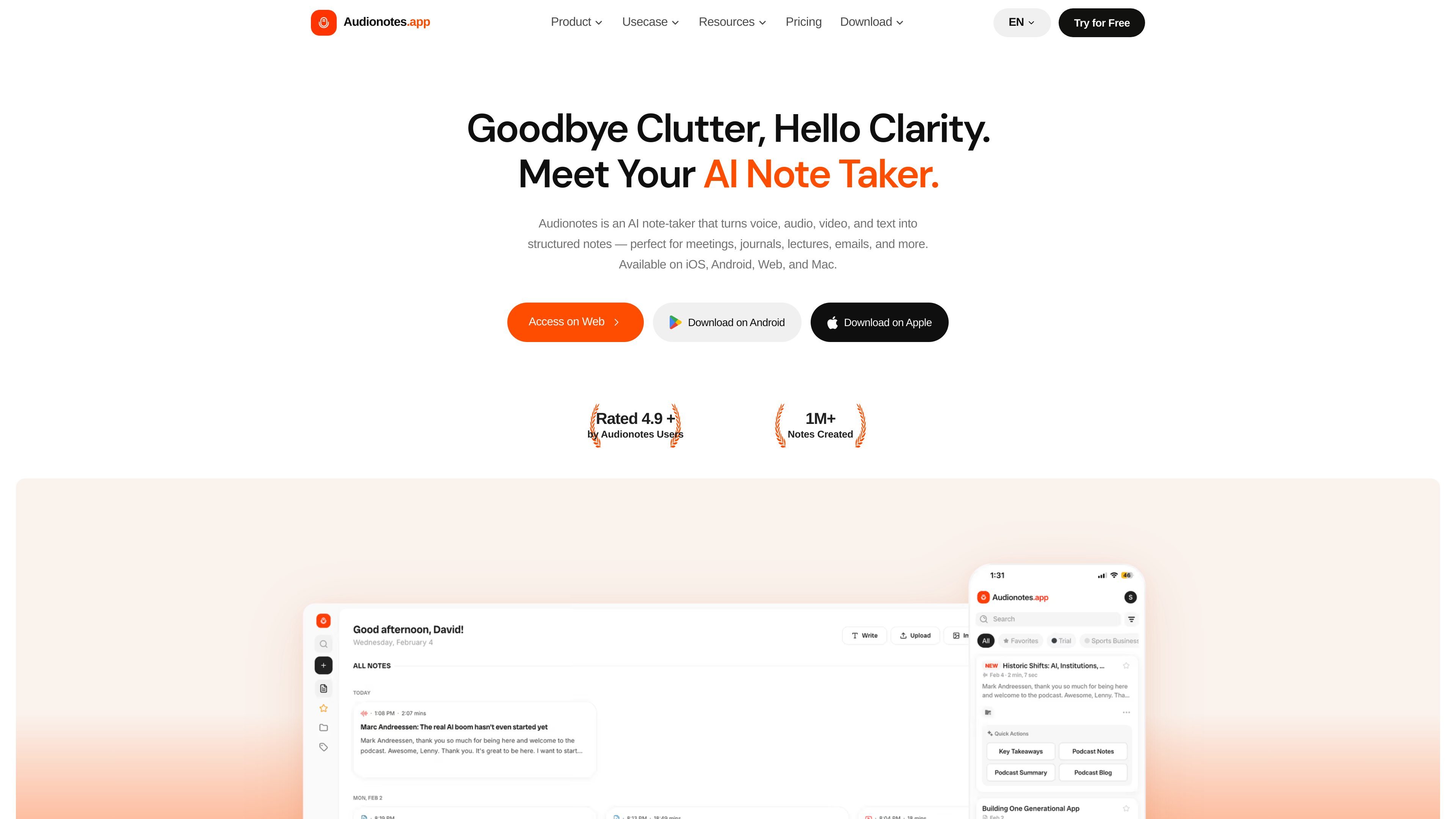
Audionotes is an AI note-taker that turns voice, audio, video, text, images, and YouTube links into structured notes. It is available on iOS, Android, Web, and Mac, and is positioned for people who want to convert spoken or recorded material into usable written output.
The product supports transcripts, summaries, custom prompts, note chat, and multiple export formats. Its site also highlights speaker recognition, search and organization tools, and integrations that connect notes to Notion, Zapier, webhooks, and WhatsApp for downstream workflows.
Capture notes from voice recordings, text notes, audio or video files, images, and YouTube links so one app can handle multiple input types.
Turn uploads or recordings into transcripts and summaries, with the site calling out support for 80+ languages and auto-language detection.
Generate meeting notes, lecture notes, journal entries, blog drafts, medical notes, or custom outputs using templates and 100+ prompt options.
Ask questions about a note and use the built-in chat workflow to pull out context-specific answers from the source material.
Keep notes easy to revisit with search, bookmarks, folders, tags, filters, and sorting tools.
Export or share notes in formats such as TXT, DOC, PDF, SRT, HTML, and command file outputs, with options to copy or publish notes.
Record meetings or import call audio, then turn the result into minutes, summaries, action items, or a transcript you can share or export.
Capture lectures, class recordings, or YouTube lessons and convert them into study notes, quizzes, or flashcards.
Dictate ideas on the go and let Audionotes turn rough thoughts into journal entries, task lists, reminders, or work notes.
Draft emails, blog posts, LinkedIn posts, video ideas, or scripts from spoken prompts or existing documents.
Send notes into Notion, Zapier, webhooks, or WhatsApp when you want automatic handoff to other tools or systems.
Audionotes records or imports voice, audio, video, text, images, or YouTube links, then produces transcripts, summaries, and other note formats.
The source says Audionotes supports 80+ languages, and the pricing page describes 99+ languages on the free plan; the product site also mentions auto-language detection.
The pricing page says Free is available for casual use, while Pro includes unlimited notes, longer recordings, file uploads, YouTube notes, chat with notes, custom prompts, and integrations such as Notion, Zapier, and webhooks.
Yes. The pricing page lists an Enterprise plan for teams of 5 or more with centralized billing, priority support, and custom integrations.
The pricing page says recordings and transcripts are encrypted, stored in your account, and not used for AI training. It also states that old recordings and files are periodically deleted.