
Live transcription and call transcripts
Briefly transcribes meetings as they happen and stores transcripts in the dashboard so users can review what was said after the call.

BrieflyAI is an AI meeting assistant that transcribes calls and creates summaries, action items, and follow-up emails for Slack, Salesforce, and HubSpot.
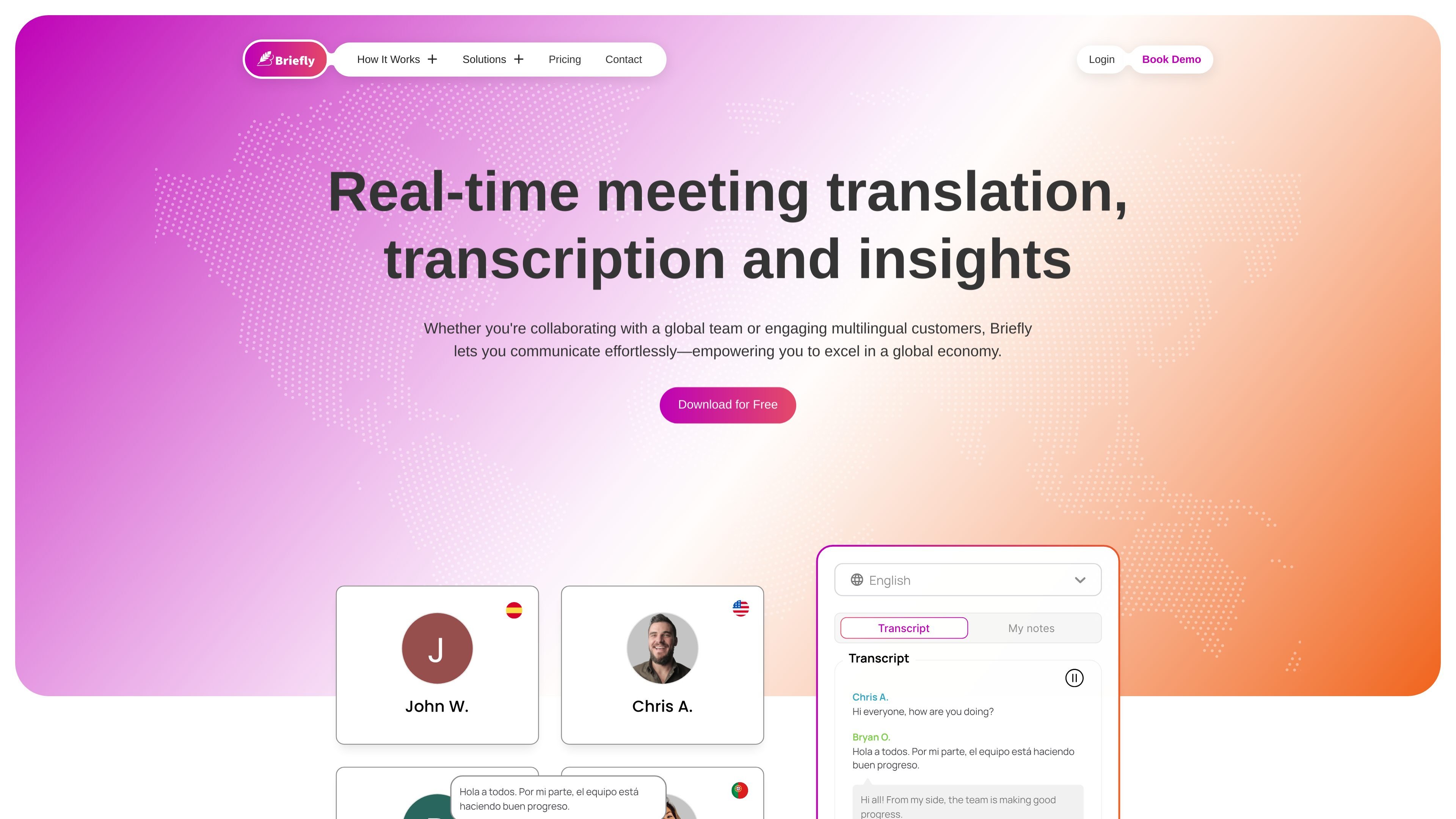
Briefly is an AI meeting assistant that captures conversations, transcribes them, and turns them into summaries, insights, action items, and follow-up emails. The product is positioned around helping users stay present in meetings while still leaving with usable written records and post-call outputs.
The site shows workflows for Google Meet, Zoom, and upcoming Microsoft Teams support. It also emphasizes delivery into Slack, email, and CRM systems such as Salesforce and HubSpot, which makes Briefly useful for teams that want meeting notes to flow into the tools they already use.
Briefly transcribes meetings as they happen and stores transcripts in the dashboard so users can review what was said after the call.
The product generates AI summaries, follow-up emails, meeting insights, and action items, helping users turn calls into written outputs.
Briefly detects multiple spoken languages in a meeting and can translate notes into 40+ languages.
For Google Meet, Briefly uses a Chrome extension; for Zoom, it uses a bot that can join by invitation or automatically and be managed live from the dashboard.
Meeting notes can be sent to Slack and e-mail automatically, with options to share them with other participants.
Briefly syncs meeting transcripts and summaries to Salesforce and HubSpot and says enterprise customers can request custom CRM integrations.
Use Briefly to stay engaged in a live meeting while the product captures notes, transcripts, and summaries in the background.
Use the generated transcript and summary to draft follow-up emails or capture next steps after a meeting ends.
Send summaries into Slack or e-mail so participants and teammates can review outcomes without attending the full call.
Sync call notes and action items into Salesforce or HubSpot to keep customer records current after sales or customer-facing meetings.
Use the language detection and translation features when meetings involve speakers using multiple languages.
Briefly can be used with Google Meet, Zoom, and, according to the site, Microsoft Teams support is coming soon. The Google Meet flow uses a Chrome extension, while Zoom uses a note-taker bot.
The site says Briefly can transcribe calls, generate AI summaries, and produce follow-up emails. It also mentions meeting notes, insights, action items, and CRM updates.
For Google Meet, Briefly uses a Chrome extension that transcribes meetings in real time and gives access to transcripts and AI summaries in the extension or dashboard. For Zoom, a bot joins the meeting and the results are organized in the dashboard afterward.
Briefly offers a free Basic plan, paid Pro and Team plans at US$15/month and US$15/month/user respectively, and an Enterprise option with custom needs that requires contacting the company.
The site describes custom CRM solutions for enterprise accounts and says Briefly can sync with Salesforce, HubSpot, and Slack, but detailed setup requirements depend on the integration and plan.