
Paraphrasing with tone control
Rewrite text in a wide range of tones and styles, including formal, casual, academic, persuasive, and more, so the output matches different audiences and contexts.

WriteTone is a web-based AI writing assistant for paraphrasing, humanizing AI text, grammar checks, summarizing documents, and tutoring, plus a Chrome extension and developer API.
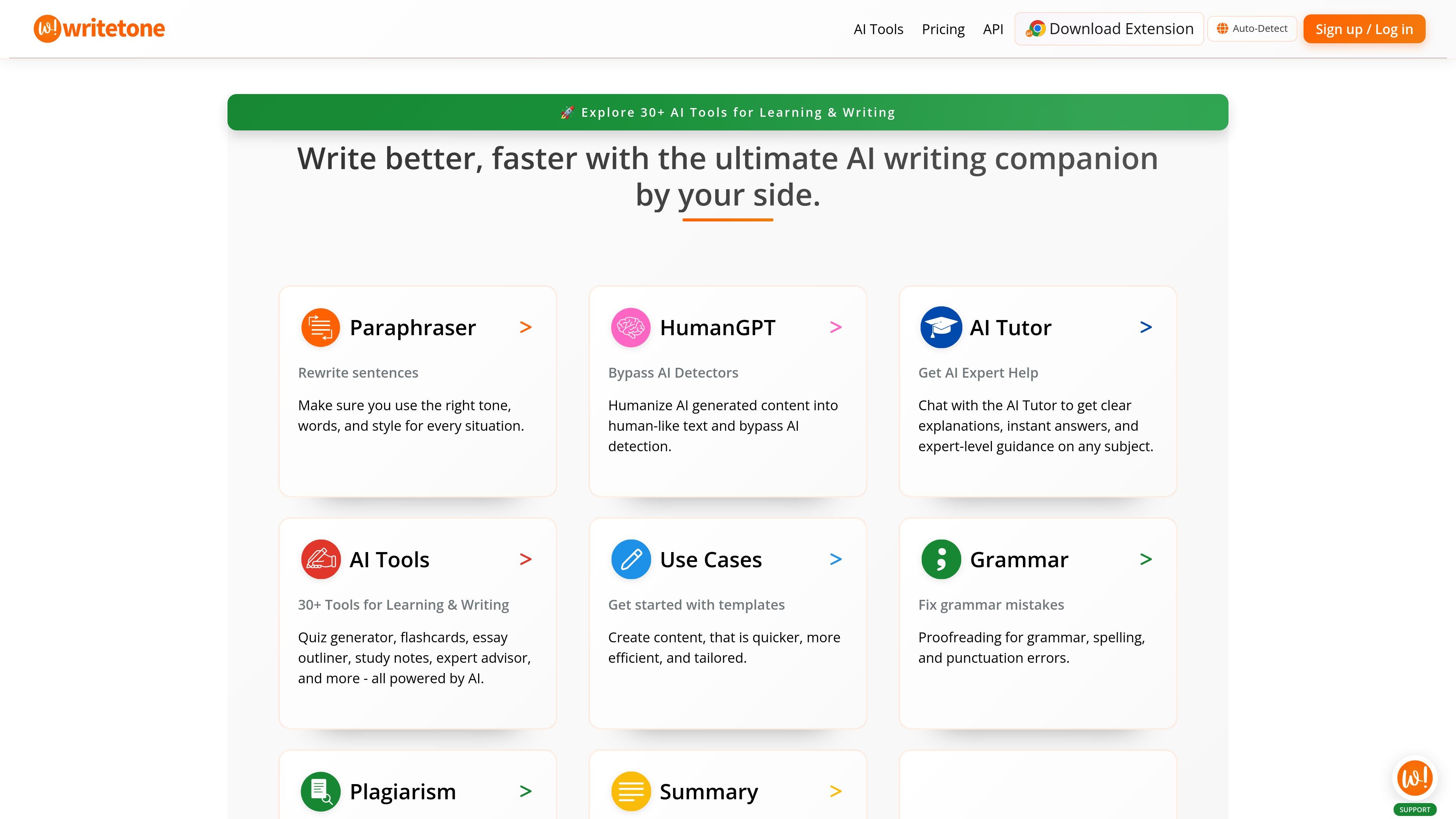
WriteTone is a web-based AI writing assistant that combines paraphrasing, humanizing, grammar correction, summarization, and tutoring in one product. The public site positions it for students, educators, content creators, and professionals who need help rewriting text, understanding material, or speeding up common writing tasks.
The homepage highlights 30+ AI tools for learning and writing, while the tools directory expands that catalog into student, teacher, writing, creative, productivity, and professional workflows. The product also includes a Chrome extension and a separate developer API for text processing tasks such as humanizing, paraphrasing, and grammar correction.
Rewrite text in a wide range of tones and styles, including formal, casual, academic, persuasive, and more, so the output matches different audiences and contexts.
Convert AI-generated text into more natural-sounding writing using HumanGPT, with the site positioning this as a humanizing workflow for content that needs a less synthetic tone.
Check grammar, spelling, and punctuation, and use the writing tools to correct text while keeping the original voice intact.
Summarize text and PDF uploads into shorter notes or key points, including a more advanced summarizer on the paid plan.
Use the AI Tutor for explanation, guidance, and homework help, with additional expert-style chat support described in the paid plan.
Access a large library of task-specific tools for students, teachers, creative work, productivity, and professional writing, plus voice input, citations, and co-writing.
Rewrite a draft for a different audience or channel, such as turning a rough paragraph into a more formal, casual, or persuasive version.
Humanize AI-generated text when you want the output to read more naturally and align with human writing patterns.
Check and clean up grammar, spelling, and punctuation before sending emails, submitting assignments, or publishing copy.
Turn a document or research text into concise notes, summaries, or study material for faster review.
Use the API to add paraphrasing, humanization, or grammar correction into an application or workflow.
WriteTone includes a free plan with limited features and ads, plus a paid Plus plan with expanded character limits and additional tools. The pricing page also points to separate API pricing.
The source shows browser-accessible web tools and a Chrome extension, and the API docs describe REST endpoints for humanizing, paraphrasing, and grammar correction. Specific third-party integrations are not listed in the provided pages.
The site presents tools for paraphrasing, AI humanizing, grammar checking, summarizing, co-writing, citations, voice input, and AI tutoring. The tools page also groups features for students, teachers, writing, creative, productivity, and professional workflows.
The API docs show JSON-based requests to endpoints such as `/api/v1/humanize`, `/api/v1/paraphrase`, and `/api/v1/grammar`, with an API key passed in the request headers. The docs also include code examples and a pricing endpoint.
The provided pages do not document detailed setup steps, export formats, or team administration features. The public site does indicate ads on the free plan and FUP limits on some usage tiers.