
Academic language feedback
Writefull’s language models are trained on millions of journal articles so edits are tailored to academic writing rather than general prose.

Writefull is an academic writing and proofreading tool for students, researchers, publishers and institutions. Works in Word and Overleaf, with Revise and Track Changes.
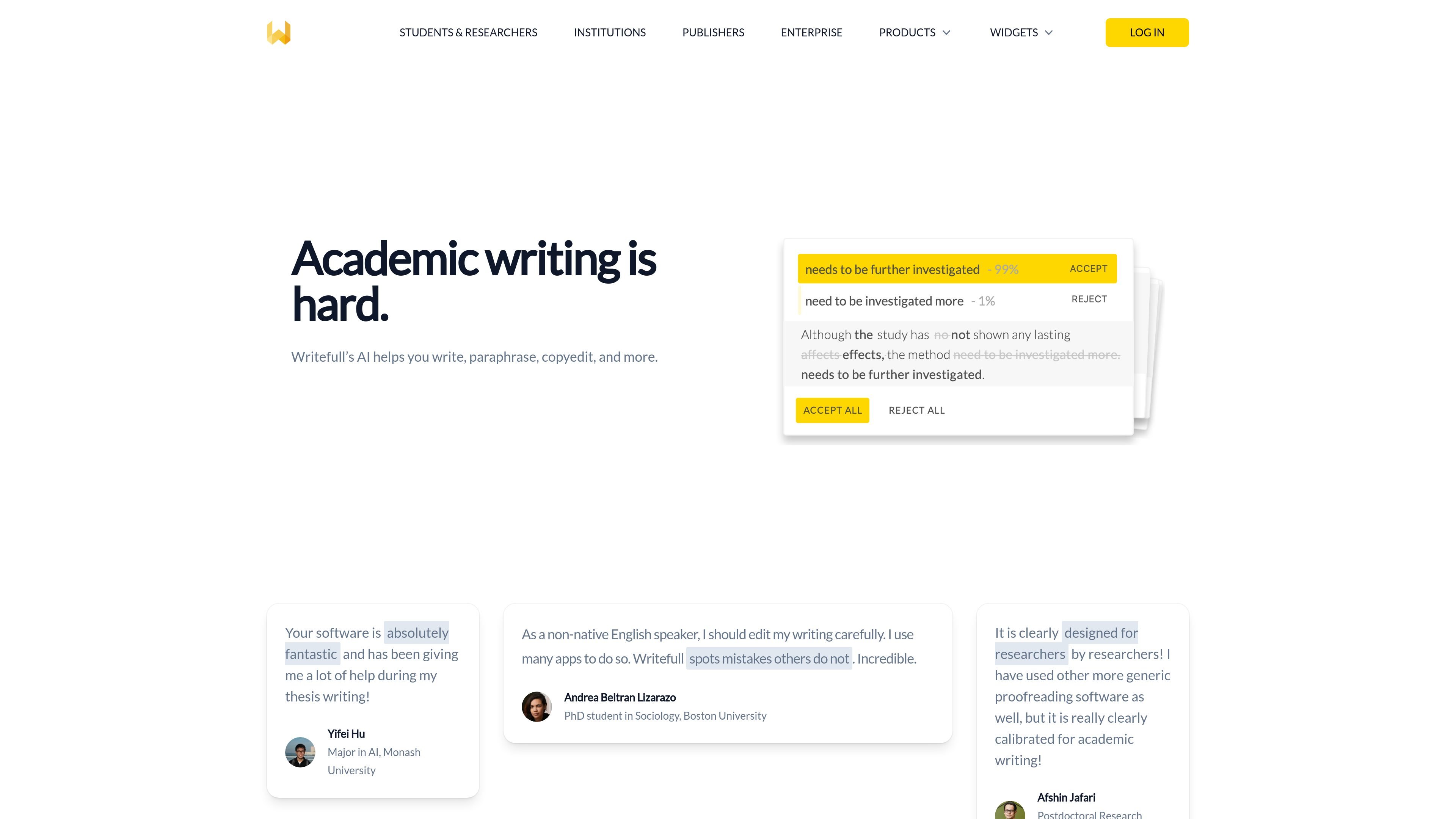
Writefull is an automated writing and proofreading product for academics. It focuses on helping students, researchers, publishers, and institutions improve academic language, paraphrase text, and copyedit writing in the places where they work.
The product is organized into workflow-specific tools: Writefull for Word, Writefull for Overleaf, and Writefull Revise. Word users can revise text, ask academic questions, summarize, and generate titles or abstracts. Overleaf users get language feedback in LaTeX source code and AI tools for LaTeX writing. Revise is aimed at document-level proofreading with Track Changes.
Writefull’s language models are trained on millions of journal articles so edits are tailored to academic writing rather than general prose.
Available in Word, Overleaf, and Revise, the product supports editing where researchers already write and submit their work.
Writefull can paraphrase text, shorten or rephrase it, change style, and explain or summarize selected passages.
The Word product includes an AI assistant for academic questions, synonym suggestions, sentence splitting and joining, title generation, and abstract generation.
The Overleaf product includes TeXGPT and LaTeX-oriented tools for generating code, tables, equations, figures, and custom commands.
Writefull says it uses an encrypted connection and does not store or train on user text.
Use Writefull for Word when drafting essays, papers, or theses and you want academic language edits, paraphrases, summaries, or help generating titles and abstracts without leaving Word.
Use Writefull for Overleaf when writing in LaTeX and you need language feedback, TeXGPT assistance, or tools for generating tables, equations, figures, and code inside Overleaf.
Use Writefull Revise when a manuscript or assignment is ready for a final language pass and you want revised text returned with Track Changes for review.
Use the built-in AI widgets when you need a quick rewrite, a more academic tone, a synonym that fits context, or a short explanation of selected text.
Use Writefull in institutional settings when a department, publisher, or group needs access for multiple users rather than a single individual license.
Writefull is designed for academic writing and includes writing and proofreading support for essays, papers, theses, journal manuscripts, and similar research text. It also has product-specific workflows for Word, Overleaf, and a revision flow for publishers and institutions.
Writefull for Word works inside Microsoft Word and offers language feedback, paraphrasing, style changes, AI answers, summaries, title generation, and abstract generation. Writefull for Overleaf works within Overleaf and adds language feedback in LaTeX source code, TeXGPT, and LaTeX-oriented widgets.
Writefull Revise uploads a document, returns a revised version with Track Changes, and is described as available to publishers and institutions only. The homepage also says Writefull is used by students and researchers at more than 1500 institutions.
Writefull says it does not store your text or use it to train its AI. It also says some features use third-party APIs and that users are informed before text is sent to those services.
The source pages do not list detailed pricing. The pricing page was not available in the collected text, but the site references institutional, group, and premium licensing options.