
Resume creation and editing
Upload an existing resume or start a new one, then edit sections with a drag-and-drop document builder. The site says you can import a resume and extract information automatically.

UseResume is an ATS resume builder with AI rewriting, keyword tools, ATS checks, and editable templates for tailored job applications.
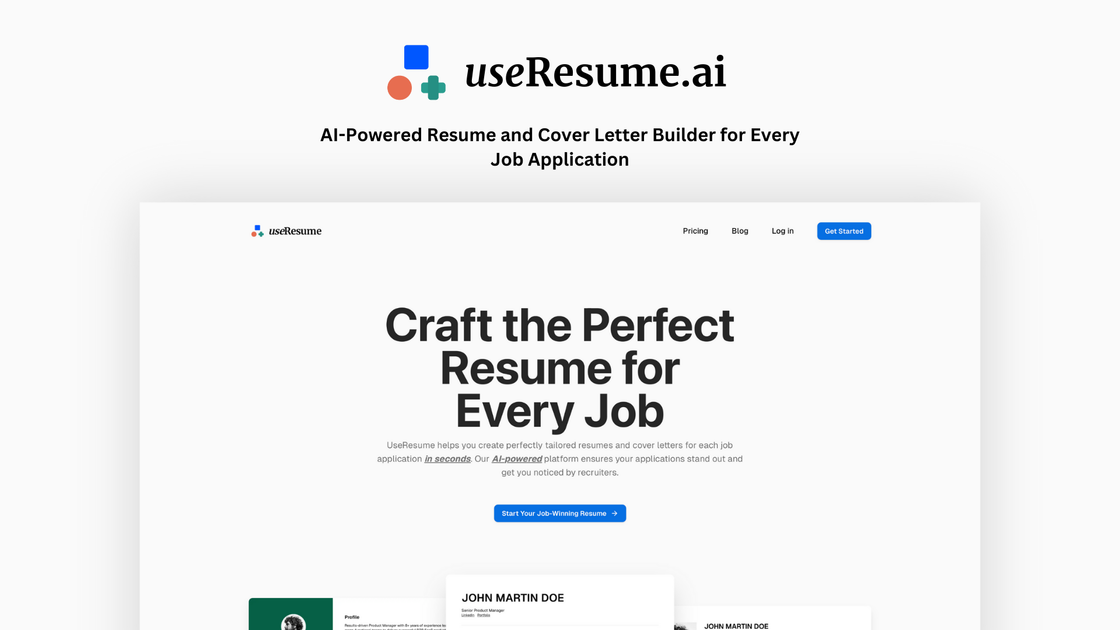
UseResume is an ATS-focused resume builder that helps job seekers create, edit, and tailor resumes for specific applications. The product centers on uploading an existing resume or starting from scratch, then using AI to match job-description keywords, rewrite content, and keep formatting readable for applicant tracking systems.
The site also includes ATS-friendly templates, cover letter generation, free keyword and ATS-checking tools, and a document builder that supports unlimited versions and downloads on paid plans. Beyond resumes, UseResume extends to resignation letters and job application emails, giving users a small set of job-search documents in one place.
Upload an existing resume or start a new one, then edit sections with a drag-and-drop document builder. The site says you can import a resume and extract information automatically.
Paste a job description and get content tailored to the role. The AI assistant can rewrite bullets, add keyword-rich points, create new sections, and adjust wording for ATS compatibility.
Choose from ATS-optimized templates that are designed for clean parsing and standard formatting. The templates page shows a range of styles, from simple layouts to more distinctive presentation options.
Generate matching cover letters from the same job posting and create resignation letters when needed. The pricing page also lists cover letters and resignation letters as included tools.
Use the free resume keyword generator and resume checker to improve keyword coverage and review ATS compatibility before applying.
Keep multiple versions, make unlimited edits, and download finished documents. The pricing page also includes an AI detector and job tracker among plan features.
A candidate with an existing resume can upload it, extract the current content, and then tailor it to a specific job posting without rebuilding everything manually.
A job seeker starting from scratch can use the editor and ATS-friendly templates to assemble a resume with standard headings and readable formatting.
Someone applying to multiple roles can generate keywords from each posting, rewrite bullets for relevance, and keep separate versions for different applications.
An applicant who wants to pair documents can generate a cover letter aligned to the same job description and keep the message consistent with the resume.
Before submitting an application, a user can run a keyword or ATS check to see whether important terms are included and whether the resume is likely to parse cleanly.
UseResume lets you upload an existing resume or start from scratch, paste a target job description, and then tailor the content to match. It can identify relevant keywords, rewrite bullet points, and keep formatting clean for ATS parsing before you download the finished document.
It combines an AI resume editor with ATS-friendly templates, a cover letter generator, a resume keyword generator, free ATS checking, and tools for resignation letters and job tracking. The site positions it as more than a template-only builder.
Yes. The site says its templates use clean structure, standard headings, and formatting that applicant tracking systems can read. It also offers a free resume checker to review ATS compatibility.
Yes. The pricing page includes both a monthly access plan and a 7-day pass, and the site also offers free tools such as the keyword generator and resume checker.
You can create resumes, cover letters, and resignation letters. The site also highlights a free AI job application email writer and a free resume keyword generator.