
Omnichannel ticket intake
Create tickets from Slack, Microsoft Teams, email, web chat, customer portals, and API intake so support work lands in one place.
Unthread is an AI helpdesk for Slack and Microsoft Teams. Centralize tickets, knowledge, automation, and analytics without leaving chat.
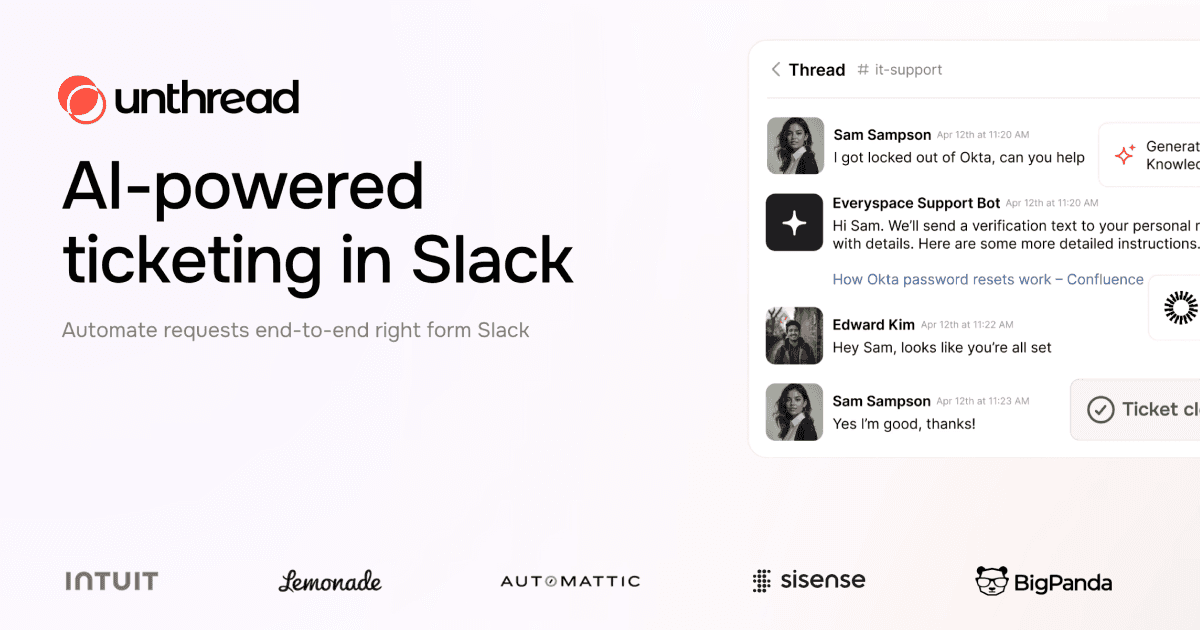
Unthread is an AI helpdesk for support teams that work in Slack and Microsoft Teams. It combines ticket intake, AI triage, knowledge management, workflow automation, and analytics in one system.
The product is built to turn incoming messages into tracked tickets, route them to the right person or team, and resolve common requests with grounded answers and automated actions. It also syncs with existing documentation and can draft new knowledge base content from resolved conversations.
Create tickets from Slack, Microsoft Teams, email, web chat, customer portals, and API intake so support work lands in one place.
Let the AI read each ticket, assign category and priority, and fall back to humans when confidence is low.
Trigger actions from natural language or workflow rules, including multi-step flows and custom agentic prompts.
Sync knowledge from existing docs and conversations, then draft or update articles when repeat issues appear.
Track deflection, CSAT, resolution time, gaps in documentation, and SLA/SLO alerts from a single platform.
Connect to 100+ native integrations or build custom workflows with the API, webhooks, and agentic builder.
Use Unthread to turn Slack DMs, channel messages, Teams messages, email, and web chat into trackable support tickets without moving work into a separate helpdesk.
Use the AI agent to categorize requests, route them by SLA or context, and surface grounded replies from connected documentation.
Use the knowledge base tools to draft, update, and republish help content from real conversations and repeated questions.
Use the automation builder to connect support events to tools such as Jira, Linear, PagerDuty, Workday, Salesforce, and other systems in your stack.
Use analytics and SLA/SLO tracking to monitor deflection, resolution speed, CSAT, and gaps in documentation for support operations reporting.
Yes. The site says Unthread supports Slack, Microsoft Teams, email, web chat, and API intake, with Slack-native ticketing as a core workflow.
The pricing page lists Basic, Pro, and Enterprise plans, with a 14-day free trial available on all plans. It also says monthly, annual, and multi-year contracts are possible.
The product pages describe Unthread as a Slack- and Teams-native helpdesk that can triage tickets, resolve common requests with AI, and trigger automations across connected tools.
The knowledge base product page says Unthread can sync documentation from sources like Notion, Confluence, SharePoint, Google Drive, Zendesk, Freshservice, GitHub, and Slack threads, then use that content for grounded answers.
The source does not describe a self-serve setup flow in detail, but it does show dedicated solutions-engineer support on Pro and enterprise options with SSO, custom integrations, and dedicated hosting.