
One-button recording
Record voice notes with a single button, then let TalkNotes transcribe and structure the audio into usable text.

TalkNotes is an AI voice note app that turns speech into structured notes, transcripts, and task lists. Web, iOS, Android, 50+ languages.
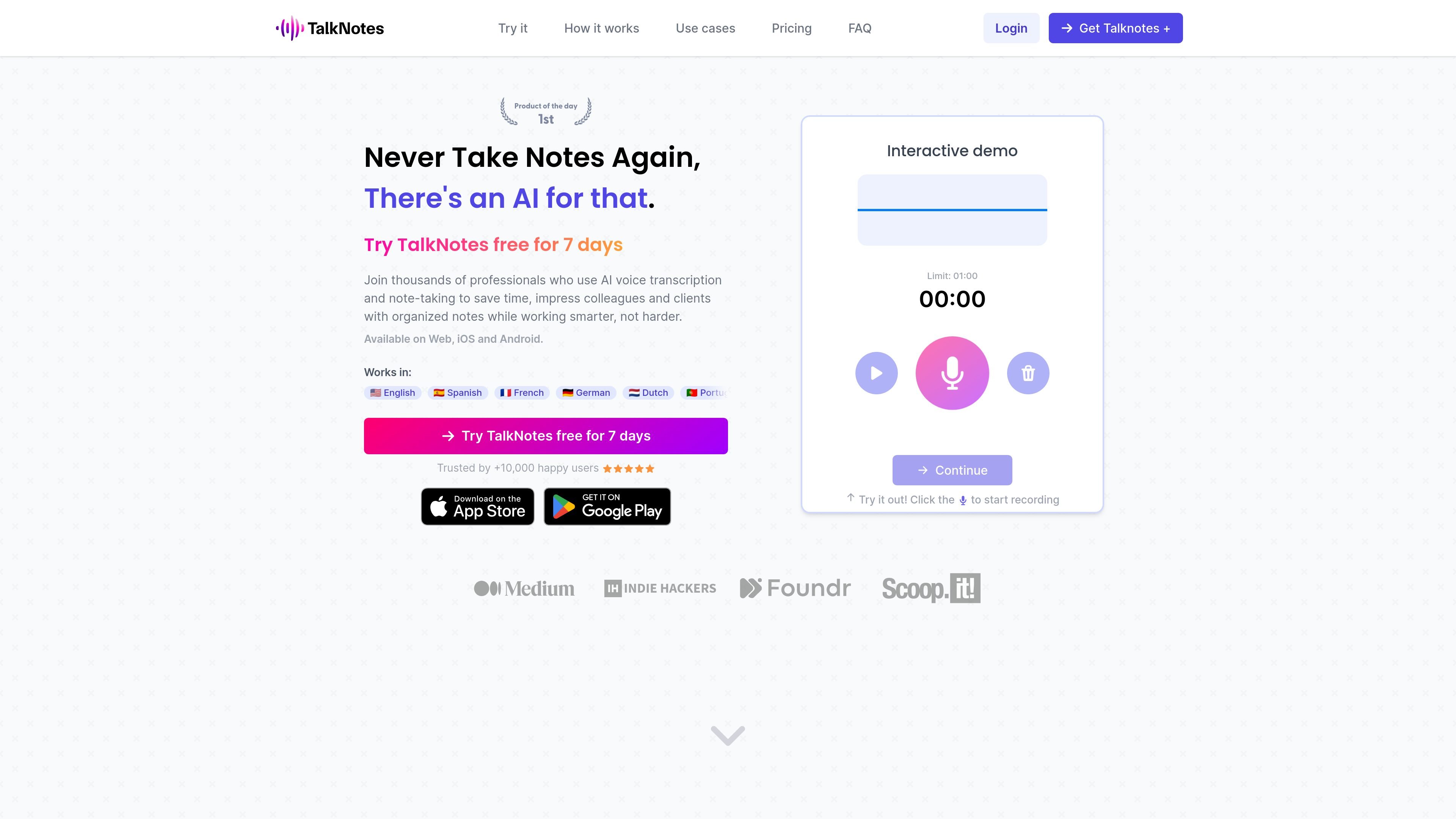
TalkNotes is an AI voice note app that turns spoken audio into structured text. The product is built for people who want to capture ideas, meetings, interviews, or drafts quickly and then shape them into useful outputs such as task lists, transcripts, blog posts, emails, or journal entries.
It runs on the web and on iOS and Android, supports 50+ languages, and includes an interactive workflow that starts with recording or uploading audio, then choosing a style, transcribing the content, and editing or sharing the result. The pricing page shows a paid plan with unlimited notes, uploads, custom styles, export options, and note organization.
Record voice notes with a single button, then let TalkNotes transcribe and structure the audio into usable text.
Choose from ready-made styles such as notes, transcripts, task lists, email, journal entries, flashcards, tweets, and LinkedIn posts, or create a custom style.
Import your own audio files, with the FAQ saying uploads can be used for phone or Zoom calls and the pricing page including file uploads in the paid plan.
Edit the transcript and organized output before sharing, so you can correct wording or tailor the result to your workflow.
Export or share notes as a URL, email, message, or text-based output, according to the home and pricing pages.
Store and organize notes inside the app, which is listed as part of the paid plan.
Capture rough ideas out loud and turn them into a structured note or blog-style draft without rewriting from scratch.
Record conversations and convert them into transcripts or summarized notes for follow-up and documentation.
Speak through a draft and convert it into an email, LinkedIn post, newsletter, or video script.
Use voice instead of typing to keep a personal log or reflection entry, then clean it up before saving.
Convert lecture or study recordings into organized notes and flashcards for review.
Yes. TalkNotes is available on iOS and Android, in addition to the web app.
TalkNotes says its AI transcription is highly accurate, but results can vary with speech clarity and background noise. You can edit the text afterward.
Yes. TalkNotes supports 50+ languages, including English, Spanish, French, German, Dutch, Portuguese, Polish, Japanese, Chinese, Italian, and Russian.
Yes. The FAQ says you can upload your own audio files, and the pricing page says uploads are included in the paid plan. The FAQ notes uploads up to 20 minutes long for TalkNotes Plus.
Yes. You can edit and organize both the transcript and the resulting content before sharing or exporting it.