
Push-to-talk dictation
Use push-to-talk dictation anywhere on macOS without a bot or a cloud account. The terms say dictation is free forever.

QuickQuill is a macOS app for private, on-device dictation, transcription, and meeting notes. Free push-to-talk dictation plus paid meeting capture, summaries, translation, and export.
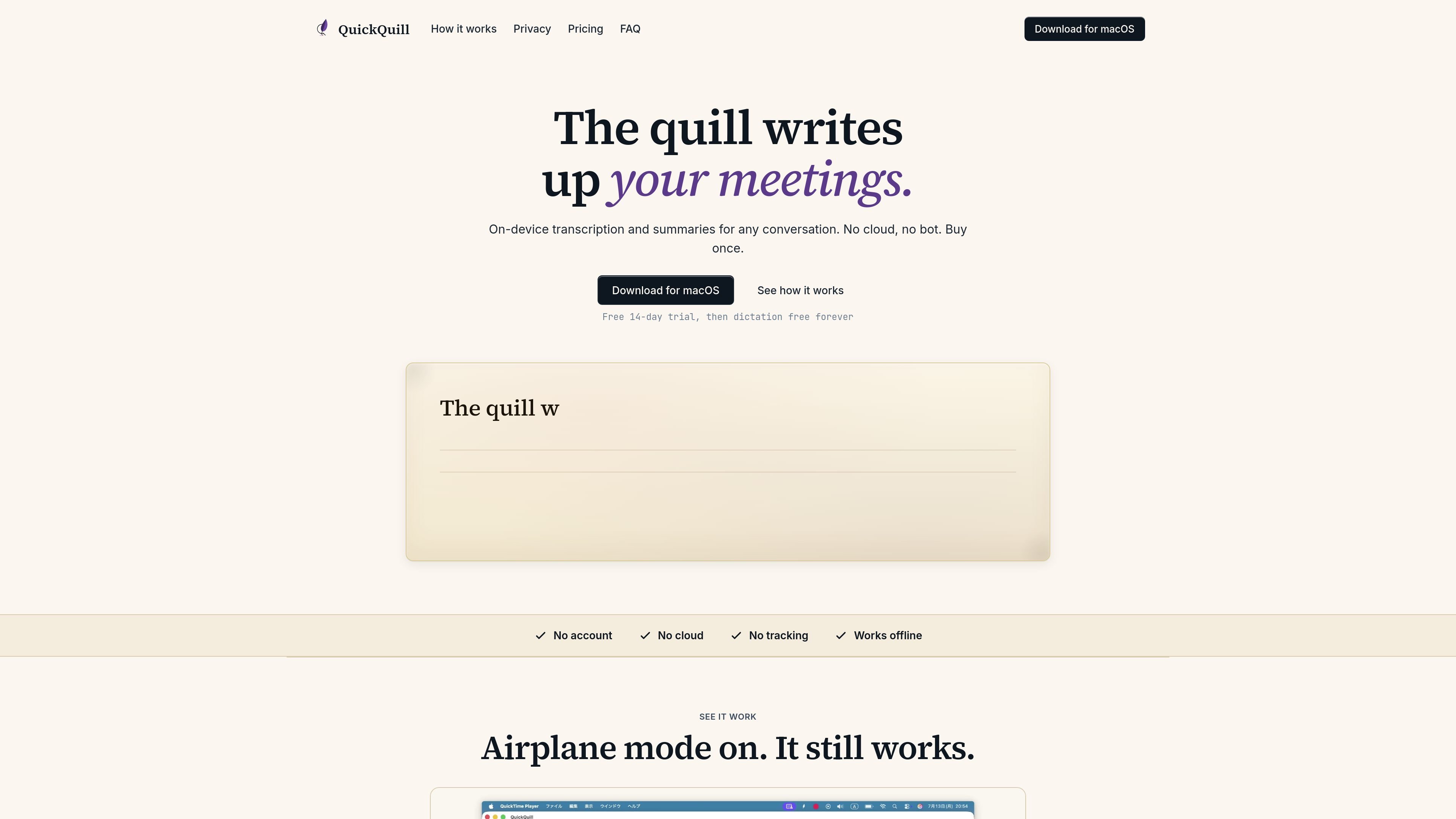
QuickQuill is a macOS meeting notes app built around local processing. It can record, transcribe, summarize, subtitle, and translate speech on the user’s device, with no audio or transcript sent to QuickQuill’s servers and no account required.
The product separates free dictation from the paid meeting workflow. Push-to-talk dictation is free forever, while Capture, File Import, summaries, translation, and export begin with a 14-day trial and then require a paid license. The site positions QuickQuill for people who want meeting notes and transcripts without using a bot or cloud service.
Use push-to-talk dictation anywhere on macOS without a bot or a cloud account. The terms say dictation is free forever.
Capture live meetings on your Mac, with the paid workflow covering unlimited meeting capture after the trial period.
Import existing audio and video files so they can be transcribed without joining a live meeting. This is part of the paid workflow.
Generate summaries on the device instead of sending audio or transcripts to a server. The site lists on-device summaries as a paid feature.
Show live subtitles and translation during use. The terms describe these functions as running locally on the device.
Export results in multiple formats, including text, Markdown, SRT, VTT, and subtitled video, with unlimited history available on the paid plan.
Use push-to-talk dictation when you want to capture a quick note, response, or spoken draft directly on your Mac without opening a separate cloud service.
Run live meeting capture to produce transcripts, subtitles, and summaries for discussions that happen on your computer.
Import recorded audio or video from an earlier conversation and transcribe it afterward instead of taking notes in real time.
Use the export options when you need transcripts in text or Markdown, or caption-style outputs such as SRT, VTT, and subtitled video.
Keep notes local when you want to work offline or avoid sending meeting audio and transcripts to a cloud service.
QuickQuill runs on macOS and is designed to work locally on your device. According to the site, dictation is free forever, while the paid meeting workflow starts with a 14-day free trial the first time you use Capture or File Import.
QuickQuill includes push-to-talk dictation, meeting capture, file import for existing audio and video, on-device summaries, live subtitles and translation, and export options including text, Markdown, SRT, VTT, and subtitled video. The paid workflow also includes unlimited meeting history.
The terms say QuickQuill transcribes, summarizes, subtitles, and translates locally on your device. No audio or transcript is sent to the company’s servers, and the app does not require an account or an internet connection for use.
QuickQuill is licensed as a perpetual, non-exclusive, non-transferable license for personal or internal business use. The terms also say future major versions may be sold separately.
Refunds are covered by a 30-day money-back guarantee from the order completion date. Refund requests are handled through Paddle or by emailing support from the address used at checkout.