
Image to SVG conversion
Converts uploaded images into SVG files so flat artwork can be used as vector graphics.

SvgTrace is a web-based image to SVG converter for PNG, JPG, and other supported images, with free tools and a Pro plan for editing and export.
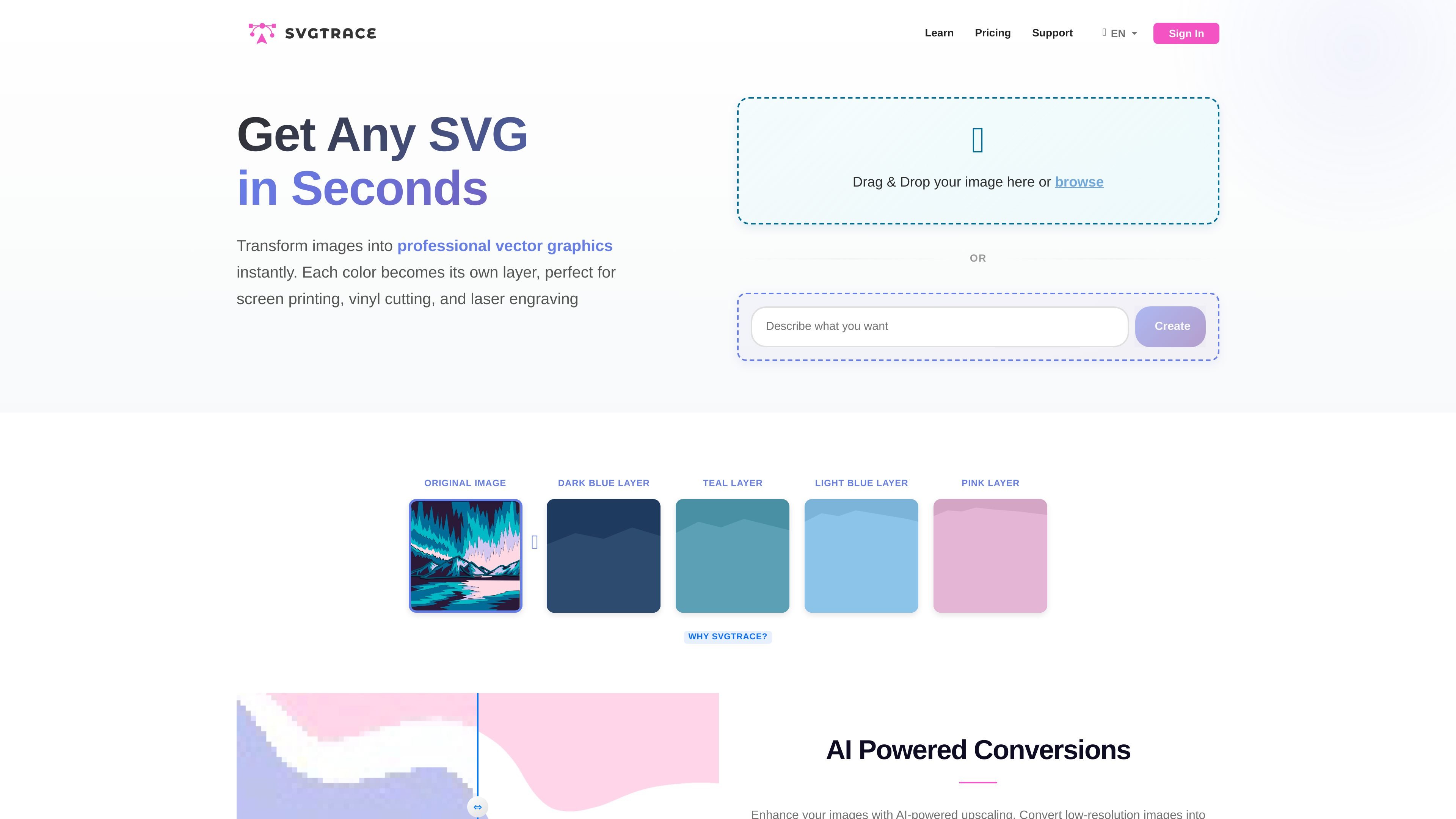
SvgTrace is a web-based image conversion tool that turns PNG, JPG, and other supported image files into SVG files. The site positions it as a free online converter for people who want to create vector graphics from existing images without needing design experience or local software.
The product emphasizes full-color and color-layered SVG output. Its workflows are aimed at practical uses such as logos, illustrations, coloring pages, craft files, vinyl cutting, laser engraving, and other projects that depend on editable vector shapes rather than raster images.
Converts uploaded images into SVG files so flat artwork can be used as vector graphics.
Uses AI-powered upscaling during conversion to help improve low-resolution source images.
Builds color-layered SVGs, which is useful for multilayer craft files and other cuttable designs.
Includes a manual editor in Pro for adjusting layers with actions such as cutting, erasing, and copying.
Supports eyedropper-based color selection in the PNG-to-SVG workflow and a color picker in the coloring tool.
Offers high-resolution, multi-format exports in the Pro plan.
Upload a logo, illustration, or other flat image and convert it into an SVG that can scale cleanly for web or print use.
Turn PNG or JPG craft artwork into full-color SVGs for Cricut, Silhouette, vinyl cutting, laser engraving, or layered build projects.
Use the coloring-page workflow to add color to black-and-white line art, then export the finished image as an SVG.
Use the Pro editor to refine individual layers by cutting, erasing, or copying before exporting production-ready files.
SvgTrace is a web-based image-to-SVG tool. The source shows PNG to SVG, JPG to SVG, and a coloring-page-to-SVG workflow, so it is aimed at users who want to turn flat images into vector files without installing desktop software.
The source shows a drag-and-drop upload flow, with options to browse for a file and, in the PNG-to-SVG workflow, select colors with an eyedropper before converting. The coloring-page workflow also describes choosing colors, filling areas, and then downloading the SVG.
The pricing page lists a free version and a paid SvgTrace Pro plan. Pro includes unlimited AI-powered SVG conversions, full SVG editor access, a commercial license, high-resolution multi-format exports, and an ad-free experience.
Supported source pages mention PNG and JPG inputs, and the coloring-page workflow says it accepts JPG, PNG, and other common image file types. Output is an SVG file, with the Pro plan also adding export to more file types.
The source does not describe collaboration features or team workspaces. It does show sign-in and a commercial license on the Pro plan, which suggests account-based use and paid usage for production work.