
Automatic time tracking
Rize runs in the background and captures work activity without manual start/stop timers or end-of-day timesheets.

Rize automatic time tracking software for teams and individuals. Track client, project and profitability visibility on macOS and Windows with a free 7-day trial.
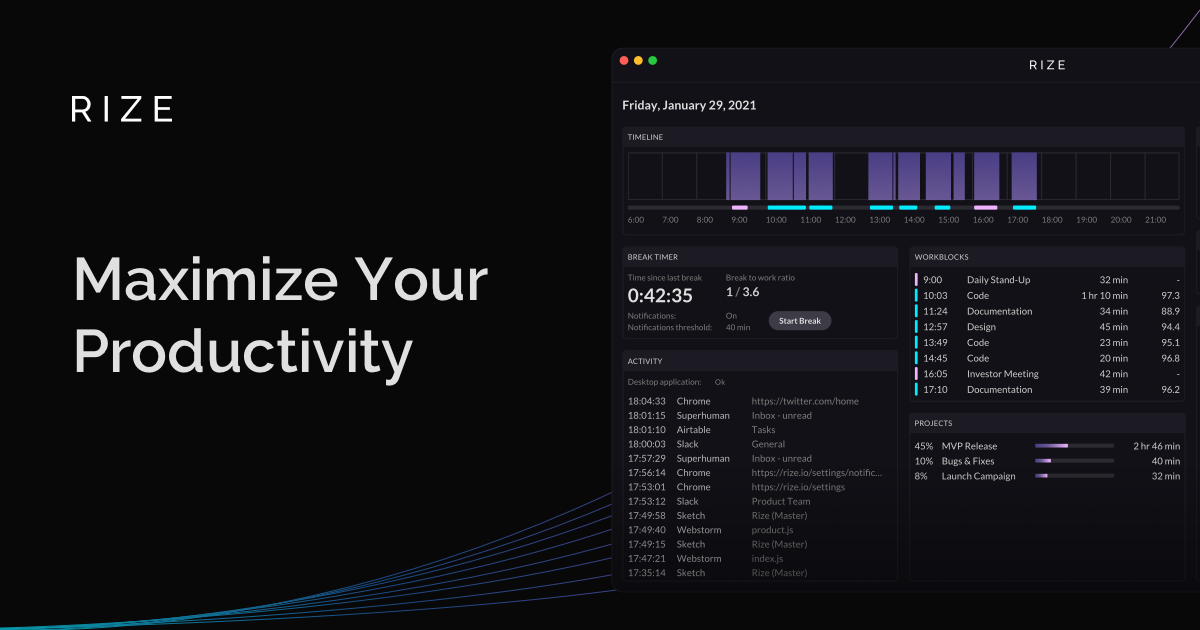
Rize is automatic time tracking software for individuals, freelancers, agencies, and teams that need accurate records of where work time goes. It runs on the desktop, captures activity in the background, and organizes time by client, project, and task without requiring timers or manual timesheets.
For managers and client-facing teams, Rize adds visibility into utilization, billable versus non-billable work, and profitability by client or project. The product is designed for teams that bill by the hour or need dependable time data without screenshots or surveillance-style monitoring.
Rize runs in the background and captures work activity without manual start/stop timers or end-of-day timesheets.
The app assigns time to clients, projects, and tasks using AI categorization, reducing manual cleanup and missed entries.
Managers can review utilization, billable versus non-billable time, and project profitability in a team dashboard.
Rize combines tracked hours with cost and revenue context to surface margins by client and project.
The product generates recurring client reports and exports such as PDF and CSV for sharing or review.
Rize includes focus detection, distraction blocking, and break reminders for teams that want productivity tooling alongside time tracking.
Track billable work across clients and projects without asking people to start or stop timers. This fits agencies that need cleaner data for invoicing, utilization, and profitability reviews.
Capture hours for matters, engagements, or retainers while the work is happening in the background. Rize helps teams review client and project breakdowns without reconstructing the day later.
Use automatic time capture to understand how long projects actually take, then quote and bill with more confidence. The product is also positioned for solo workers who want less admin overhead.
Review team dashboards to see utilization, non-billable load, and progress across projects. This is useful when managers need visibility without intrusive monitoring or screenshots.
Rize runs on macOS and Windows and automatically captures desktop activity in the background. For websites, it can use the current URL to help categorize time, and for meetings it can integrate with Google Calendar to capture meeting time.
No. Rize is positioned as a privacy-first tracker and says it does not take screenshots, record screens, log keystrokes, or track mouse movement. It reads window metadata such as app name, title, and URL to categorize time.
Rize offers individual plans, team plans, and custom pricing for larger organizations. The pricing page also shows a 7-day free trial with no credit card required.
Yes. The pricing and feature pages describe team dashboards, utilization, billable versus non-billable tracking, client and project breakdowns, and profitability reporting for agencies and other billable teams.
Rize is available for macOS and Windows. The pricing page notes support for macOS and Windows, and says Linux support is coming soon.