
Calendar and CRM connections
Connect Google and Outlook calendars, and link CRM data, so Tackle can capture activities from tools already in use.

Tackle is calendar-based time tracking software for capturing activities, tagging events, and turning calendar data into reports and productivity insights.
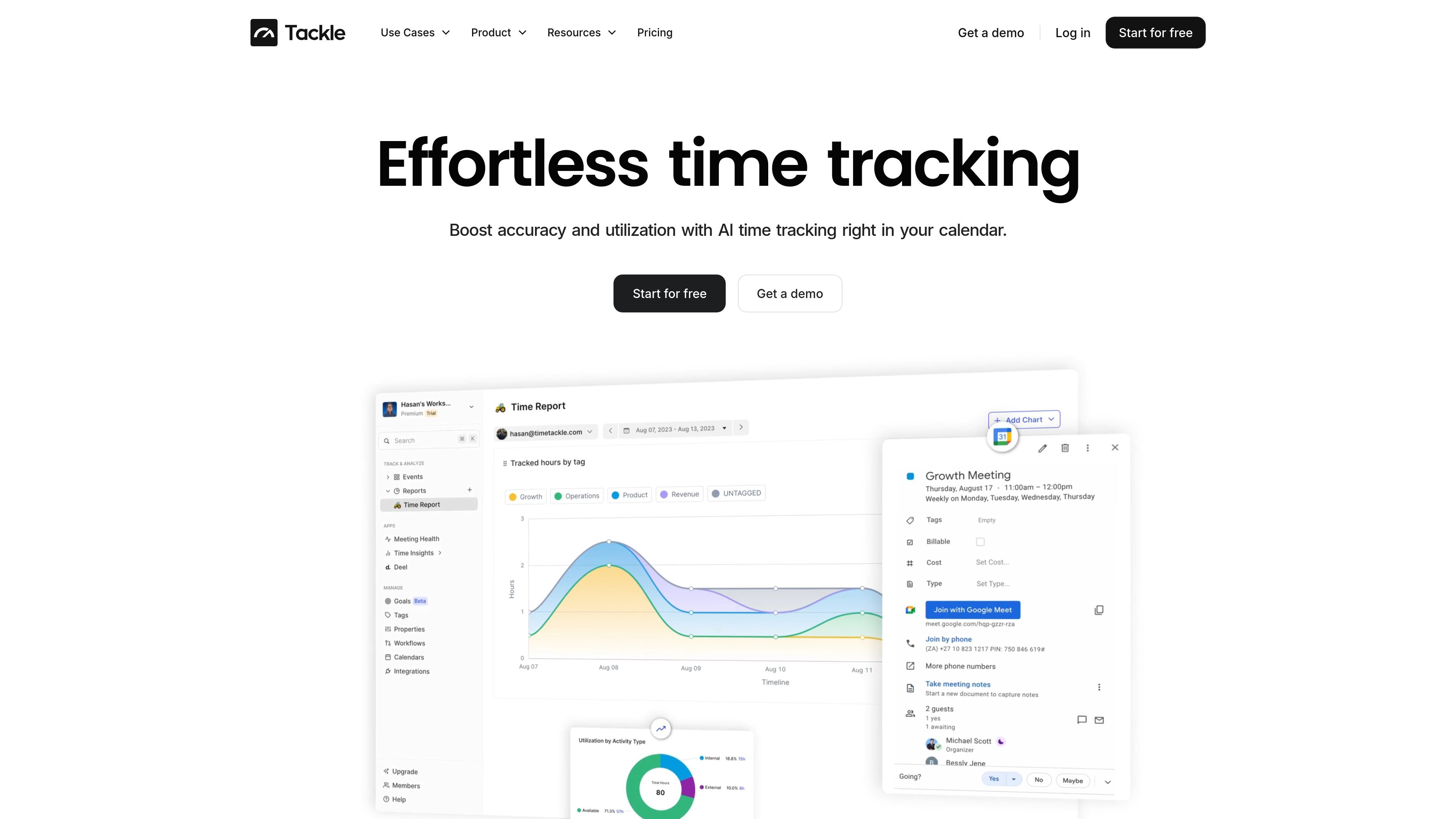
Tackle is time tracking software built around calendar data. It helps users capture activities from Google and Outlook calendars, add context with tags and properties, and review how time is being spent through analytics and reporting.
The product is positioned for teams that want to audit schedules, align time with priorities, and turn calendar activity into usable reports, spreadsheets, or invoicing workflows. The site also highlights use cases for executives, customer-facing teams, agencies and consultancies, product and engineering teams, property managers, and non-profits.
Connect Google and Outlook calendars, and link CRM data, so Tackle can capture activities from tools already in use.
Tag calendar events with custom labels and properties to organize meeting types, meetings attended, and other activity categories.
Review productivity with calendar analytics that surface bars, charts, time spent, and time sinks for individual or team analysis.
Export Outlook or Google Calendar data into an editable format for reporting, attendance tracking, billable-hour review, or building a basic database.
Sync Google Calendar with Google Sheets to build a simple CRM, generate timesheets, or manage projects in a spreadsheet workflow.
Automate time tracking and reporting with a workflow builder and AI, and use the Chrome extension listed in navigation for browser-based access.
Executives and assistants can audit schedules, track changes to calendars and subscriptions, and review whether time is aligned with priorities or KPIs.
Customer-facing teams, agencies, and consultancies can categorize meetings, monitor billable hours, and export calendar data for reporting or invoicing workflows.
Product and engineering teams can analyze meeting load and time sinks to improve calendar health and make room for focused work.
Property managers and non-profits can use calendar-based tracking and reporting to organize recurring activities and review how time is allocated.
Teams that already work in spreadsheets can sync calendar data to Google Sheets to build a lightweight CRM, timesheet, or project tracker.
Tackle connects to Google and Outlook calendars and can also connect to CRM data, so setup centers on linking the sources you already use for scheduling and activity capture.
The source pages describe Tackle as a fit for calendar-based time tracking, analytics, custom reporting, goal alignment, and schedule review for teams and individuals who work out of calendars.
You can analyze calendar activity in dashboards, categorize events with custom tags, export calendar data to editable formats, and use reports or Google Sheets workflows for follow-up analysis.
The site lists support for Google Calendar, Outlook calendars, CRM connections, Google Sheets sync, and a Chrome extension in its product and navigation pages.
The source material highlights calendar tracking, reporting, and audit workflows, but it does not provide detailed limits, implementation steps, or plan-level feature restrictions.