
Multi-model canvas workflow
Generate video and image output on the same canvas instead of switching between separate tools. The site presents this as a central workflow for moving from idea to finished asset.

Renoise AI is an AI video and image generation platform for creators, brands, and teams, with multi-model workflows and FacePass.
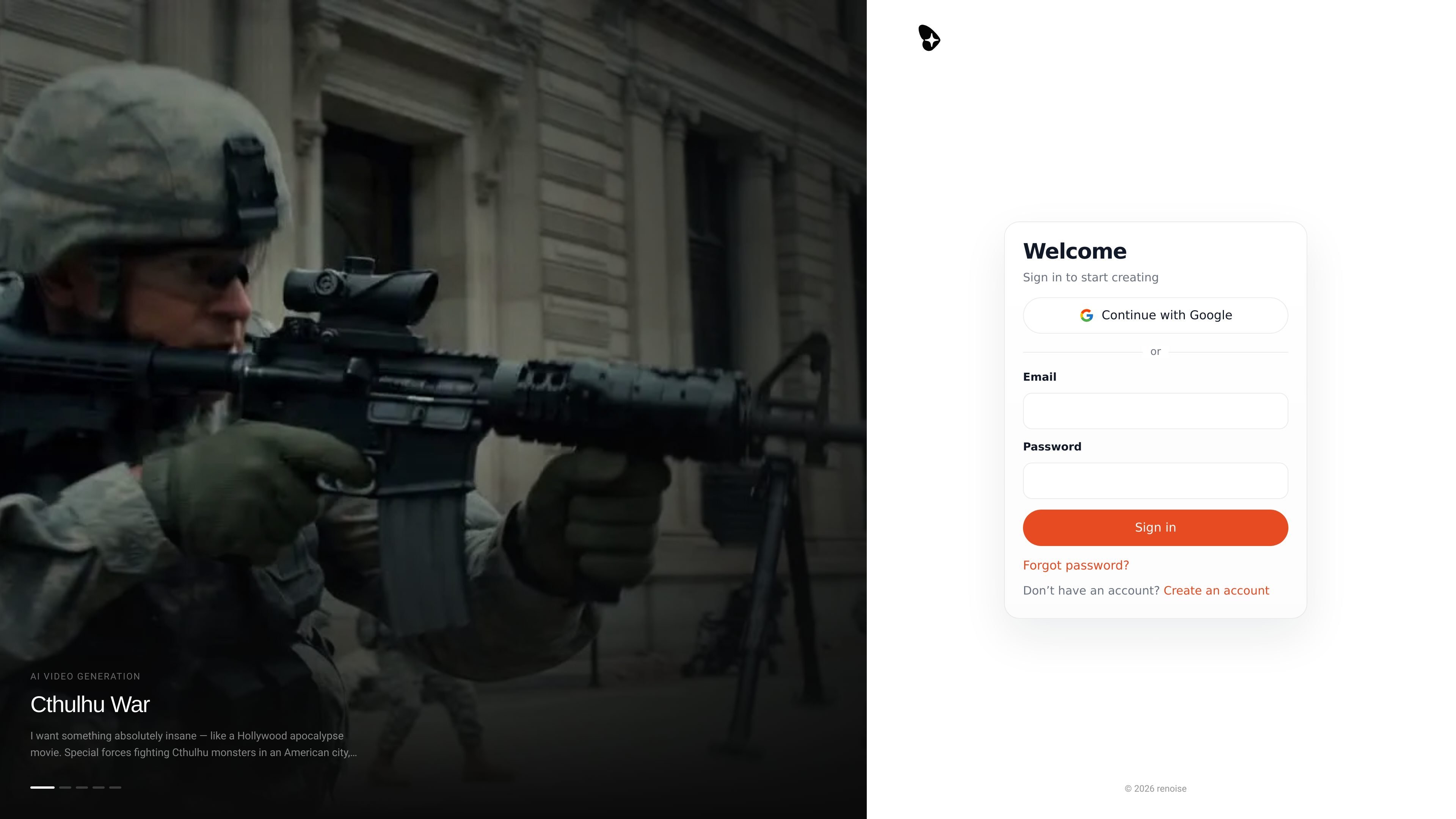
Renoise is an AI video and image generation platform built around a canvas workflow. The site positions it as a place to generate, organize, and refine creative assets without moving between separate tools.
Its core promise is to help creators, brands, and production teams make videos, images, and product content using multiple models in one place. The product pages highlight Seedance, Kling, Grok, Midjourney, GPT Image 2, and other models, plus FacePass for authorized face reuse and character consistency.
Generate video and image output on the same canvas instead of switching between separate tools. The site presents this as a central workflow for moving from idea to finished asset.
Create character-consistent video with FacePass, which is described as a way to register a real face you have rights to and reuse it across generations.
Use Seedance 2.0, Seedance 2.1, Seedance 2.5, Kling 3.0 Omni, HappyHorse, and other listed models for different video styles and shot types.
Produce still images with models such as Grok Image, GPT Image 2, Midjourney V7, Nano Banana 2, and Nano Banana Pro, including outputs described as suitable for 4K workflows.
Add lip sync, camera movement, motion control, image-to-video, and video-to-video style transfer for more directed clip generation.
Build product videos from a single photo, with the site describing an upload-and-prompt workflow intended to reduce the need for a shoot or editor.
Make product ads, lifestyle clips, and social creatives from a product photo and a short prompt. The site specifically calls out product video generation and UGC/ad-style workflows.
Generate short-form clips for social platforms, including reels, remixes, sports edits, and other vertical content. The site also references viral templates and shareable clip formats.
Create consistent characters, talking faces, or stylized personas for branded storytelling, music videos, and animated presentations. FacePass and lip sync are the key enablers here.
Use multiple image and video models on one canvas to iterate faster on concept art, campaign visuals, and motion tests without changing tools.
Turn a still photo into motion through image-to-video, camera movement, or video extension when you need a clip rather than a static asset.
Renoise is centered on an install-and-create workflow: the site says you can paste a single command into Claude Code and start, or use the web app and Windows download. The product also presents a canvas-based workflow for building videos and images.
The source positions Renoise for creators, brands, and teams making marketing content, product videos, social clips, UGC-style ads, music videos, and other AI-generated visuals. Its feature pages emphasize both video and image generation in one canvas.
The site presents a multi-model workflow rather than a single-model tool. It includes Seedance 2.0, Seedance 2.1, Seedance 2.5, Kling 3.0 Omni, Grok Image, GPT Image 2, Midjourney V7, Nano Banana 2 and Pro, HappyHorse, and FacePass for authorized real faces.
The source highlights canvas-based creation, model switching, FacePass, lip sync, image generation, and product video, but it does not provide a public integrations list beyond the terminal/Claude Code style setup and the web app. More detailed team, API, or external app integrations are not shown in the provided pages.
The provided pages do not expose a full pricing table. They do show a pricing page, a limited-time promotion, and alternative pages that reference a starting price of $20 per month for one comparison, but that is not enough to state complete plan details or limits.