
Unified omnichannel messaging
Run email, SMS, and web push from a single Shopify-oriented dashboard instead of managing separate tools.

PushOwl is a Shopify marketing app for email, SMS, and web push notifications. It helps stores run retention campaigns, subscriber capture, and automated alerts from one platform.
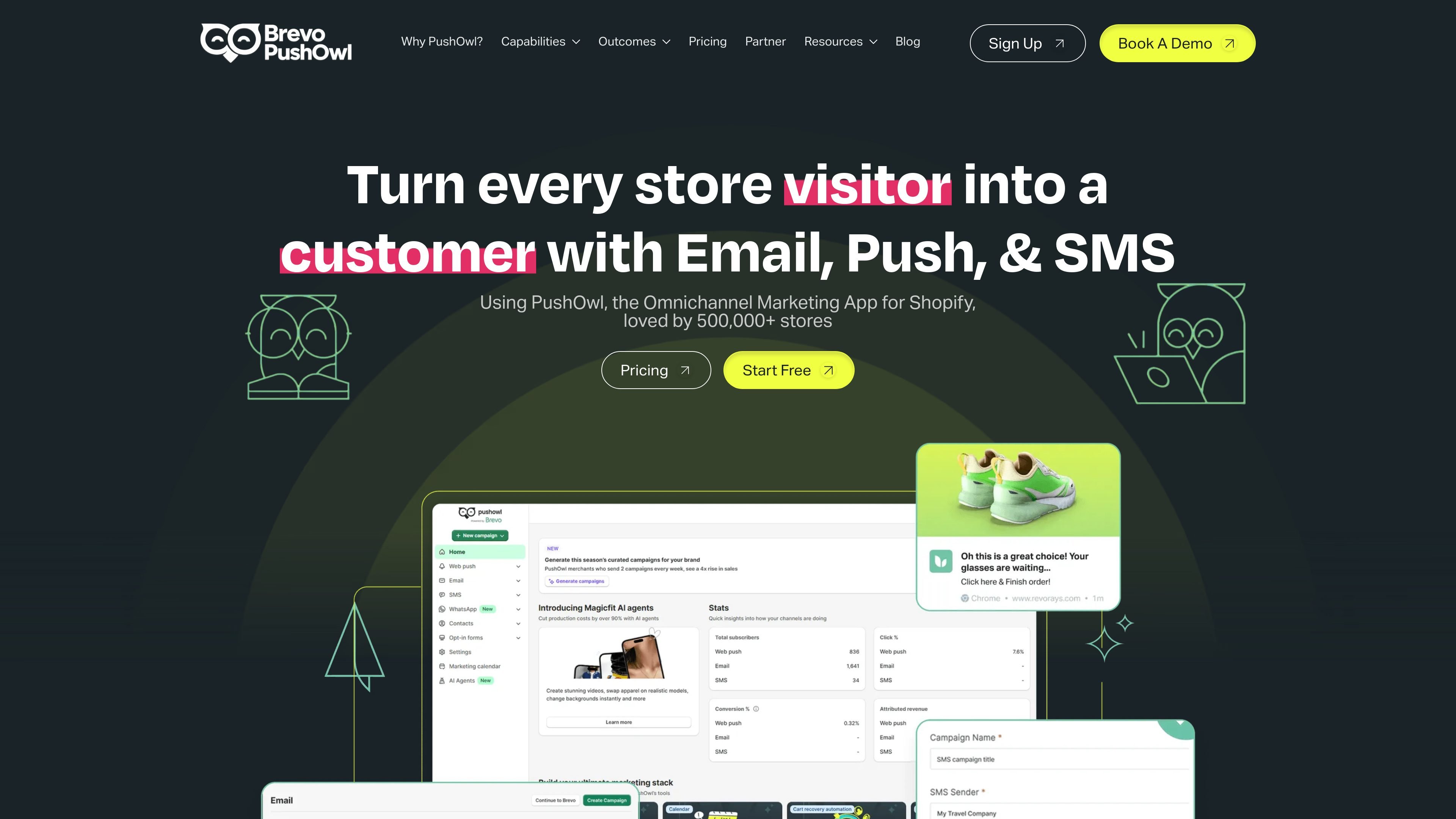
PushOwl is a Shopify marketing app that combines email marketing, SMS marketing, and web push notifications in one platform. It is positioned for stores that want to manage retention and campaign messaging without stitching together separate tools.
Across the site, PushOwl emphasizes workflows such as abandoned cart recovery, back-in-stock reminders, price-drop alerts, newsletters, pop-ups, flash sales, and automated follow-ups. The pricing page shows free and paid bundles, including custom plan options for businesses that need more capacity or support.
Run email, SMS, and web push from a single Shopify-oriented dashboard instead of managing separate tools.
Create targeted campaigns with segmentation, custom automation, and predictive or smart delivery controls so messages reach specific audiences at better times.
Recover revenue with abandoned cart, back-in-stock, price-drop, browse-abandonment, and flash-sale flows mentioned across the site and pricing pages.
Build emails with customizable templates, drag-and-drop editing, and pre-set automation templates for newsletter and follow-up workflows.
Track campaign performance with basic and advanced reporting, analytics, and sales/customer-behavior data referenced on the site.
Use 1-click Shopify installation, popups for subscriber capture, and subscriber import/export tools where described on the product pages.
Use email, SMS, and push together when you want to coordinate promotions and retention messaging across more than one channel from a single dashboard.
Capture shoppers with pop-ups and then send newsletters or automated follow-ups to keep them engaged after signup.
Recover revenue from browse abandonment, cart abandonment, back-in-stock events, and price changes using the automations described on the product pages.
Send order and shipping messages by SMS when timely status updates matter more than long-form email communication.
Use segmentation, analytics, and campaign reporting to tailor messages by audience and measure which campaigns are performing.
PushOwl is set up as a Shopify app. The source says installation is 1-click from the Shopify App Store and that users can start free, then upgrade as needed.
The site presents PushOwl as an omnichannel marketing app for Shopify stores, combining email marketing, SMS marketing, and web push notifications in one platform.
The source highlights abandoned cart recovery, back-in-stock reminders, price-drop alerts, flash sales, newsletters, pop-ups, segmentation, and analytics as common workflows.
The pricing page shows a free starting point and paid bundles. It also describes consumption-based pricing and mentions custom plans for businesses that need them.
The source emphasizes Shopify-native setup and one dashboard for email, SMS, and web push. It does not provide detailed evidence for broader team permissions or multi-store workflows.