
AI packaging design
Create packaging concepts from text prompts and move from an initial idea to 3D packaging visuals without starting from a blank canvas.

Packify is an AI packaging design platform for turning packaging ideas into 3D concepts, print-ready dielines, and production-oriented assets. It also includes AI photoshoot tools, manufacturer discovery, and API access for teams that want to integrate packaging generation into their workflow.
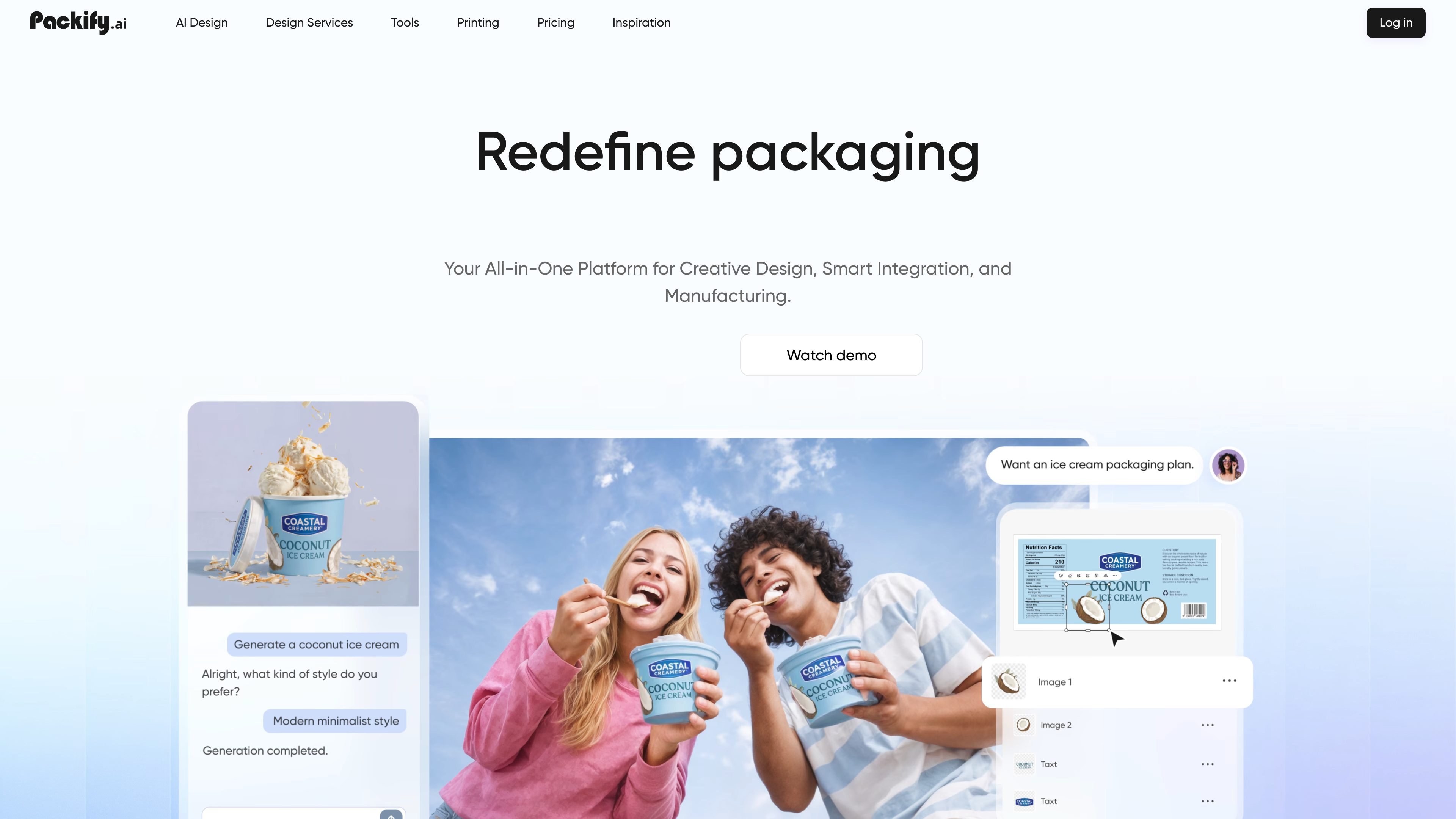
Packify is an AI-powered packaging design platform that helps users move from packaging ideas to production-oriented assets. The site describes it as an AI packaging design agent and a one-stop platform for concepts, dielines, and brand-ready production files.
Its main workflow spans idea generation, 3D packaging concepts, print-ready dielines, product imagery, and manufacturer discovery. The homepage also positions Packify for teams that want to reduce time spent on back-and-forth revisions and sampling, while the pricing page shows Free, Pro, Business, and API access options.
Create packaging concepts from text prompts and move from an initial idea to 3D packaging visuals without starting from a blank canvas.
Refine packaging concepts and turn them into print-ready dielines so the output can move toward manufacturing instead of stopping at mockups.
Integrate logos, edit designs, and generate custom labels or nutrition panels for packaging layouts that need brand and product information.
Swap backgrounds and generate product imagery for packaging presentations and e-commerce visuals using the AI photoshoot tool.
Connect with verified packaging manufacturers worldwide through the printing section to move designs into production.
Use the Packify API to bring packaging design and product photography capabilities into another application or workflow.
Use the chat-style design workflow to turn an early packaging idea into visual concepts and iterate quickly before involving outside design support.
Generate mockups, labels, and dielines for a product that needs packaging files ready for handoff to production or suppliers.
Create packaging visuals and backgrounded product images for pitch decks, listings, or internal review when you need presentation-ready assets.
Connect the API to another app or ecommerce workflow when packaging generation needs to happen inside an existing product experience.
Search the printing section to identify packaging manufacturers and move from design work toward sourcing and production.
Yes. Packify’s Free plan is described as a trial that gives new users one-time credits to explore core features such as AI Design and the Mockup Studio. The site says those credits do not refresh.
Packify uses credits for AI creation. The pricing page says AI Design/Edit costs 10 credits, AI Photoshoot costs 5 credits, and the AI Mockup Studio is free during beta. Paid-plan credits reset on the monthly renewal date and do not roll over.
Packify supports upgrading at any time. The site says upgrades are immediate, prorated, and add the credit difference to the account. It does not support downgrading at this time.
The pricing page says Business plan customers get API access. The docs describe the API as a RESTful interface for adding AI-powered design capabilities to applications, including design generation and photoshoot generation.
The pricing page says Packify accepts credit and debit cards through Stripe. It also notes that alternative payment methods can be discussed with the company directly.