
Voice-to-notes conversion
Turn voice notes into formatted and organized notes, including summary-style outputs and saved documents.

Notis is an AI productivity assistant that turns voice notes and messages into organized notes, drafts, tasks, and follow-ups via Telegram, iMessage, WhatsApp, Slack, email, and 1,000+ apps.
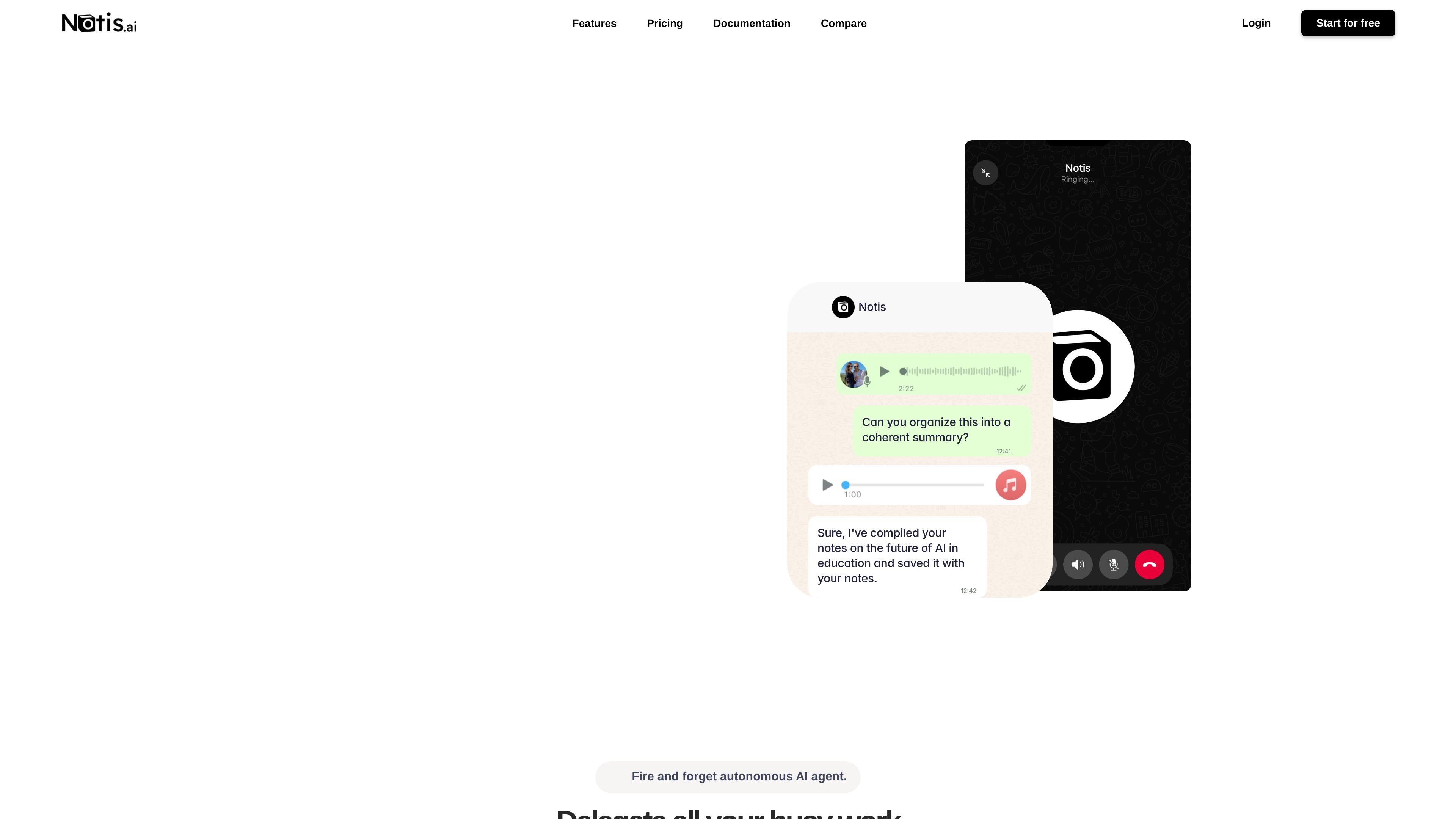
Notis is an AI productivity assistant that works through messages and voice notes. The homepage describes it as an autonomous AI agent or “AI intern” that turns a single instruction into structured output such as notes, tasks, drafts, summaries, or follow-up actions.
It is positioned for people who want to delegate routine work without switching into a separate app. The site shows examples for note taking, meeting management, CRM updates, blog and newsletter drafting, bug reporting, expense capture, and social media content creation.
Turn voice notes into formatted and organized notes, including summary-style outputs and saved documents.
Draft and update tasks, follow-ups, CRM notes, and meeting-related work from a single message.
Create publish-ready blog posts and newsletters, with the homepage also showing image generation in the social-media workflow.
Extract details from receipt photos and turn them into categorized expense summaries.
Set up recurring reminders, automated reports, and scheduled tasks using webhooks or connected integrations.
Send instructions through Telegram, iMessage, WhatsApp, Slack, or email instead of learning a new app interface.
Capture rough thoughts by voice and have them turned into organized notes or summaries that can be saved and revisited later.
Turn meeting prep, meeting notes, follow-ups, and related emails into a single workflow for staying on top of discussions.
Use a voice message to draft CRM notes, log calls, and plan follow-up actions in an existing system.
Send an idea for a blog post, newsletter, or social post and get a structured draft or content asset back.
Photograph a receipt and have the details extracted into a categorized expense summary.
Notis is designed to be messaged through Telegram, iMessage, WhatsApp, Slack, or email, and the site says you can start by sending a voice message or text message. The homepage does not show a separate app download flow.
The homepage shows examples that turn voice notes into organized notes, summaries, devil's-advocate responses, tasks, blog drafts, CRM updates, bug reports, and expense summaries. Those examples indicate it is meant to take unstructured input and turn it into structured work output.
The site says Notis connects to 1,000+ apps, including CRM, calendar, Notion, and Slack, and mentions webhooks for automations. It does not provide a complete integration list on the homepage.
The homepage says you can start your free trial, but the pricing page link available in the collected sources returns a page-not-found error. No public plan details or prices are visible in the provided evidence.
The homepage positions Notis as an autonomous AI agent that keeps working through recurring reminders, automated reports, scheduled tasks, and webhook-triggered automations. The site does not describe detailed task limits or execution constraints in the available copy.