
Text-to-diagram generation
Describe a diagram in plain language and Mermaid AI turns it into a structured visual. The AI page also shows support for editing labels, layout, style, and theme with prompts.

Mermaid is an AI-powered diagramming tool for text, code, and visual edits, with support for flowcharts, sequence diagrams, ER diagrams, timelines, and team collaboration.
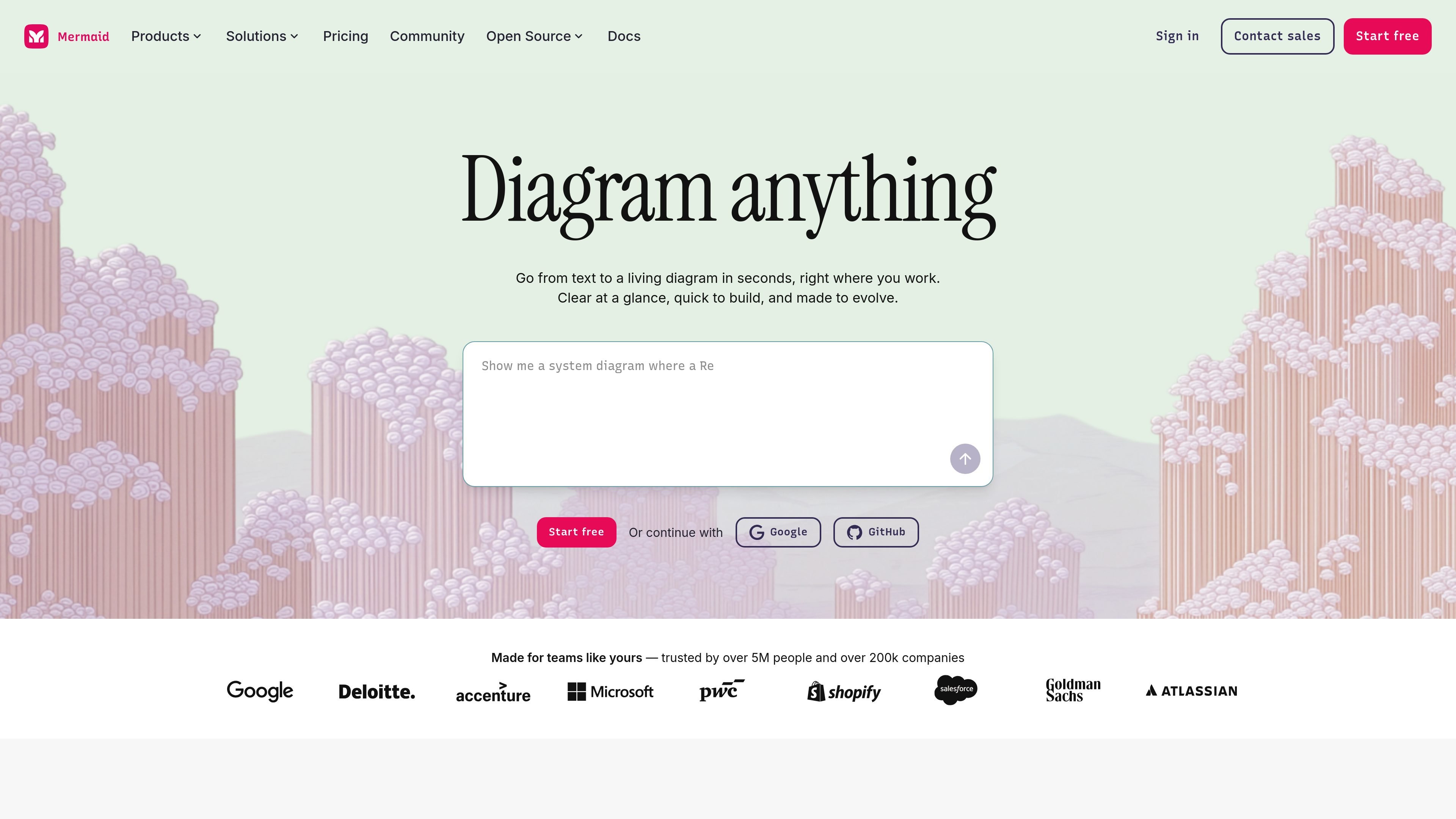
Mermaid is an AI-powered diagramming tool for creating living diagrams from text, code, or a visual editor. It is designed for people who need to move from notes, prompts, or Mermaid syntax to shareable diagrams without rebuilding the same idea in a separate drawing tool.
The product supports a range of diagram formats, including flowcharts, sequence diagrams, ER diagrams, timelines, mind maps, org charts, Gantt charts, and more. The source also shows collaboration and workflow features such as live editing, external sharing on higher plans, and integrations with plugins and VS Code.
Describe a diagram in plain language and Mermaid AI turns it into a structured visual. The AI page also shows support for editing labels, layout, style, and theme with prompts.
Write diagrams in Mermaid syntax and generate charts directly from code. This supports users who want versionable text-based diagrams instead of manual drawing.
Adjust nodes, labels, edges, shapes, and colors with clicks in the Visual Editor. The editor updates the underlying code automatically as you work.
Work on diagrams with others on a shared canvas, including live co-editing and asynchronous feedback. Higher-tier pricing also mentions view/comment collaboration and external sharing.
Embed Mermaid in tools such as GitHub Copilot and Confluence, and use VS Code to turn codebase context into diagrams without switching editors.
Create flowcharts, sequence diagrams, ER diagrams, timelines, mind maps, Gantt charts, org charts, class diagrams, state diagrams, and more from the same workspace.
Teams can turn rough notes, meeting transcripts, or plain-language ideas into diagrams that are easier to review and share.
Engineers and technical teams can document systems, workflows, and architecture using Mermaid syntax directly from a codebase.
Product, operations, and project teams can map processes, timelines, roadmaps, and dependencies in formats such as flowcharts, Gantt charts, and timelines.
Distributed teams can co-edit diagrams live or leave feedback asynchronously, then share visuals once they are ready.
Organizations using tools like GitHub Copilot, Confluence, or VS Code can keep diagram creation inside their existing workspace instead of moving to a separate editor.
Mermaid is a diagramming tool for creating and editing visuals from text, code, or a visual editor. The source highlights flowcharts, sequence diagrams, ER diagrams, timelines, mind maps, org charts, and other diagram types.
Yes. The pricing page includes a Basic free plan, and paid Plus, Premium, and Enterprise plans for more advanced usage and collaboration needs.
Mermaid supports multiple workflows: start with plain text in AI, write Mermaid syntax in code, or refine diagrams in the Visual Editor with clicks.
The source shows collaboration features such as live co-editing, view and comment collaboration, and sharing externally on higher-tier plans.
The source indicates Mermaid can be used in workflows that include IDEs, docs, wikis, presentations, and plugins such as GitHub Copilot, Confluence, and VS Code.