
AI Large Language Model
Supports writing emails, copy, contracts, and papers, and can also be used to write, explain, and refactor code, covering common text and office writing tasks.

般若AI is a web-based AI chat and AI image generation platform for writing, translation, code handling, and image creation/editing.
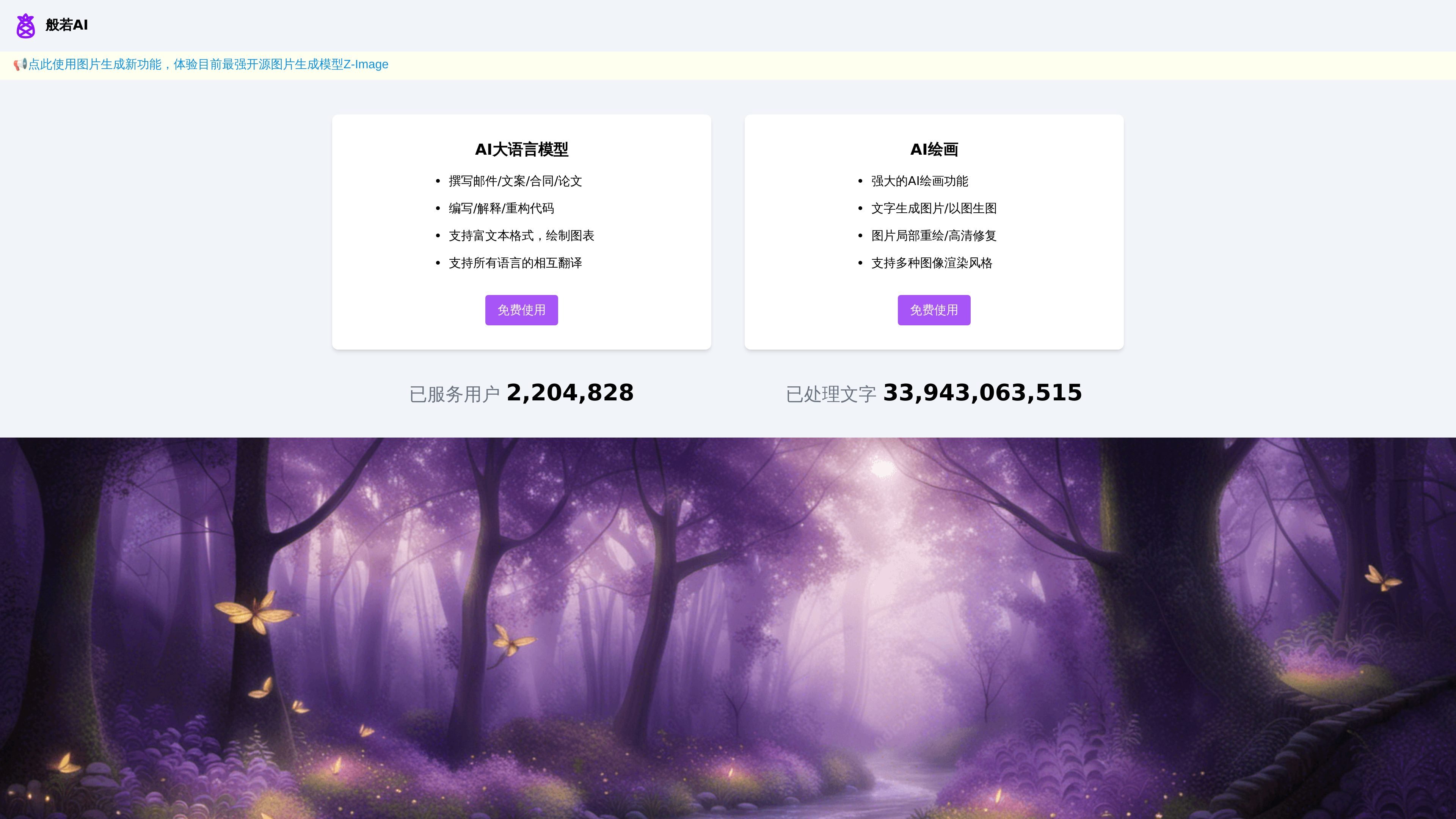
般若AI is a web-based AI chat and AI image generation platform. The homepage describes it as “AI generative large model + AI drawing.” It is aimed at users who need text generation, translation, code handling, and image creation, and provides entry points for both chat and drawing within the same site.
Based on the page content, the chat capabilities mainly cover writing, translation, polishing, code, and chart-based expression, while the drawing capabilities cover text-to-image generation, image-to-image generation, local repainting, and high-definition enhancement. Some feature pages are marked as free to use, but the public pages do not show a complete plan or pricing structure.
Supports writing emails, copy, contracts, and papers, and can also be used to write, explain, and refactor code, covering common text and office writing tasks.
Supports rich text formatting and chart creation. The page explicitly mentions flowcharts, mind maps, and other forms of expression, making it suitable for organizing structured content.
Supports translation among almost all languages in the world, and provides assistance such as grammar correction, text polishing, paper summarization, and topic summarization.
Provides text-to-image generation, image-to-image generation, local repainting, and high-definition enhancement, covering common workflows from creating new images to modifying existing ones.
The drawing page supports style selection, positive prompts, negative prompts, as well as size and quantity settings, making it easier to control outputs according to needs.
Suitable for users who need to draft emails, copy, contracts, or paper outlines, and also for rewriting, explaining, and structuring existing content.
Suitable for users who work with multilingual materials, especially when they need translation, grammar correction, polishing, or paper topic summarization.
Suitable for developers or technical writers to write, explain, or refactor code, and to organize complex processes into clearer rich text or charts.
Suitable for design workflows that generate new images from text, or that use reference images for secondary creation, local repainting, and high-definition enhancement.
Suitable for a single-site workflow where you first brainstorm in chat and then switch to the drawing page to bring the visual concept to life.
Bannuo AI provides web-based chat and drawing entry points. The chat page supports starting new chats, viewing chat history, and saving records after logging in; the drawing page supports text-to-image generation, image-to-image generation, local repainting, and style selection.
From the page information, both the chat and drawing features are marked as “free to use,” but the /pricing page currently returns 404, so it could not be confirmed whether there are other plans, quotas, or paid options.
The chat page explicitly states that “chat history retention requires registration/login,” and the drawing page also shows “please log in first.” This indicates that some features require logging in.
The drawing page provides entry points for uploading images, setting width and height, image quantity, and advanced settings, making it suitable for selecting a style before generating results.