
AI-assisted map creation
Upload floor plans into the editor and let Mappedin’s AI detect and draw map elements, including doors, windows, walls, labels, and connections like elevators and escalators.

Mappedin is an indoor mapping and wayfinding platform for creating, publishing, and managing digital maps from floor plans with AI assistance.
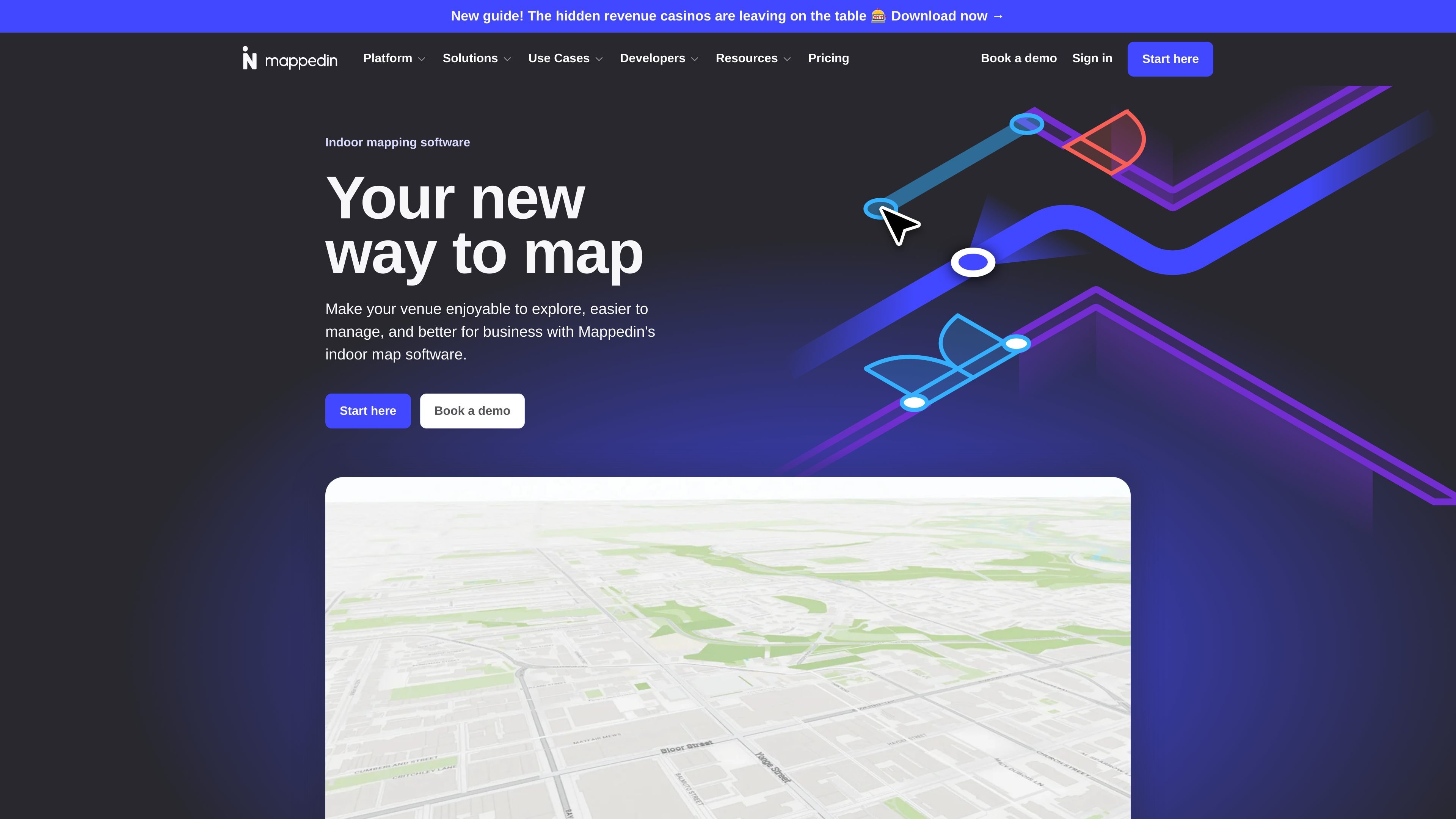
Mappedin is an indoor mapping and wayfinding platform for enterprise venues. It helps teams create digital maps from floor plans, publish them for visitors, and use them for navigation, management, and venue discovery.
The site positions the product around AI-assisted map creation, real-time collaboration, and flexible publishing options. The pricing page also shows a free starting point, with paid plans that add self-service capabilities, SDK and API access, private maps, advanced exports, and custom solutions for larger deployments.
Upload floor plans into the editor and let Mappedin’s AI detect and draw map elements, including doors, windows, walls, labels, and connections like elevators and escalators.
Create, update, and share indoor maps from the map editor, with a workflow that starts from floor plans and can move to interactive maps quickly.
Publish maps by sharing a link or embedding them on a site, with no code required on the Free plan’s share and embed tools.
Use indoor navigation to help visitors find their way through venues, including destinations that span multiple buildings or multiple floors on Pro maps.
Work on maps with others in real time and see updates as the team edits, with no version conflicts or delays called out on the pricing page.
Export maps as PDFs for offline access or backups, and use advanced exports for print, design, or integrations on upgraded plans.
Build indoor maps from uploaded floor plans, then use AI assistance to speed up the creation of doors, walls, windows, labels, and connections.
Publish venue maps so visitors can discover spaces and navigate through buildings, floors, or connected buildings more easily.
Let teams edit the same map at the same time and keep updates synchronized while managing venue content.
Use share links, embeds, and exports to distribute maps on websites, in print workflows, or for offline access and backups.
Support larger venue programs with private maps, SDK/API access, multi-building mapping, and custom solutions for complex deployments.
All maps start on Free. After creating a Free map, you can upgrade it to Pro at any time.
Pricing is per map, not per workspace or user. Each upgraded map adds to the subscription, and Pro maps can include multiple buildings and unlimited floors.
The pricing page says Free maps let you preview most features, including editing, styling, and navigation, but not generating live share links or exporting files.
Yes. The pricing page says Pro includes unlimited editors, so a whole team can work on the same map without extra per-user charges.
You can contact Mappedin for custom pricing, volume pricing, partner invoicing, or tailored solutions for larger deployments.