
Local model execution
Run local LLMs on your own computer using supported runtimes such as llama.cpp, and on Apple Silicon Macs also MLX.

LM Studio is a local AI app and developer platform for privately running LLMs on macOS, Windows and Linux, with headless deployment, local APIs, SDKs and MCP workflows.
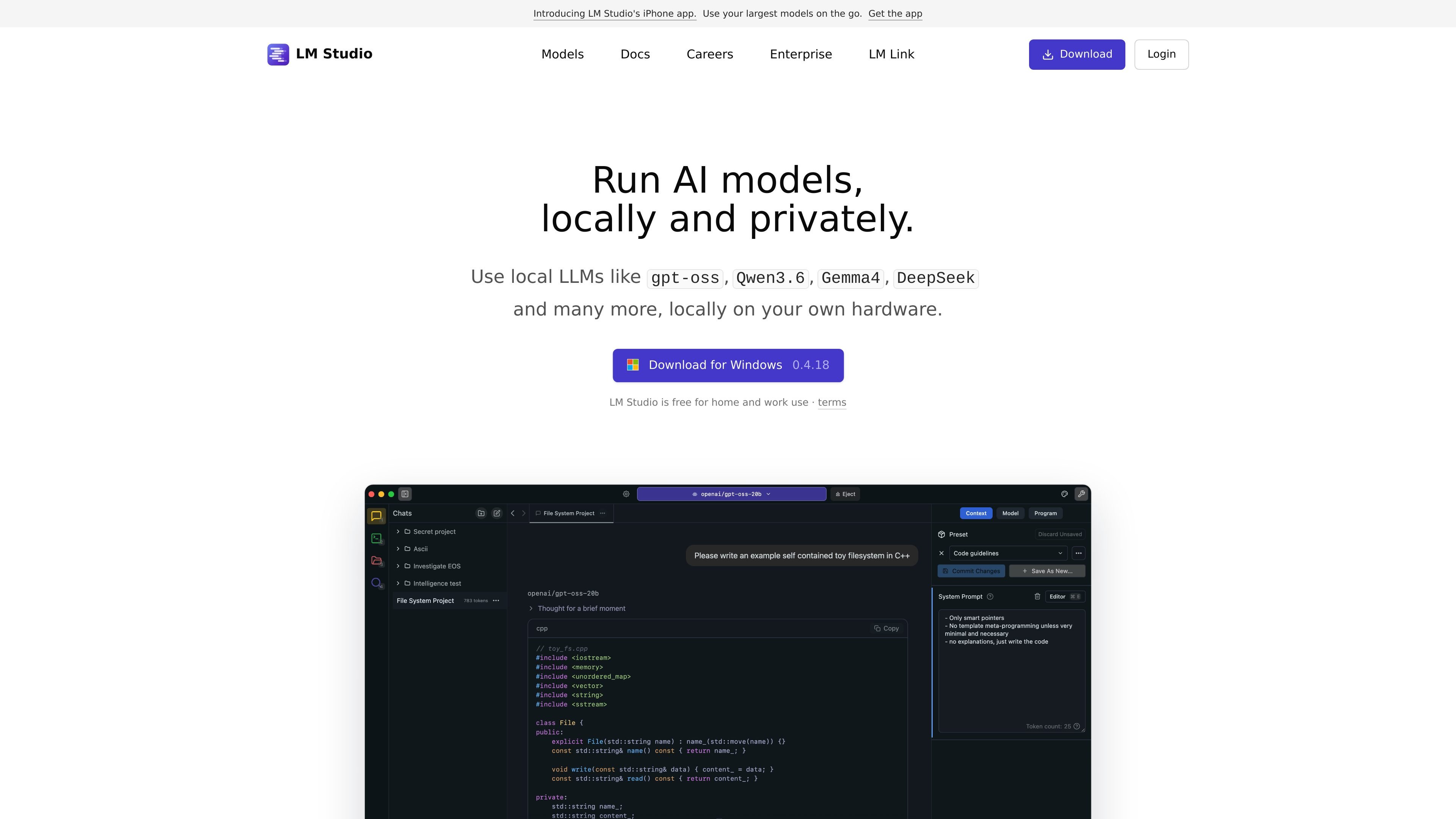
LM Studio is a local AI application and developer platform for running LLMs on your own machine or infrastructure. The site positions it around private, offline-capable use with model download, chat, serving, and workflow tools built around local models.
It supports a desktop experience for Windows, macOS, and Linux, plus headless deployment with llmster when you do not need the GUI. The product also includes Python and TypeScript SDKs, an OpenAI-compatible API, and MCP support for teams that want to connect local models into existing tools and scripts.
Run local LLMs on your own computer using supported runtimes such as llama.cpp, and on Apple Silicon Macs also MLX.
Use the built-in interface to manage local models, prompts, and configurations, including downloading models from within LM Studio.
Serve local models through OpenAI-compatible endpoints and the LM Studio REST API for use in apps and scripts.
Build in Python or TypeScript with SDKs that support chats, text completions, embeddings, tools, and agentic flows.
Operate LM Studio without the GUI through llmster for servers, CI environments, and other headless setups.
Install MCP servers and use LM Studio as an MCP client with local models; the docs also list integrations with Codex, Claude Code, OpenClaw, and remote workflows.
Run LLMs locally on a personal machine when you want to keep prompts, outputs, and model files on your own hardware.
Expose local models through OpenAI-compatible or REST endpoints so scripts and applications can call them like a local service.
Use the Python or TypeScript SDKs to load models, generate embeddings, define tools, and build local agents.
Deploy llmster on servers, Linux boxes, cloud instances, or CI environments when a GUI is not needed.
Set up an organization-wide local AI deployment with enterprise controls for models, MCPs, and plugins on your own infrastructure.
LM Studio is available for macOS, Windows, and Linux. The docs note support for Apple Silicon Macs, x64/ARM64 Windows PCs, and x64 Linux PCs, with Apple MLX also supported on Apple Silicon Macs.
Yes. The docs say LM Studio can run entirely offline once you have model files downloaded.
LM Studio offers a REST API for local model access, plus Python and TypeScript SDKs for building with models, embeddings, and agentic flows.
Yes. The docs describe LM Studio as an MCP client, and the integrations page mentions connecting MCP servers and using them with local models.
LM Studio Enterprise is positioned for teams and organizations that want local LLM deployment with enterprise-grade controls for models, MCPs, and plugins on their own infrastructure.
Los datos de tráfico son solo como referencia.
| abr | 3166538 |
|---|---|
| may | 2625139 |
| jun | 2507339 |