
Drag-and-drop form builder
Build forms with drag-and-drop controls, or start from pre-built themes and customize fonts, logos, colors, and CSS.

Fillout is a form builder for forms, surveys and quizzes, with plans from free to enterprise. Collect responses and route data into other tools.
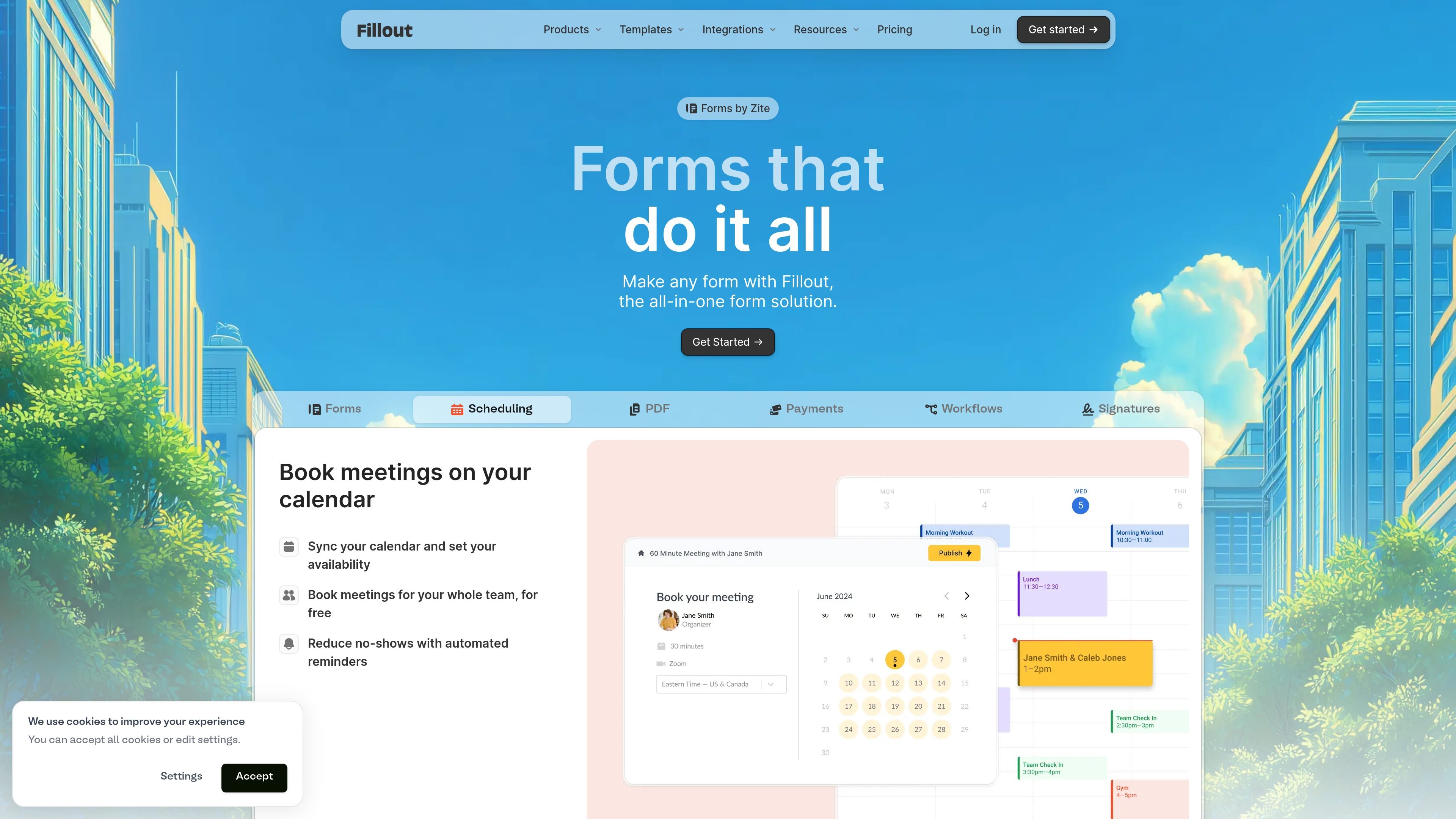
Fillout is a form builder for creating forms, surveys, quizzes, and related intake workflows. The homepage presents it as an all-in-one form solution, and the pricing page shows plans that range from a free tier to enterprise.
The product combines form building, logic, scheduling, payments, PDF generation, signatures, analytics, and integrations so teams can collect responses and route them into other tools or workflows without building each piece separately.
Build forms with drag-and-drop controls, or start from pre-built themes and customize fonts, logos, colors, and CSS.
Use conditional logic, answer piping, calculations, scoring, hidden fields, and resume-in-progress forms to shape each respondent's path.
Collect payments, schedule meetings, generate PDFs, collect signatures, and add login forms for secure or returning respondents.
Store and route submissions to tools like Airtable, Google Sheets, Notion, HubSpot, Salesforce, Slack, Calendly, and Webhooks.
Review responses with flexible views and analytics, then collaborate with teammates in workspaces with permissions and shared access controls.
Apply branding controls such as custom domains, pretty URLs, share previews, custom fonts, favicon, and white-label options on higher plans.
Build branded intake forms for internal or external use, then send responses into spreadsheets, CRMs, or databases for follow-up and reporting.
Create quizzes, surveys, or multi-step forms that use conditional logic, answer piping, and scoring to tailor the experience to each respondent.
Schedule meetings and automate next steps from a form submission using calendar, email, and workflow integrations.
Collect payments, signatures, or file uploads as part of a submission process when a form needs to do more than capture contact details.
Give larger organizations centralized control over branding, access, deployment region, and data-handling settings for secure intake.
Yes. Fillout is designed to let you create forms, surveys, quizzes, and related workflows from a single product. The pricing page also lists features such as scheduling forms, PDF generation, conditional logic, and workflow automation.
Fillout offers a free plan, plus Starter, Pro, Business, and Enterprise options. The pricing page says it uses one flat fee, unlimited users, and you can pay monthly or save with annual billing.
Fillout supports team use with unlimited seats on the standard plans, and the product pages mention collaboration, workspaces, granular permissions, SSO, and dedicated support for enterprise use.
The integrations page lists native connections such as Airtable, Google Sheets, Notion, HubSpot, Salesforce, Stripe, Slack, Calendly, Gmail, Webhook, and Google Analytics, along with partner integrations through Zapier and Make.
Fillout's security page states that the product is SOC 2 Type 2 compliant and that customers can choose hosted deployment regions including the USA, EU, UK, Australia, or Canada.