
AI diagram generation
Generate diagrams from plain English or pasted notes, then build flowcharts, sequence diagrams, workflows, system maps, and other visual formats from the same prompt-driven workflow.

Diagramming AI creates and edits diagrams from text, notes, URLs and images with Mermaid, PlantUML, GraphViz, D2 and Excalidraw. Templates, exports and read-only sharing included.
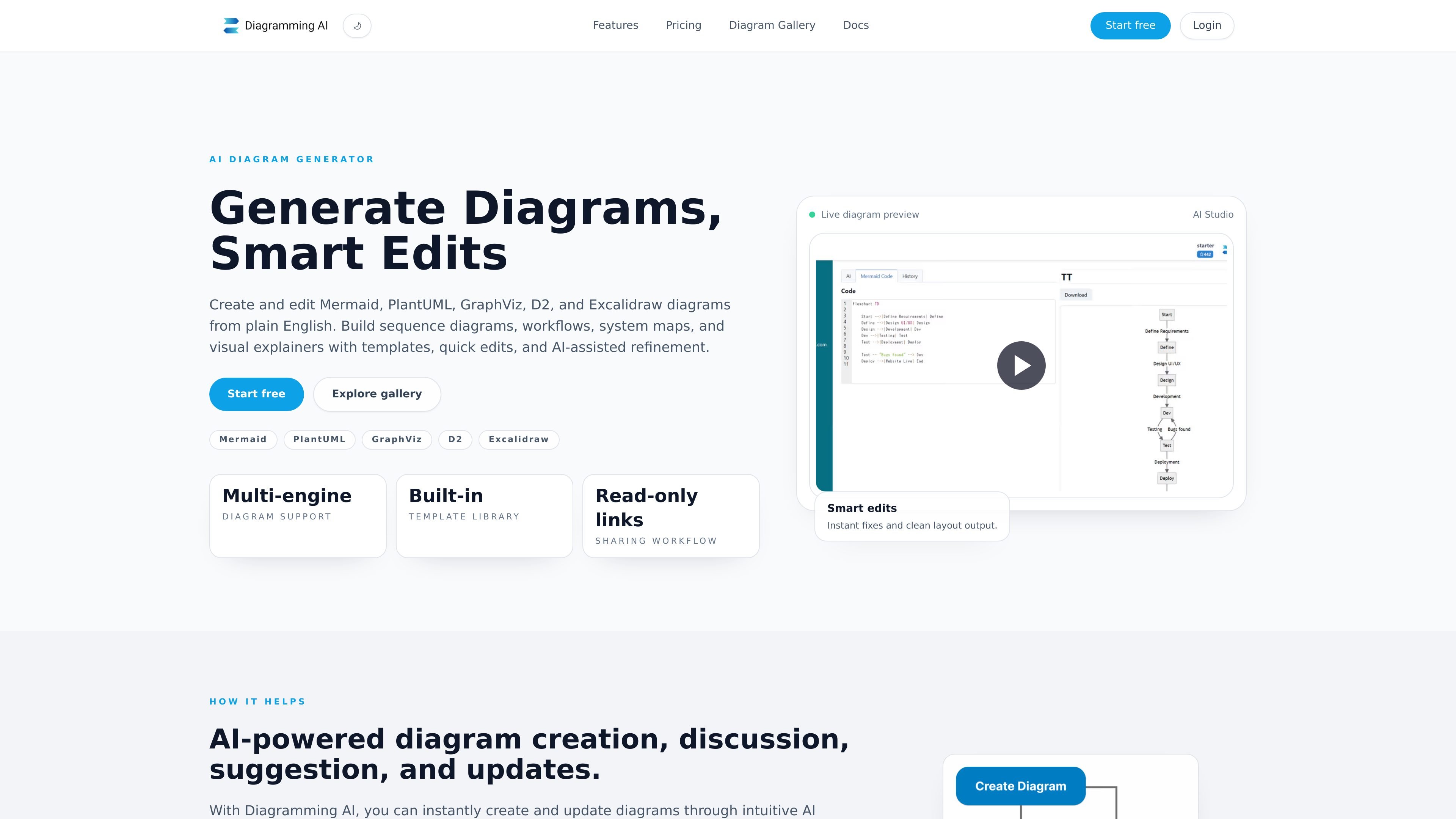
Diagramming AI is an AI diagram generator for Mermaid, PlantUML, GraphViz, D2, and Excalidraw. It turns plain English, notes, URLs, and images into diagrams such as flowcharts, UML, sequence diagrams, workflows, system maps, and architecture diagrams.
The product combines prompt-based creation with chat-driven refinement, quick edits, template-based starting points, project storage, and shareable read-only links. It is designed for people who want to draft or update technical and process diagrams without rebuilding them manually each time.
Generate diagrams from plain English or pasted notes, then build flowcharts, sequence diagrams, workflows, system maps, and other visual formats from the same prompt-driven workflow.
Use two chat modes: Discussion Mode for suggestions and refinement, and Update Mode for direct diagram edits through chat.
Fix diagram errors automatically across supported engines, with the product interpreting error messages and applying corrections for Mermaid, PlantUML, Graphviz, and D2.
Adjust diagram size and style with Quick Edit controls, or move text-based diagrams into Excalidraw for drag-and-drop visual editing.
Store multiple projects, keep diagram notes, save text-based code and Excalidraw edits together, and share read-only public links for review.
Export diagrams as SVG or PNG and via shareable URLs, and start from templates for common diagram types and architectures.
Draft flowcharts, sequence diagrams, and architecture diagrams from a short prompt instead of building them from scratch.
Use the chat modes to ask for layout changes, fixes, or formatting adjustments after the first version is generated.
Start from Mermaid or PlantUML templates when you want a known structure for common patterns such as class diagrams, use case diagrams, or deployment diagrams.
Move text-based diagrams into Excalidraw for drag-and-drop visual editing when you need more direct control over the final layout.
Save diagrams in projects, keep notes with them, and share a read-only link for review or feedback.
Yes. The product supports creating diagrams from plain English, notes, pasted text, URLs, and images, then refining them through AI chat and edits.
The source shows support for Mermaid, PlantUML, GraphViz, D2, and Excalidraw, with templates and editing workflows for each.
The site says you can save diagrams in projects, keep notes, and share a read-only public link for review.
The gallery and homepage show template libraries and read-only sharing, but the available source does not confirm deeper team-admin features or collaboration controls.