
Chat-based creation and editing
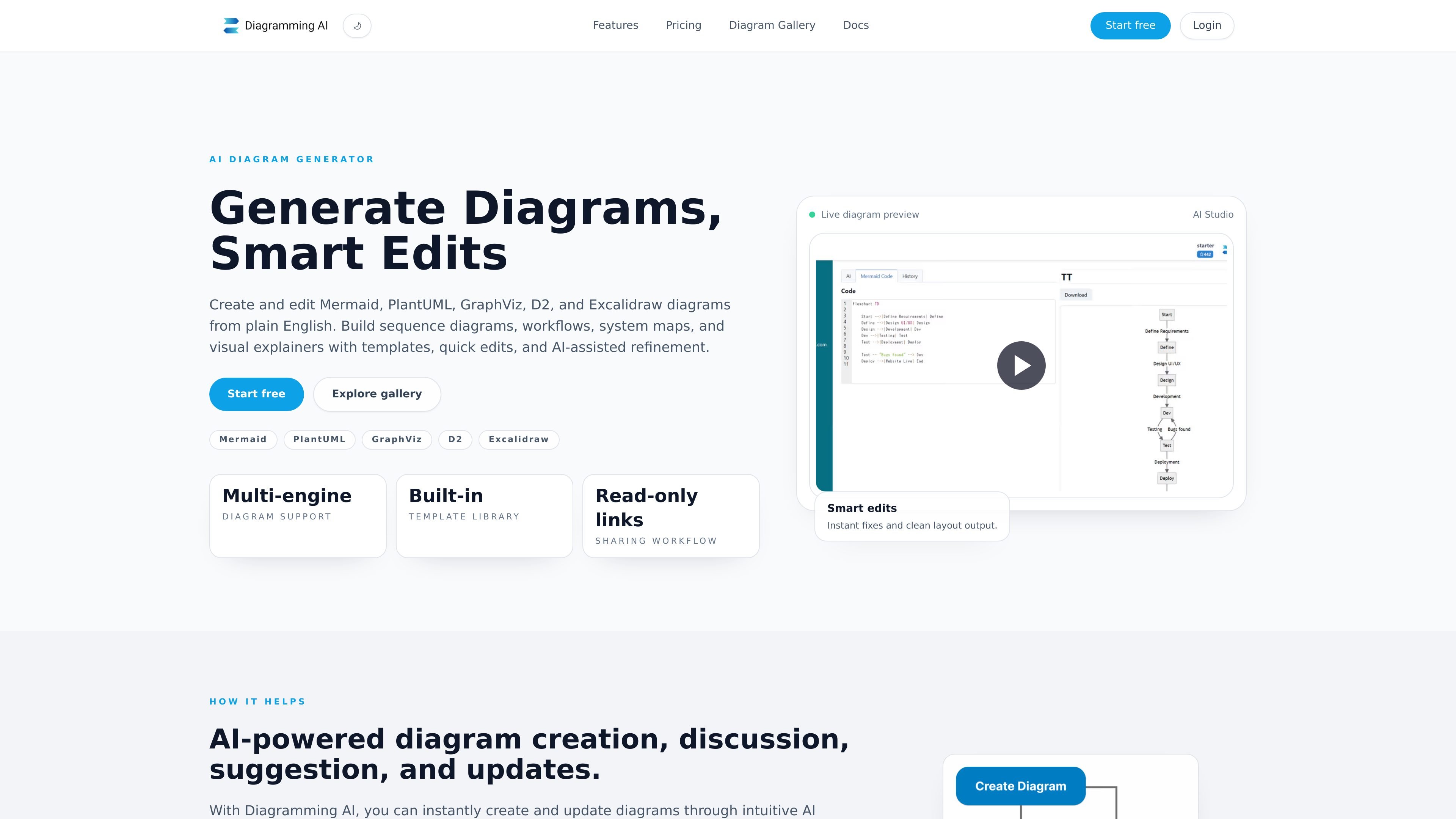
Generate diagrams from text, discuss improvements in Discussion Mode, or issue direct changes in Update Mode. Live previews show the evolving result.

Create and refine editable diagrams from text, images, or URLs with AI.
Diagramming AI is a browser-based diagram creation and editing tool supporting Mermaid, PlantUML, GraphViz, D2, and Excalidraw. It turns plain-language instructions into diagrams, then lets users refine the result through chat with a live preview.
The workspace combines diagram code editors with visual editing, project storage, and sharing. Users can start from notes or templates, organize diagrams with accompanying notes, and save versions for later review. It supports technical documentation, process mapping, and planning visuals.
Generate diagrams from text, discuss improvements in Discussion Mode, or issue direct changes in Update Mode. Live previews show the evolving result.
Analyze diagram errors and apply corrections to Mermaid, PlantUML, Graphviz, and D2 source. Quick Edit controls also adjust diagram elements’ size and style.
Convert supported Mermaid, PlantUML, and Graphviz diagrams into an Excalidraw canvas for drag-and-drop adjustments. Apply 48 color presets without regenerating the diagram, with options to preserve original hues or restore colors.
Generate diagrams from website URLs or images containing text and diagrams. Image inputs include uploads, drag-and-drop, local captures, and image URLs.
Browse templates across all five supported formats, filter by language or use case, and preview starting points for flowcharts, UML, architecture diagrams, and visual workflows.
Use Remote MCP with supported ChatGPT or Claude setups to preview and save Mermaid diagrams. WebMCP can edit the visible draft in a supported browser. Both require a registered account.
Build sequence, class, ER, or C4 diagrams to explain application behavior, data relationships, and system structure.
Turn meeting notes into approval flows, then add decision points or rejection paths before sharing the saved diagram for review.
Use Gantt charts, Kanban boards, or roadmap timelines to present deliverables, phases, and handoffs.
Use a webpage or an image as input to create a diagram that makes its structure easier to inspect and discuss.
The website states that Mermaid, PlantUML, Graphviz, and D2 editors and Quick Edit features are available for free. Gallery templates can be unlocked with a free account.
Export diagrams as SVG or PNG, or save a diagram and create a read-only public link for review.
No. A preview alone is not saved. Ask the connected assistant to save it to receive an editor link and a saved version. Rendering and saving supplied Mermaid source do not consume Diagramming AI generation credits; account limits and the AI app’s own charges still apply.
Connections can access projects, diagram source, notes, and saved history. Choose read-only or read-and-save access. New diagrams are private, and connections cannot publish share links, delete diagrams, or change billing. Updating an already shared diagram changes the content shown through its existing link.
Traffic data is for reference only.

uizard.io
Uizard is an AI-powered UI design tool that turns text prompts, screenshots, and templates into editable app, website, and software mockups, wireframes, and prototypes.

uxmagic.ai
UXMagic is an AI UI generator that turns text, sketches, screenshots, and URLs into Figma-ready designs, with HTML, React, and Figma design system support.