
Gmail connection options
Connect through the Chrome extension or, on paid plans, direct Gmail integration. This gives the product access to the inbox where it can generate drafts without asking you to move to a separate app.

Auto Gmail is a Gmail-based AI email assistant that drafts replies with ChatGPT and helps manage email in Gmail via Chrome extension, paid integration, and mobile access.
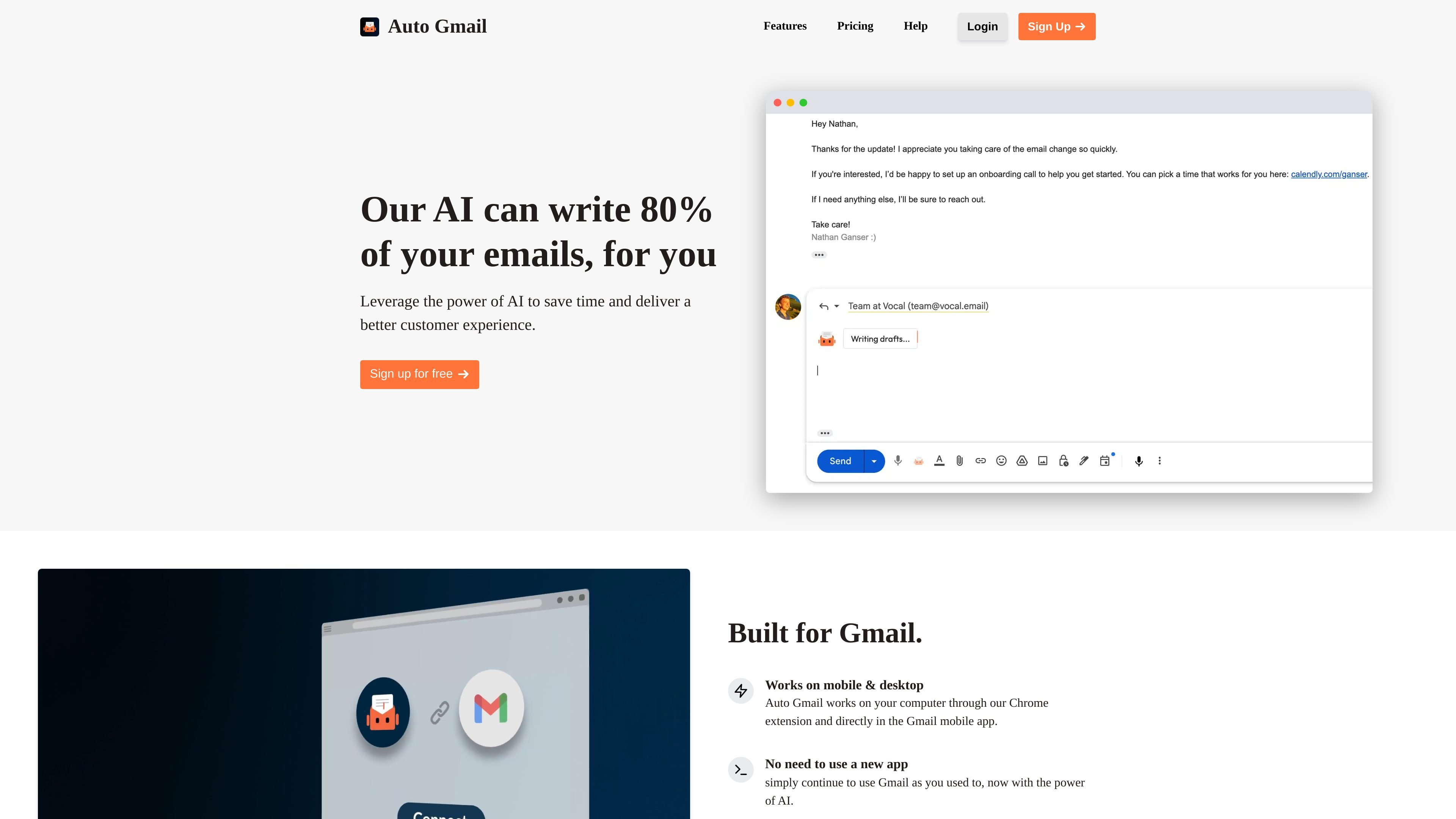
Auto Gmail is a Gmail-focused AI email assistant that uses ChatGPT to draft replies and help users handle email faster. It runs through a Chrome extension, with direct Gmail integration available on a paid plan, and it is designed to work inside Gmail rather than replacing it with a separate app.
The product learns from the messages you send, then generates drafts when you open an email thread. It also offers a background mode that can prepare drafts while you are away from your computer, with the drafts visible later in Gmail for review and sending.
Connect through the Chrome extension or, on paid plans, direct Gmail integration. This gives the product access to the inbox where it can generate drafts without asking you to move to a separate app.
The product learns from messages you send, then uses that context to match your writing style and recipient context when creating drafts.
As soon as you open a thread, Auto Gmail can start drafting a reply automatically. The background-drafting page also says drafts can be generated while you are away from your computer on the Pro plan.
You stay in control of the final message. Drafts can be reviewed, edited, and regenerated before sending, and the AI does not send mail automatically.
Users can add custom notes, custom context, and a custom signature, which helps tailor draft output to the conversation and keep formatting consistent.
The product supports blacklisting contacts so drafts are not generated for people you choose to exclude, and the source says all languages are supported.
When a user opens a reply thread, the AI can start drafting immediately using the inbox context it has learned from prior messages.
On the Pro plan, drafts can be generated in the background while the user is away from the computer, so replies are ready when they return.
Users who want tighter control over output can add custom notes, custom context, or a signature, then edit and regenerate drafts before sending.
Teams or individuals who send messages in multiple languages can rely on the product’s supported language coverage, according to the source.
Users who do not want automation for certain contacts can blacklist those recipients so no drafts are generated for them.
Auto Gmail connects through a Chrome extension and direct Gmail integration. The home page says it works on desktop through the Chrome extension and on the Gmail mobile app, while the features page says direct Gmail integration is available on a paid plan.
Auto Gmail learns from the emails you send, and you can add custom notes and context. The features page also says you can import your custom signature and blacklist contacts you do not want drafts generated for.
Yes. The home page says Auto Gmail works on mobile and desktop, and the background-drafting page says drafts are visible in the Gmail mobile app on iPhone and Android.
The pricing page shows a Free plan for testing, a Starter plan with draft limits and editing tools, and a Pro plan with all Starter features plus background drafting, phone support, and inbox training.
The source does not show automatic sending. The features page says you review, edit, and send drafts yourself, and that the AI never sends anything automatically.