
Capture from multiple sources
Record from the Chrome extension, Desktop App, Figma plugin, uploaded media, or HTML capture to build an Arcade from different starting points.

Arcade is a product storytelling platform for creating interactive demos, product videos, and visuals from your actual product and brand. It helps teams build, edit, share, and measure these assets in one workflow.
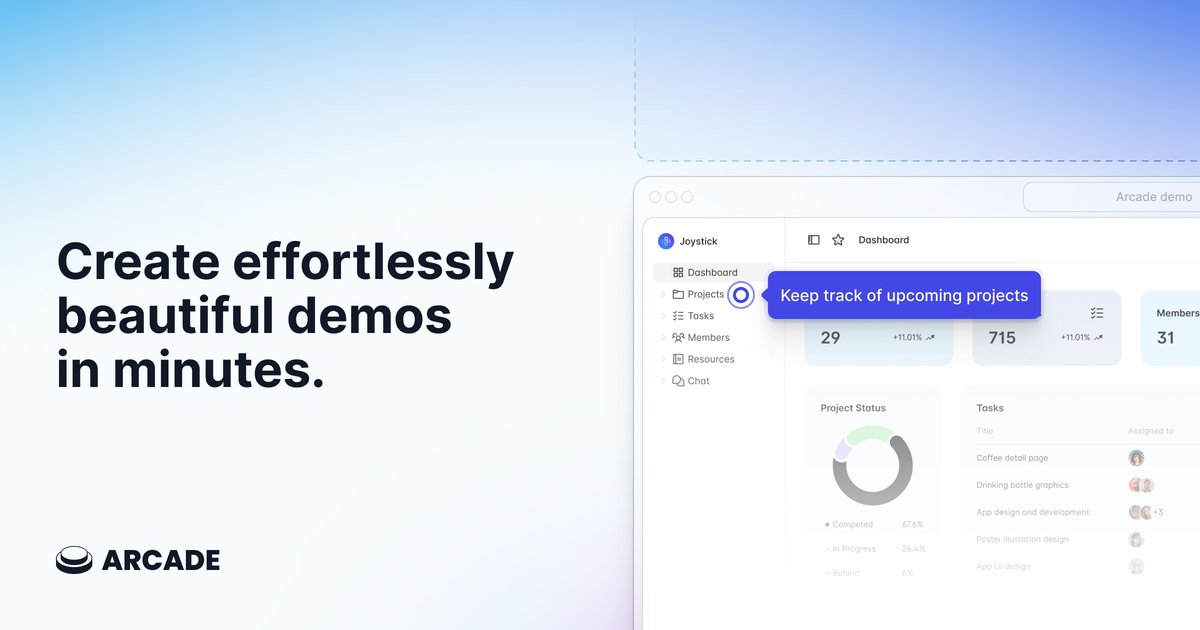
Arcade is a platform for creating interactive demos, product videos, and visuals for product storytelling. The site positions it as a way to build polished product content quickly, using your actual product and brand as the starting point rather than a generic template.
The product combines demo recording, AI-assisted video and visual generation, and sharing tools so teams can create, update, distribute, and measure product content in one workflow. The homepage says a new Arcade can be created in about six minutes on average, and the product pages describe live assets that can be edited and updated across properties.
Record from the Chrome extension, Desktop App, Figma plugin, uploaded media, or HTML capture to build an Arcade from different starting points.
Create interactive demos with hotspots, callouts, chapters, branching, CTAs, forms, custom variables, and multilingual synthetic voiceover.
Generate on-brand videos and visuals from a prompt, an existing Arcade demo, or a Figma file, then fine-tune the result on a visual timeline.
Apply brand intelligence such as colors, fonts, tone of voice, illustration style, photography direction, custom fonts, and brand kits so output stays consistent.
Share demos by link, embed them as an iframe, export videos as GIF or MP4, and publish custom landing pages or custom domains on higher plans.
Connect engagement and publishing workflows with analytics, CRM, and messaging tools such as HubSpot, Salesforce, Google Analytics, Slack, Intercom, and Segment.
Create product demos for landing pages, launch pages, and sales conversations that stay current as the product changes.
Produce on-brand videos and animated visuals for channels like LinkedIn, YouTube Shorts, email, and websites without a separate production workflow.
Show prospects a tailored walkthrough with branching, custom variables, and CTAs to support pre-sales and sales engineering workflows.
Build explanatory content for onboarding, adoption, and enablement using chapters, hotspots, callouts, and voiceover.
Capture product behavior and connect engagement data to CRM and analytics tools so teams can review what viewers do and refine content over time.
Arcade offers a Free plan and paid Growth and Enterprise plans. The pricing page also says you can contact sales for Enterprise and sign up for free to try the product.
Yes. The pricing page says you can unsubscribe at any time by moving back to the Free plan from the billing page, and you keep access to paid features until the next billing period ends.
Arcade supports additional seats on Growth for an added monthly fee, and Enterprise customers can add more seats through their customer success contact.
The integrations page lists connections and event syncing with tools including HubSpot, Salesforce, Slack, Google Analytics, Google Tag Manager, Amplitude, Mixpanel, PostHog, Segment, Clearbit, Intercom, and Product Hunt.
Arcade’s interactive demo page says demos are live assets that can be edited and automatically updated across properties. The site also describes multiple creation paths, including the Chrome extension, Desktop App, Figma plugin, and uploaded media.