
Multiple input options
Write, paste, import from a file, upload a document or PDF, or add a URL to turn existing content into speech without retyping it.

AiVOOV AI text-to-speech platform turns scripts, documents, and URLs into voiceovers in 155+ languages. Free registration, paid plans available.
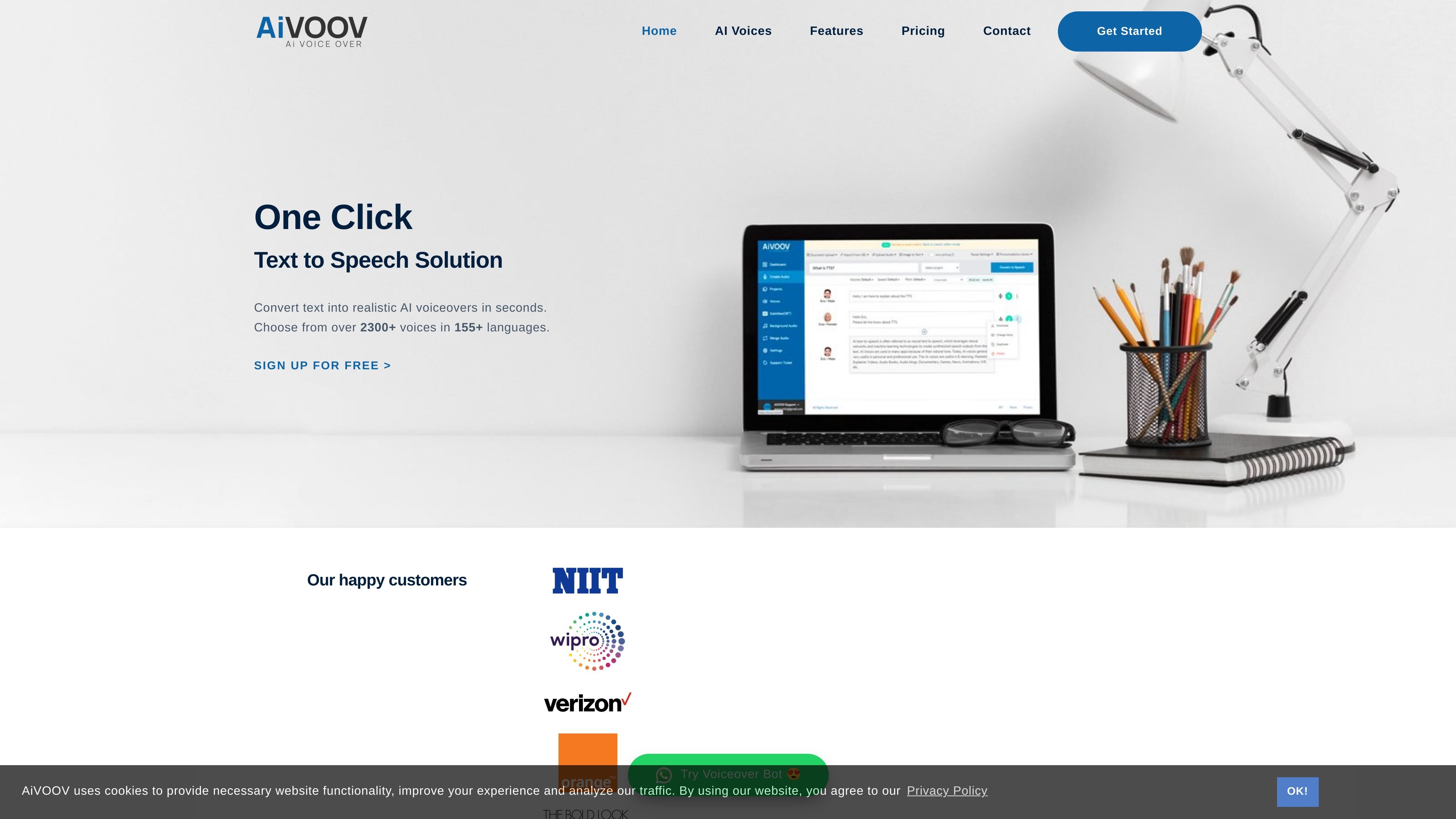
AiVOOV is an AI text-to-speech platform that converts written content into voiceovers in seconds. The site positions it as a one-click solution for generating realistic speech in 155+ languages with a library of more than 2,300 voices.
It supports a range of input methods and output workflows, including text entry, file and URL import, multi-voice scripts, SRT generation, audio export, podcast hosting, and audiobook creation. The product is aimed at people who need fast voiceover production for content, marketing, eLearning, videos, podcasts, and similar use cases.
Write, paste, import from a file, upload a document or PDF, or add a URL to turn existing content into speech without retyping it.
Choose from more than 2,300 voices across 155+ languages and accents, with standard, premium, and ultra voice tiers described on the pricing page.
Adjust rate, pitch, emphasis, pauses, speech styles, pronunciation, and SSML settings to shape how the output sounds.
Generate conversations with different voices in the same audio file, which is useful for dialogue-style scripts and multi-speaker content.
Export audio in MP3 or WAV formats, and generate SRT files from text or audio inputs for subtitle workflows.
Add background music, merge audio files, manage projects, and create audiobook or podcast outputs from the same platform.
Create narration for videos, social clips, and marketing assets by entering a script, choosing a voice, and exporting the finished audio.
Convert lessons, training materials, and accessibility content into speech for eLearning courses and educational content.
Produce spoken articles, dialogue-style audio, and serialized content using multi-voice scripts, project organization, and podcast hosting features.
Generate voice prompts for IVR, customer support, and other phone-based workflows where consistent speech output matters.
Turn documents, PDFs, or web pages into audio and generate subtitles or audio widgets for web publishing and accessibility.
Yes. The pricing page says registration is free, and you can sign in to try the features in a trial account before choosing a plan.
AiVOOV says you can type or paste text, import from a file or URL, and then choose a language and voice before generating audio. The site also describes options such as pauses, tone, and previewing text before conversion.
The site says generated content can be used for commercial purposes based on your plan's terms.
The pricing page says characters are deducted when you create new audio or re-convert edited audio, and unused characters do not roll over when a subscription renews.
The pricing page states that if you finish your characters, you can buy additional characters as a separate one-time purchase.