
Browser-based reading aloud
Read aloud Google Docs, PDFs, webpages, and books with text-to-speech from the browser.

Voice Out is a text-to-speech browser extension that reads aloud Google Docs, PDFs, webpages, and books in multiple languages. It includes playback controls, keyboard shortcuts, and a free plan, with a Premium upgrade for additional voices and features.
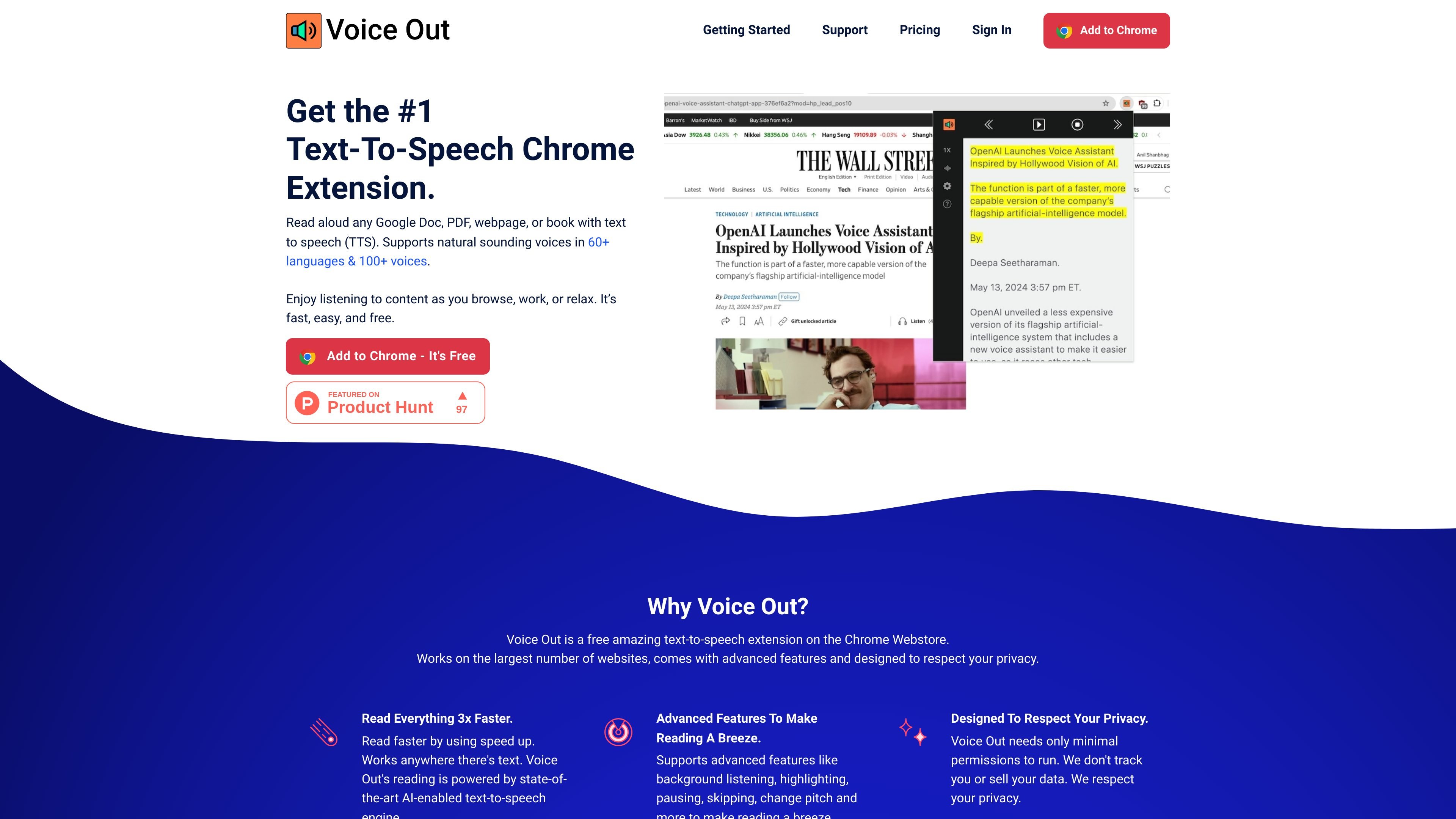
Voice Out is a text-to-speech browser extension for reading aloud Google Docs, PDFs, webpages, and books. The site positions it as a Chrome extension that works across many websites and lets you listen to text while browsing, working, or relaxing.
The product focuses on natural-sounding speech in many languages, with the homepage describing 60+ languages and 100+ voices and the getting started guide describing 30+ languages and 130 natural-sounding voices. Voice Out also offers controls for playback speed, pitch, volume, highlighting, pausing, skipping, and keyboard shortcuts, plus a privacy-oriented design with minimal permissions.
Read aloud Google Docs, PDFs, webpages, and books with text-to-speech from the browser.
Choose from 60+ languages and 100+ voices on the free product pages, with the premium page describing 100+ natural-sounding premium voices and the getting started guide mentioning 130 natural-sounding voices.
Use playback controls such as speed, pitch, volume, highlighting, pausing, skipping, background listening, and keyboard shortcuts.
Start reading from the extension button, the right-click menu, or supported shortcuts without changing apps.
Install from the Chrome Web Store or Edge Add-ons Store and use it on desktop browsers, with the site also describing compatibility across Windows, Mac, Linux, and Chromebooks.
Voice Out states that it uses minimal permissions, does not track users, and does not sell data.
Listen to articles, docs, and PDFs instead of reading on screen, which can help people work through long content while browsing or doing other tasks.
Use the extension to proofread writing by hearing text read back aloud, making it easier to catch awkward phrasing or mistakes.
Support language learning or accessibility needs by following along with spoken text in a broad set of supported languages and voices.
Start playback from selected text, the toolbar button, or shortcuts when you want quick access without leaving the page.
Upgrade to Premium when you want access to premium voices, pronunciation rules, web-reader usage, and higher-volume listening.
Voice Out can be started from the Chrome extension button next to the address bar, or from the right-click menu on selected text. The getting started guide also lists keyboard shortcuts such as Alt/Option + P for play or pause, Alt/Option + O for stop, Alt/Option + Comma for rewind, and Alt/Option + Period for forward.
The source materials describe Voice Out as working in Chrome and also mention installation through the Chrome Web Store or Edge Add-ons Store. The homepage and getting started guide both show use across webpages, Google Docs, PDFs, and ebooks.
Voice Out Premium includes 100+ premium voices, premium support, almost unlimited usage with 400,000 premium credits per month, pronunciation rules, web reader access without requiring the extension, and faster playback options up to 5x coming soon.
The premium page says Voice Out does not store text on its servers and does not need special permissions. The homepage also says the extension uses minimal permissions and does not track users or sell data.